Call Center(Twilio) Retail Flow
This scenario demonstrates how easily an external system (Twilio in this example) can consume data stored in AEP and send custom experience events. This is yet another source of live, streaming data that will augment the customer profile.
Before you begin
User ID is created automatically once you register in the Luma project. For more details please follow Prerequisites before moving forward.
Steps
- Call +1 978 3912828. This is a US number. Wait for the welcome message and type your Sandbox Twilio ID Prefix, followed by the profile User ID.
- For example, if your User ID Prefix is 11812 and and User ID is 8708623, the full number you need to enter in this step is 1181218708623.
2. If the profile with entered User ID is found, Twillio will fetch profile data and you should hear a welcome message with the profile's first name. For example: "Welcome John!"
3. You now should be able to choose between different options:
- Last purchased product tracking
- Get info about loyalty status
- Get info about loyalty points
Selected action will be sent to AEP as experience event.
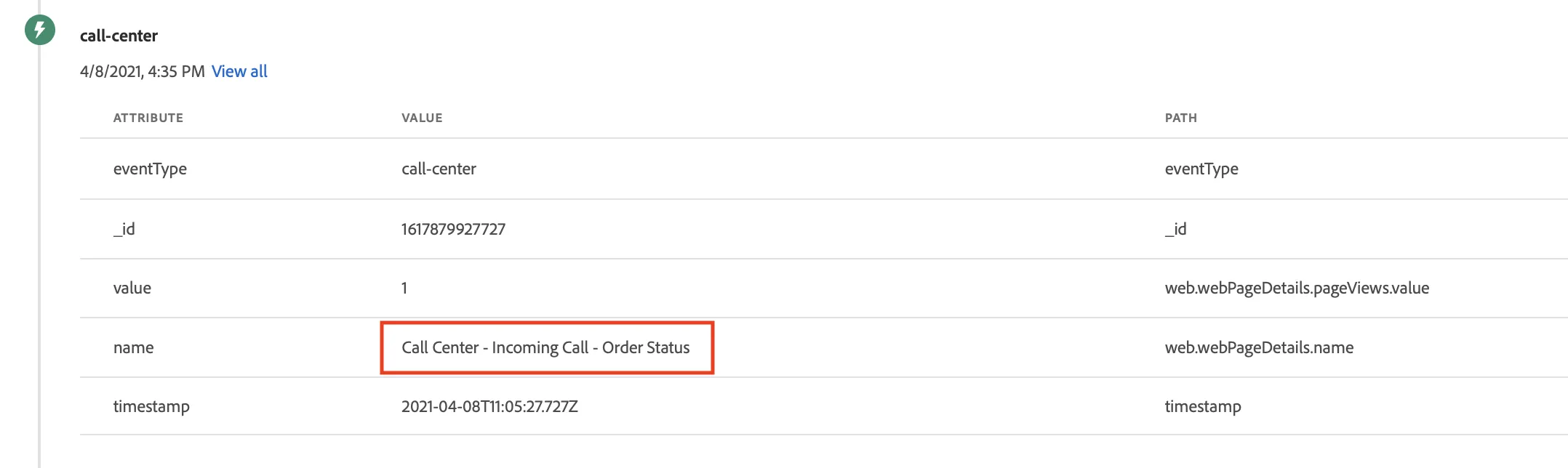
4. If you select option 1, you will get info about your last purchase. An event about Order Status through call center will be added to the user profile.
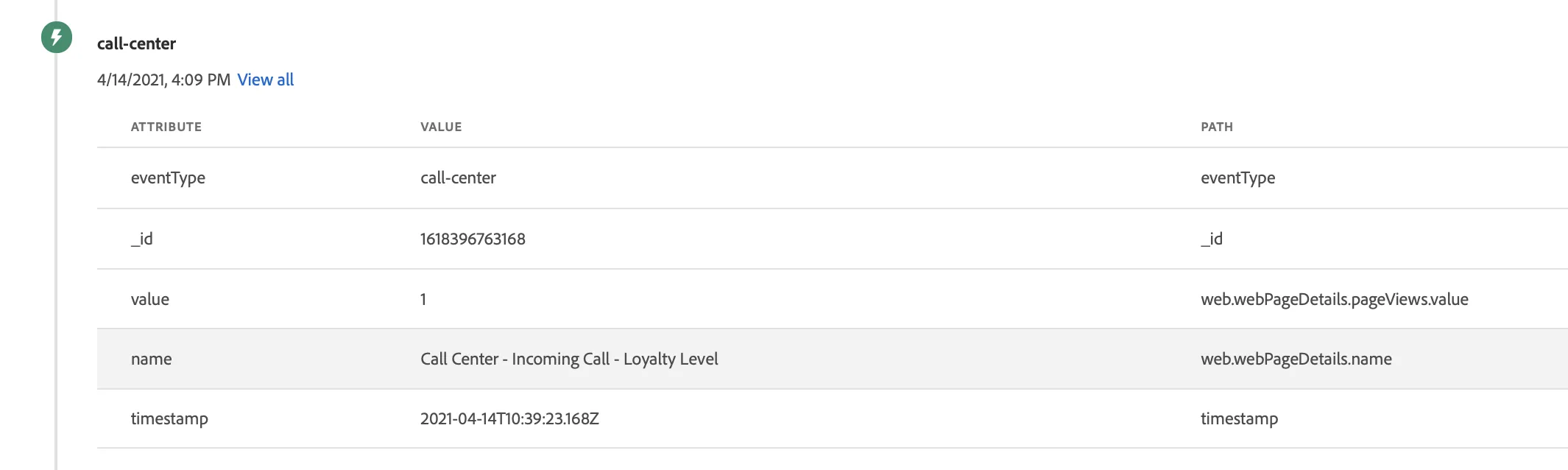
5. If you select option 2, you will get info about your loyalty status (default: Classic)
An event about checking loyalty status through call center will be added to the user profile.
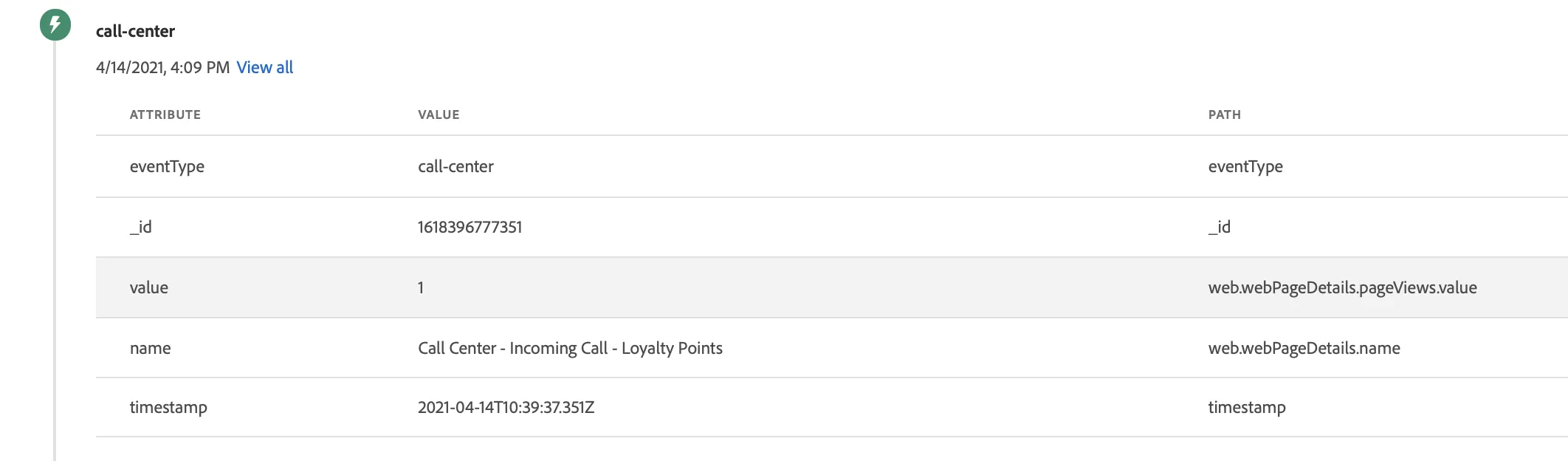
6. If you select option 3, you will get info about your loyalty points.
An event about checking loyalty points through call center will be added to the user profile.
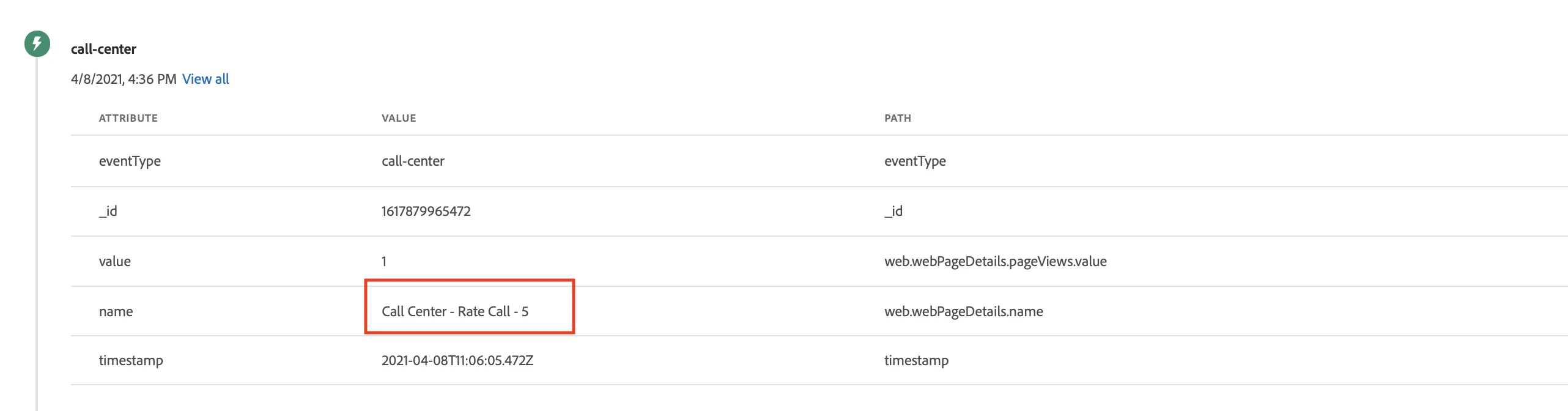
7. At the end of the call, you will be asked to provide your call satisfaction rate which will be stored in the user profile as well.