Content Cards support
2 min
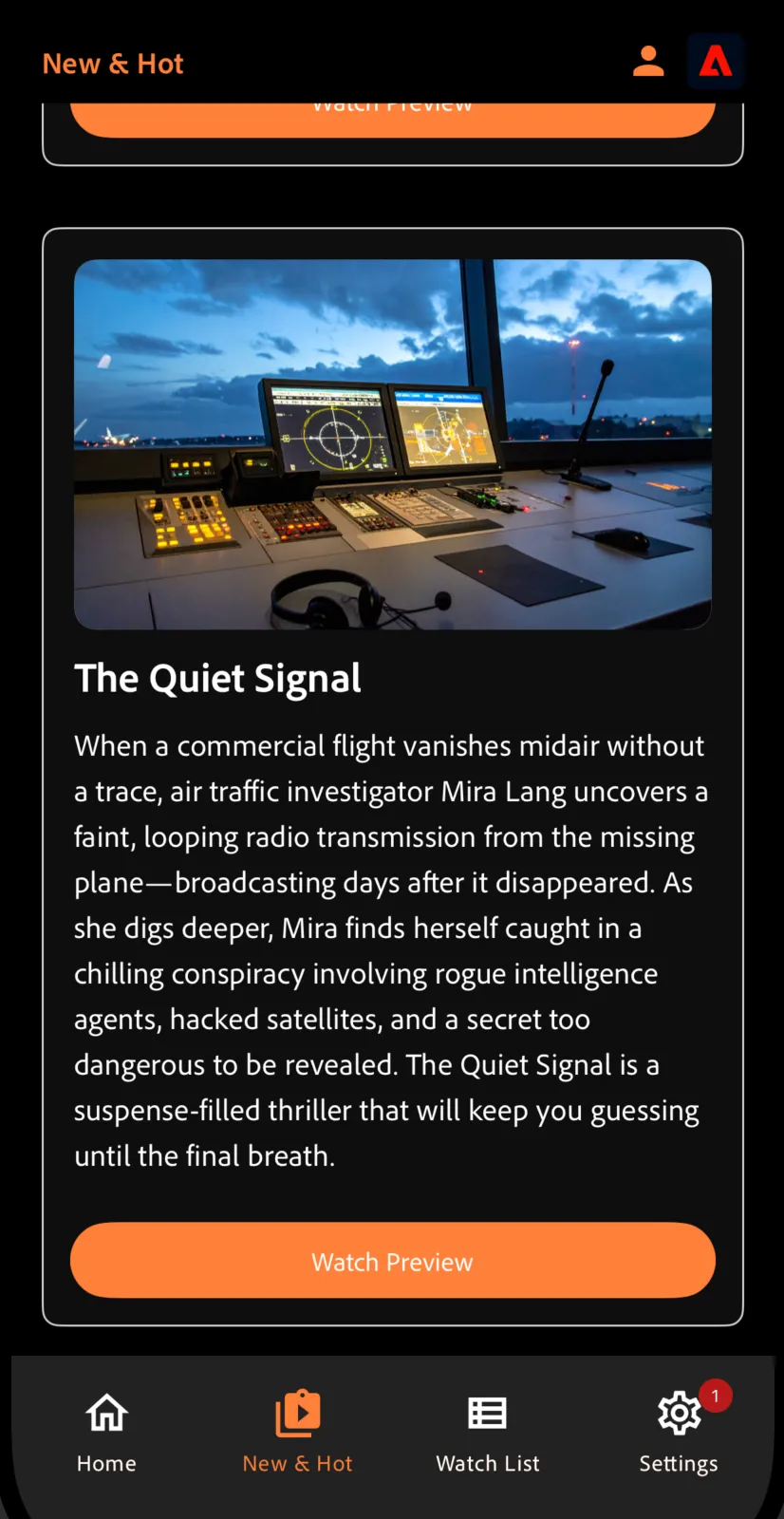
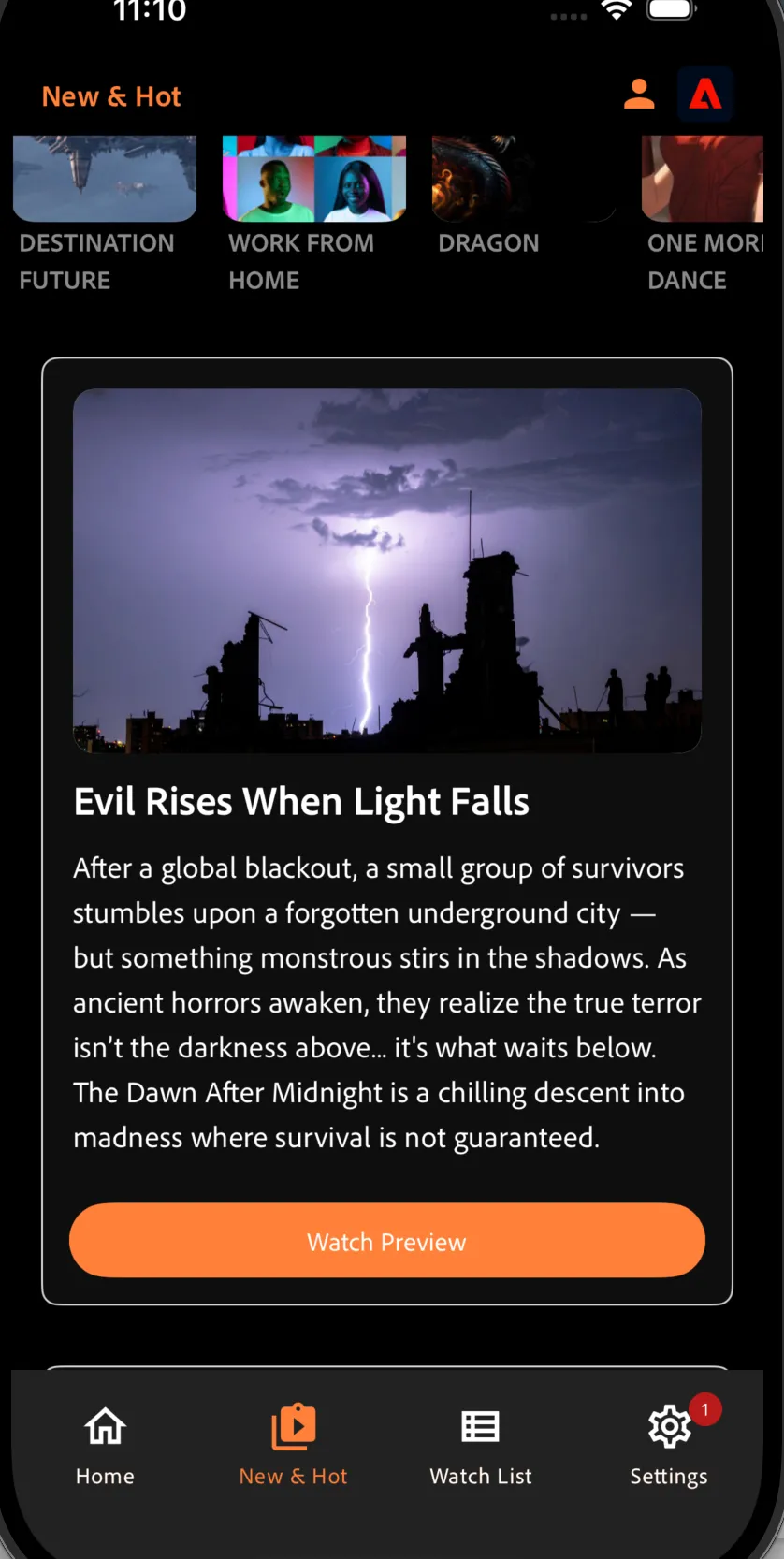
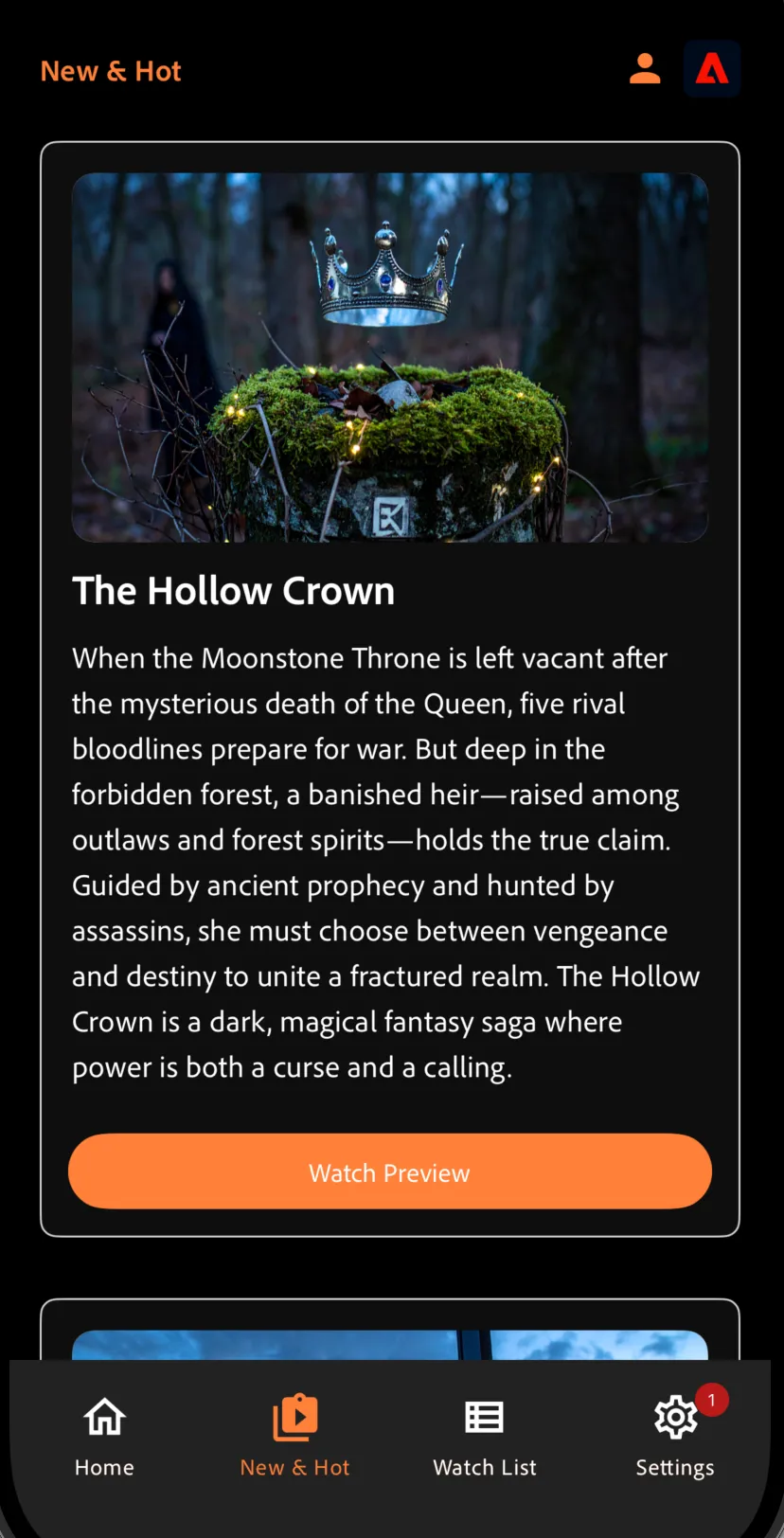
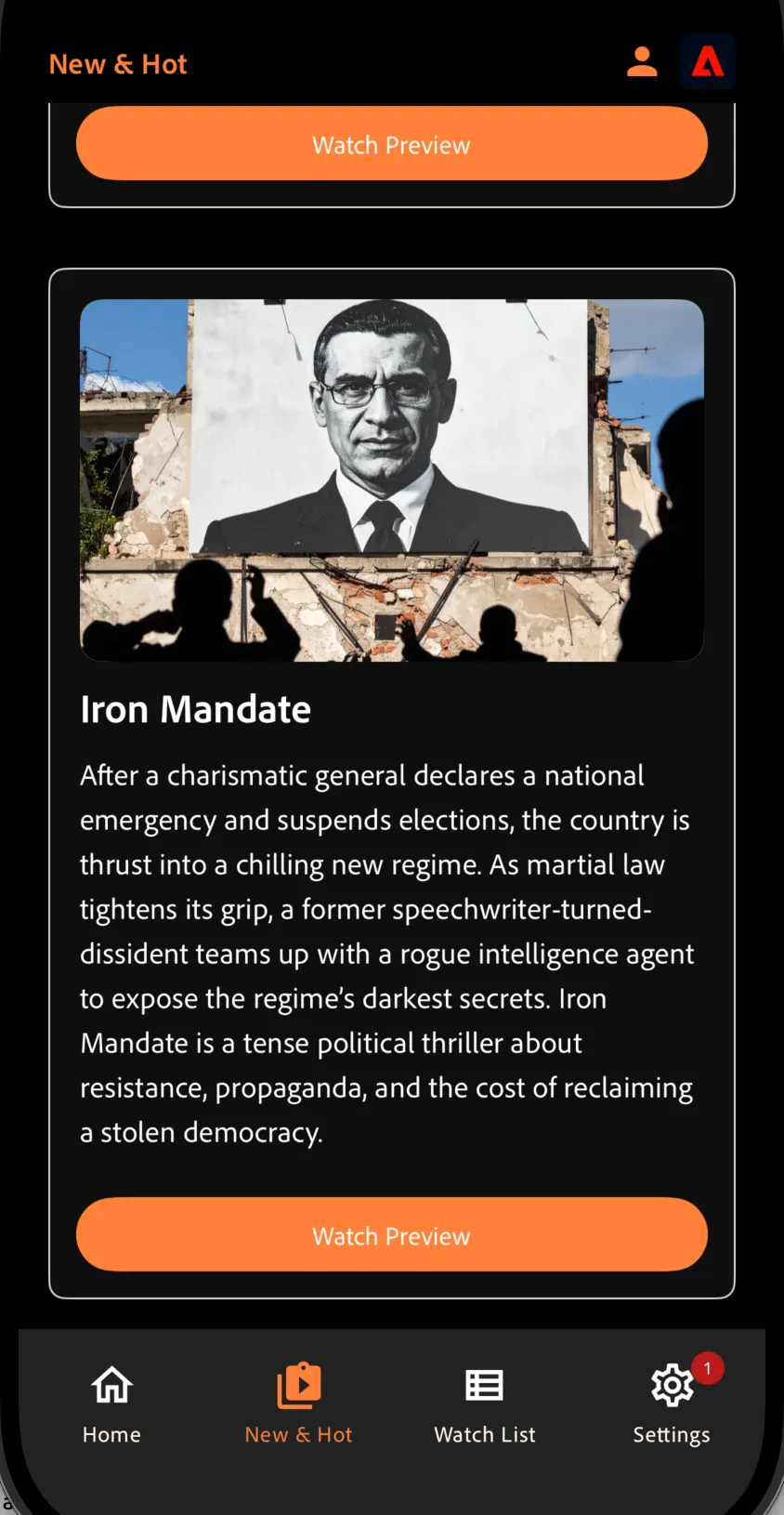
In Binji+, Content Cards are used to surface highly relevant, visually engaging recommendations directly within the app experience. These cards appear contextually across the New & Hot screen encouraging exploration and deepening user engagement with personalized content.
Content Cards are dynamic and can change based on user behavior, audience segmentation, or real-time interaction. They can include visuals, text, CTAs (like “Watch trailer” or “Add to Watchlist”), and link directly to movies or trailers.