Events
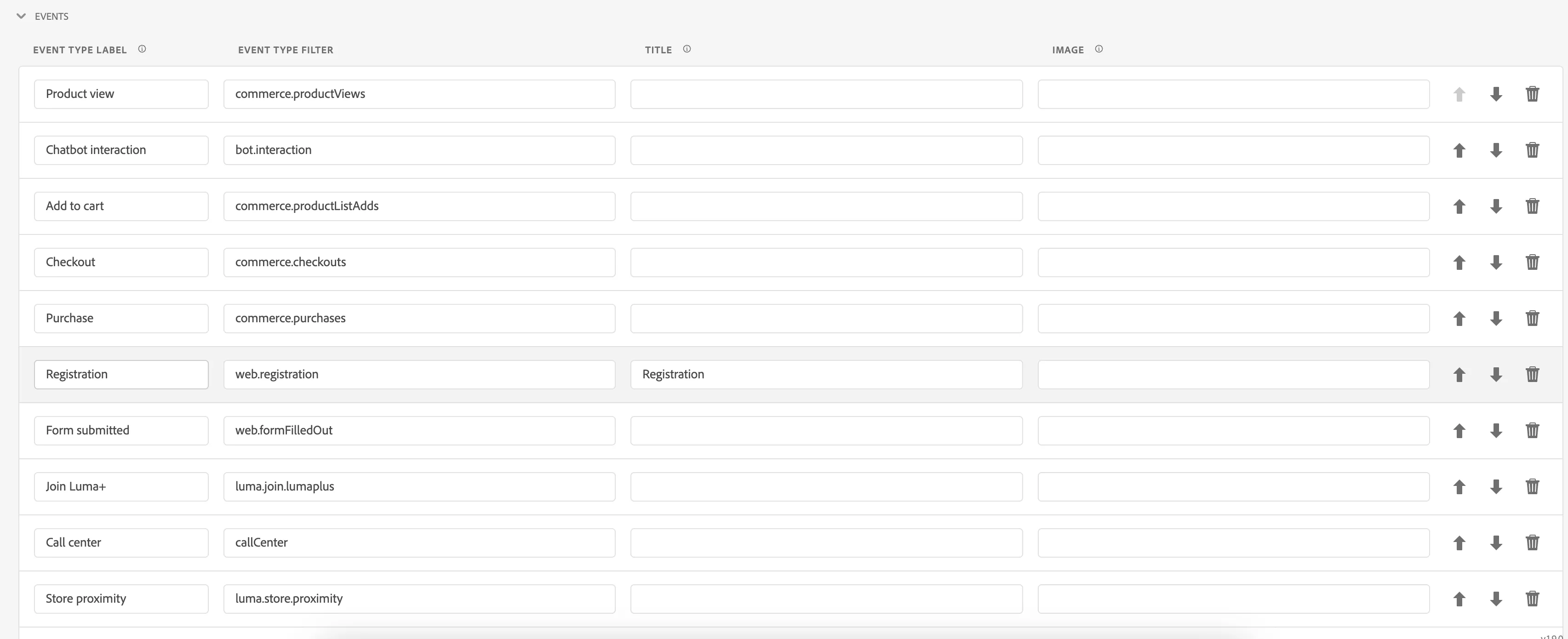
The Events section in Profile Viewer is responsible for displaying information about the experience events that are connected to the current user.
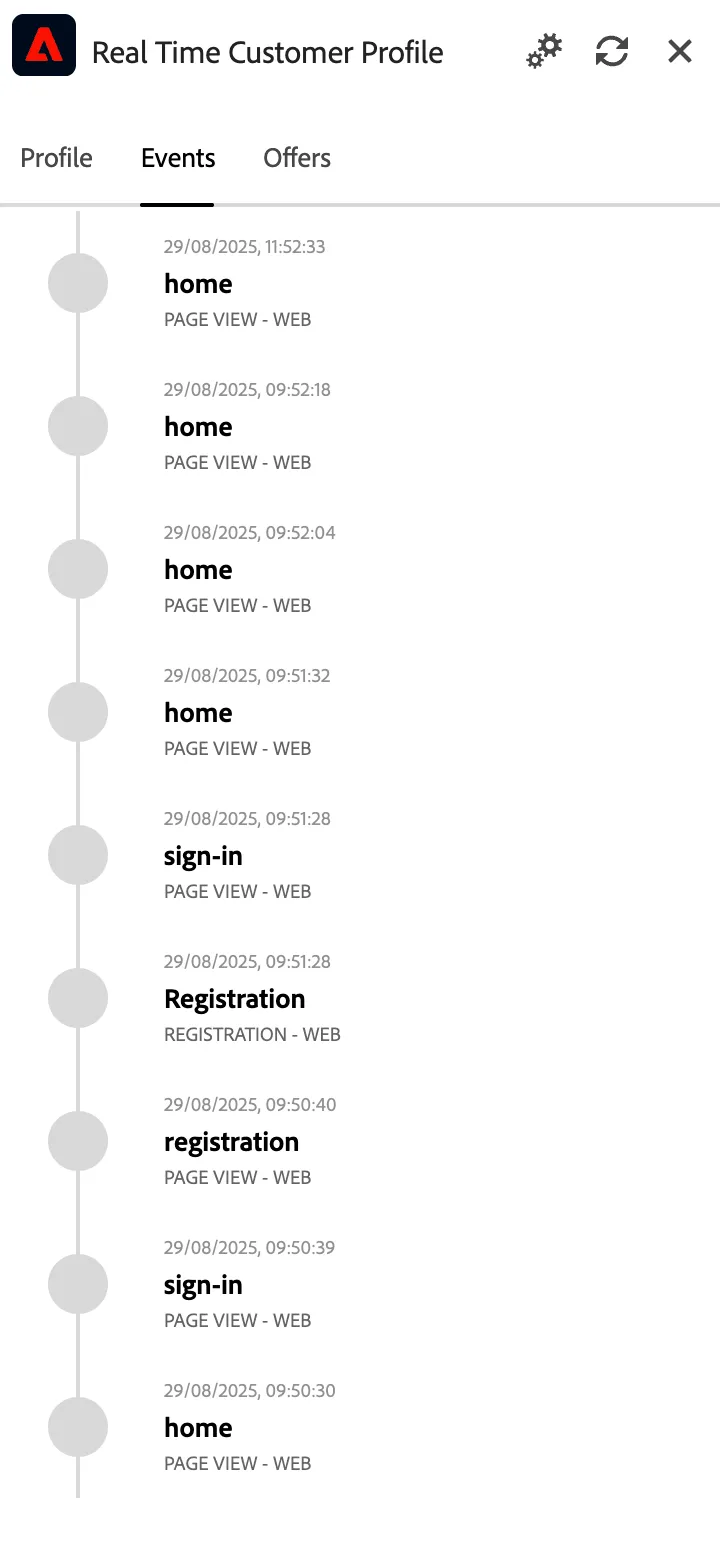
Modifying displayed events in profile viewer
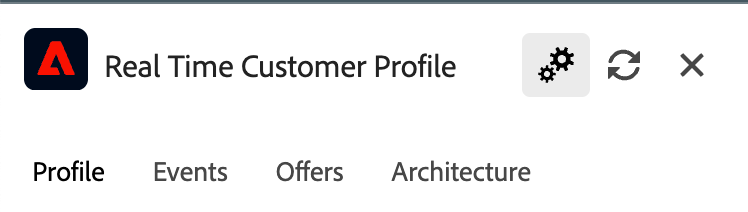
Open profile viewer and click the gear icon at the top
or
Open your project and switch to profile viewer tab
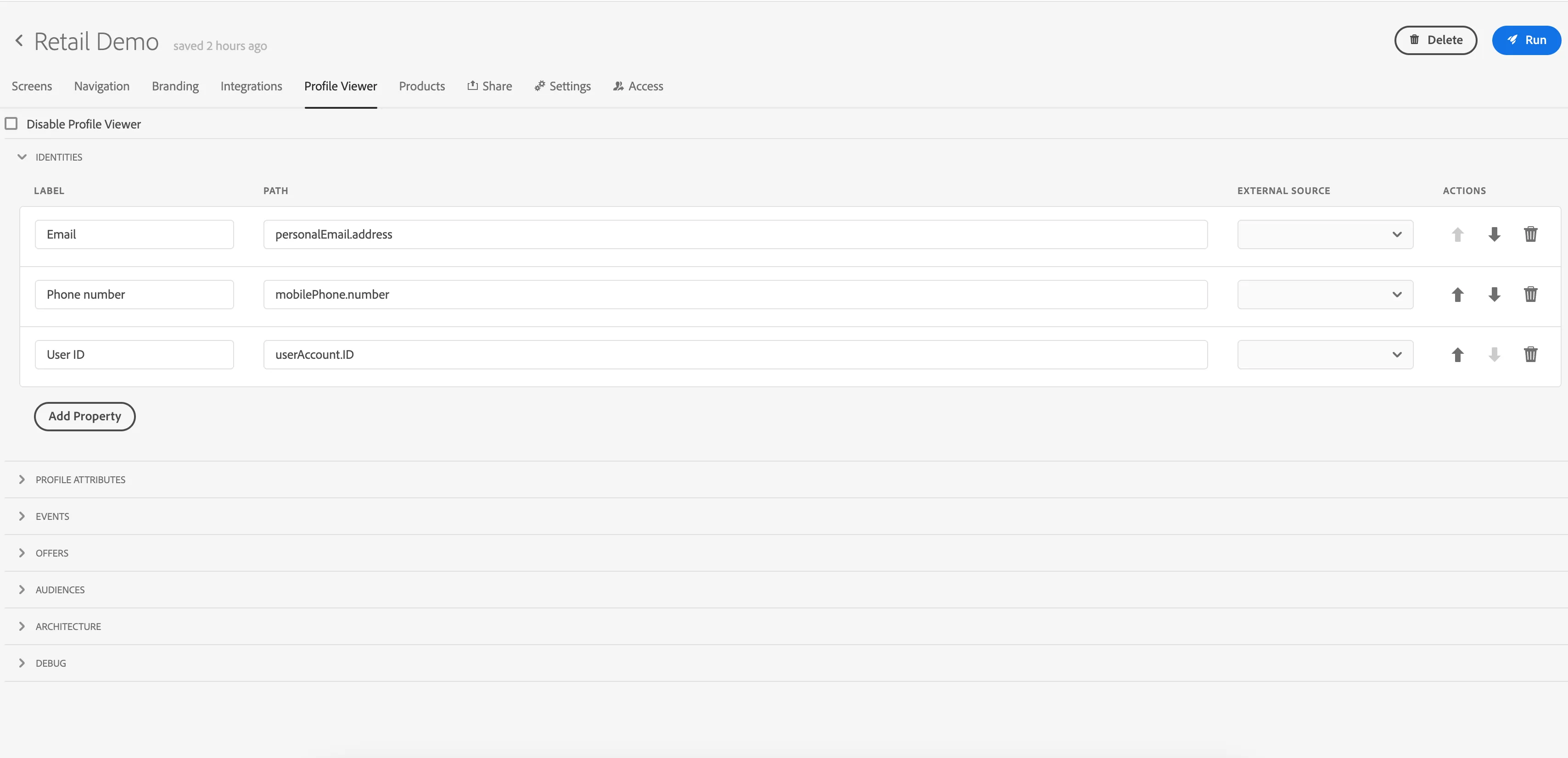
In your project, review fields available in Profile Viewer tab section under Events. They match the fields that are currently displayed in Profile Viewer on customer website.
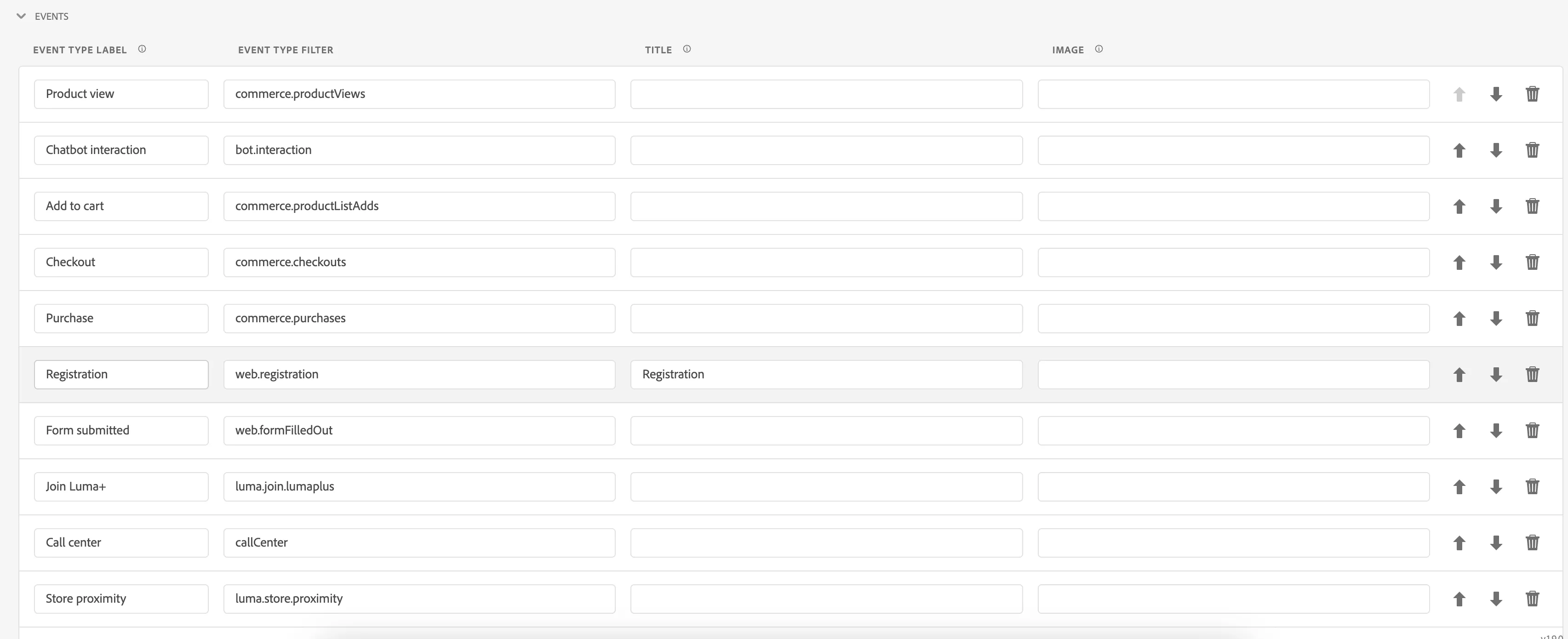
Here you can decide which events are relevant for your story and add/remove them per your needs.
You can also update the naming, how they will be displayed in Profile Viewer.
E.g., you can add the Cart Abandon event with a filter: commerce.cartAbandons
When displaying experience events, Profile Viewer will check the path entered as a filter. If anything exists under that path, the event will be displayed; otherwise, it will be skipped.
You can remove the Page Views there if you want to focus more on dedicated events.
You can update the values displayed in profile viewer also using dynamic values.
To access dynamic value in text (eg. Text component's content) use ${selector} syntax, where selector matches
- <Path> property for component that has Path set and no Form ID eg. ${enrollment.selectedPlan}
- Tip: You can also use the path selector in the Profile Viewer options to refer to some information in Experience Events titles! For example: ${timestamp} will refer to entity.timestamp value of the particular event
- <Name> property for component that have Name set but no Path or Form ID, eg. ${email}
- formData.<Form ID>.<Path> for component that has Form ID and Path set, eg. ${formData.registration.name.firstName}
- formData.<Form ID>.<Name> for component that has Form ID and Name set but no Path, eg. ${formData.registration.email}
- <Attribute selector> for AEP Profile Schema attributes, eg. ${person.name.firstName}
The selectors can be used as inputs for the dynamic values formatting functions, e.g. ${formatDate:YOUR_SELECTOR} will attempt to format the value behind your selector as a date. See here for more information on the formatting functions.