Live Activities
Real-Time Food Delivery Updates
This demo showcases a real-time food-ordering experience powered by Live Activities, where customers receive continuous updates from order placement through delivery.
As each event is triggered—such as Order Placed, Order Confirmed, Preparing, On the Way, and Delivered—the Live Activity updates dynamically, providing the customer with timely and contextual information. This demonstrates how event-driven updates can create a seamless, engaging, and trackable delivery experience without requiring the user to repeatedly open the app.
Use case
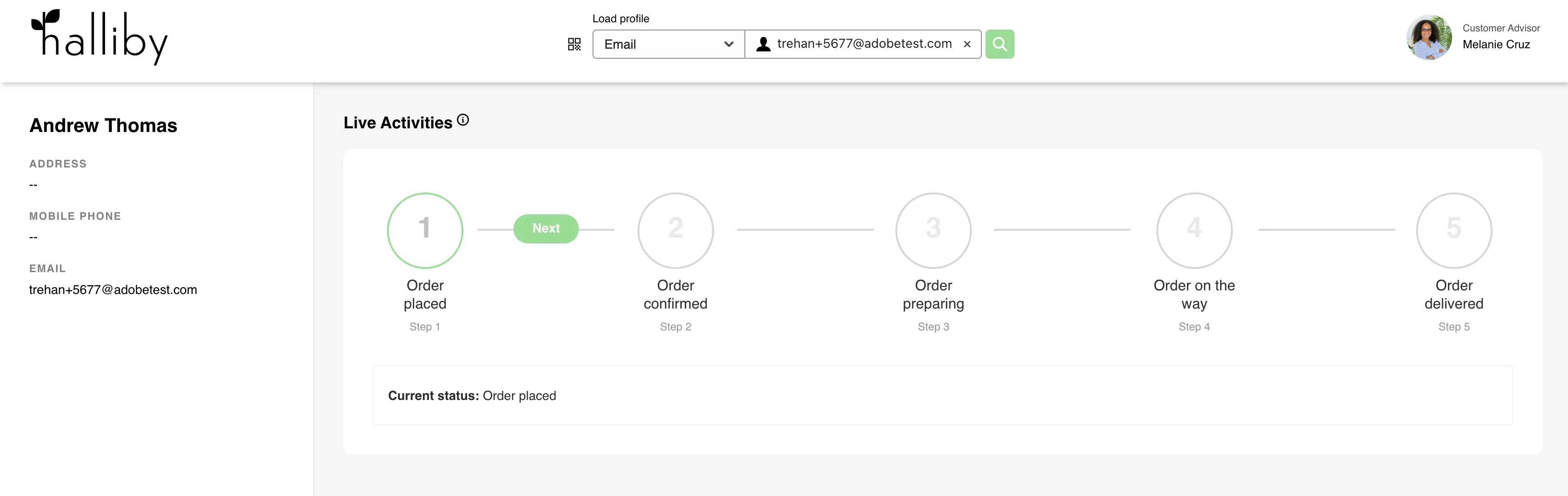
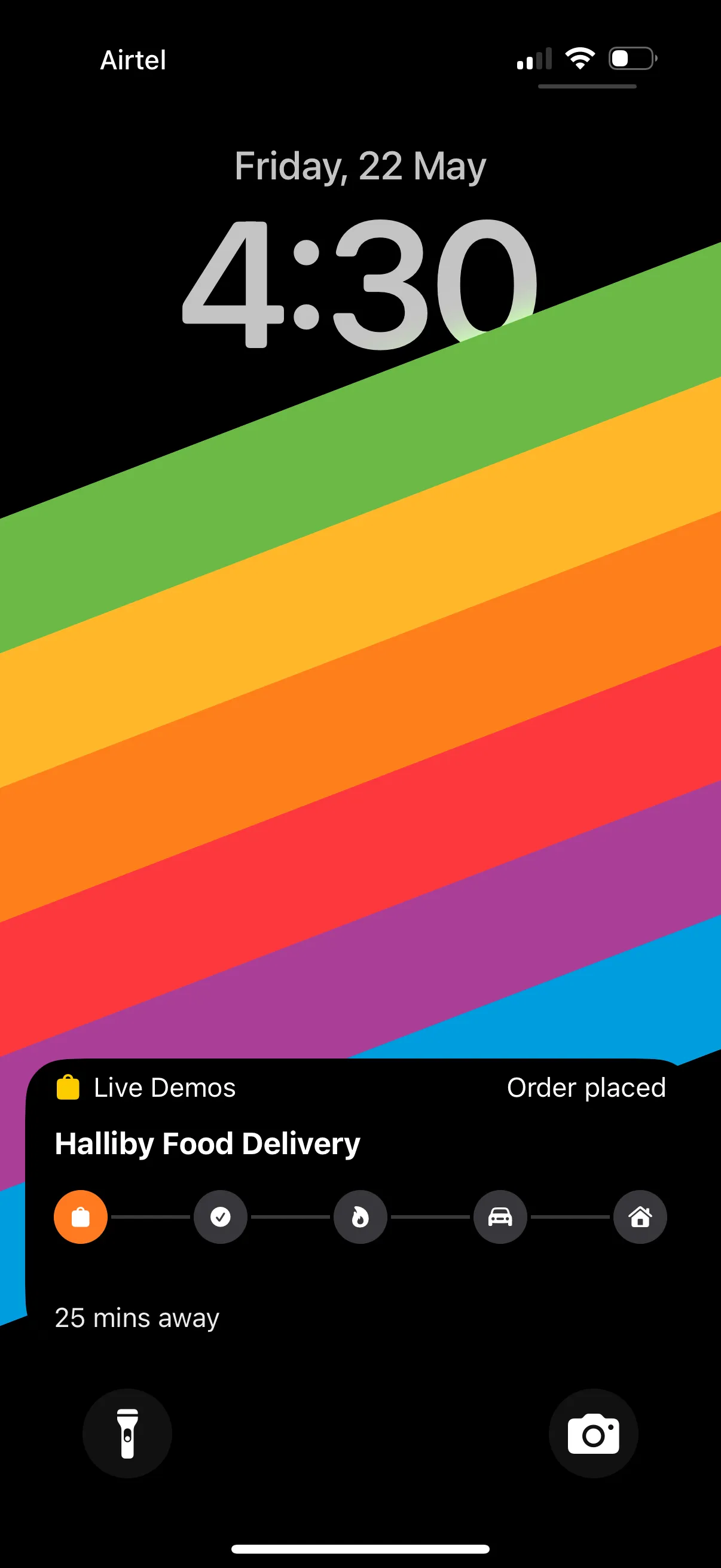
The journey begins when the customer places an order in the app. At this moment, the Journey Trigger project triggers the Live Activity start event, and the status “Order placed” appears on the user’s lock screen, confirming that the order has been successfully received.
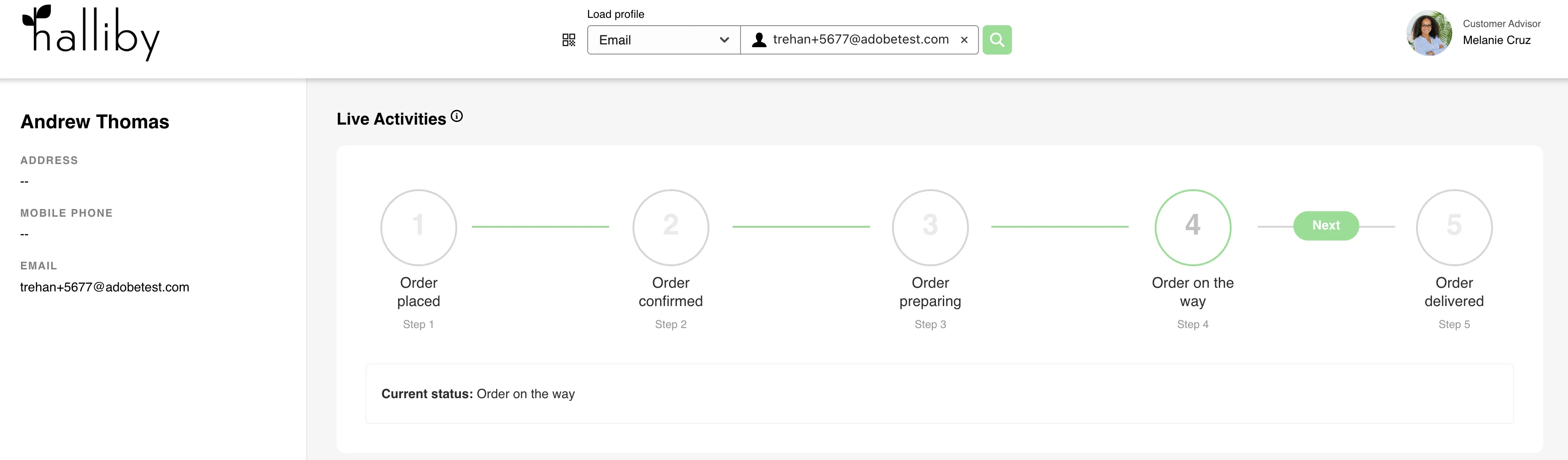
Navigate to Halliby Journey Trigger. Search by email namespace and trigger activity Step 1.
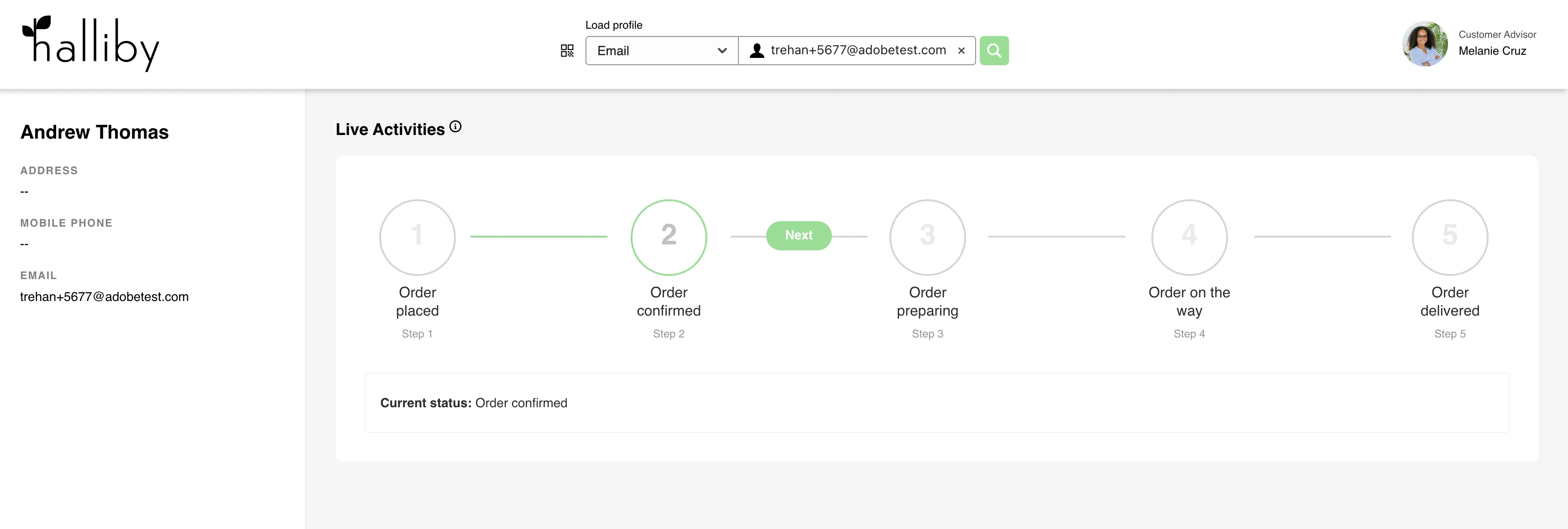
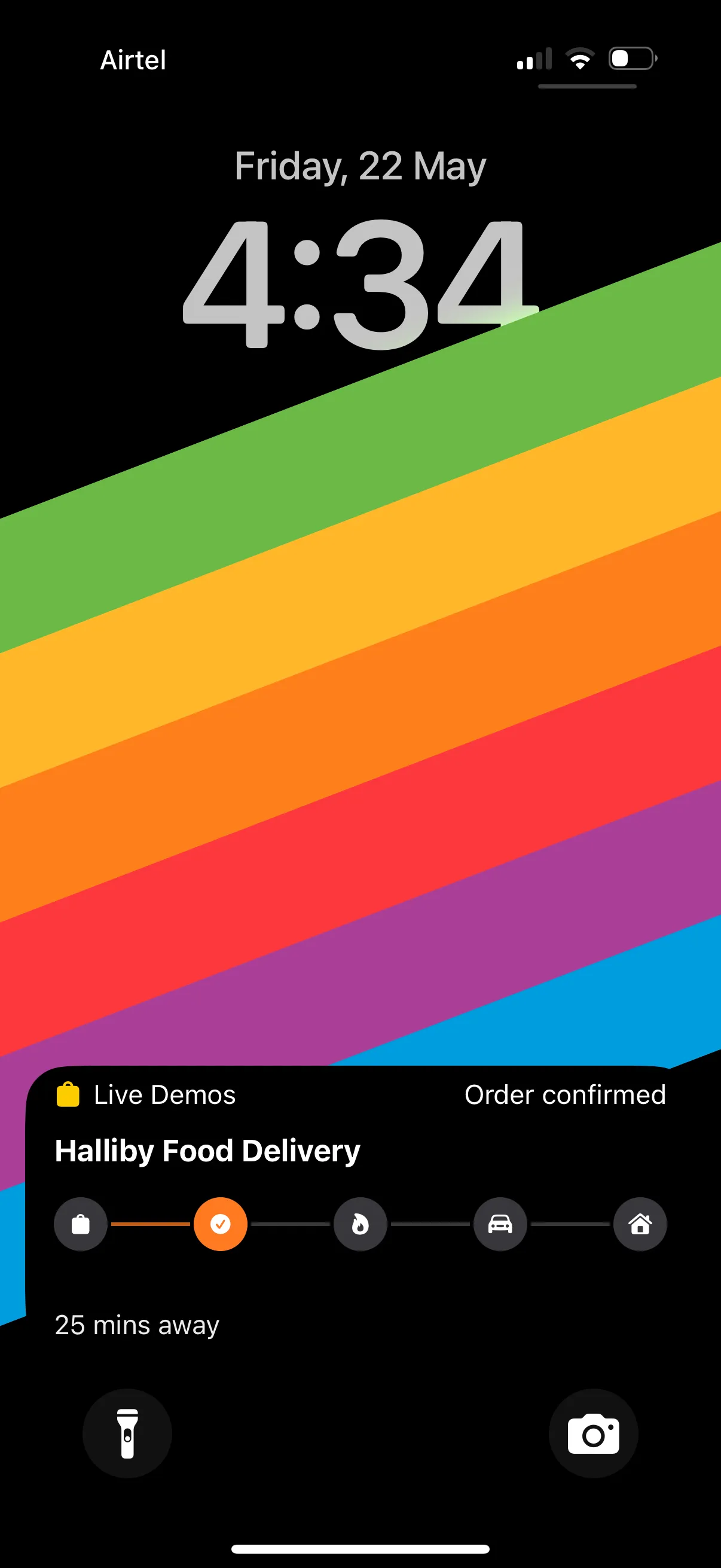
As the restaurant accepts the order, the “Order Confirmed” event is triggered. This updates the Live Activity to reassure the customer that the order has been confirmed and will be prepared shortly.
On the Halliby journey trigger project, trigger Step 2: Order Confirmed
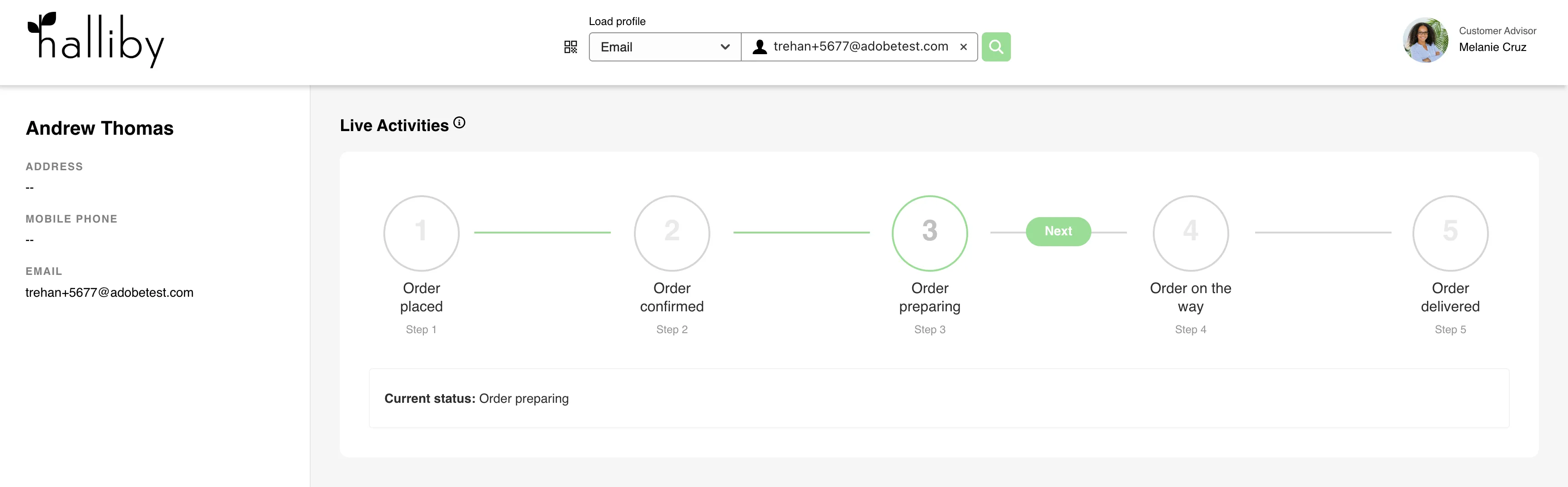
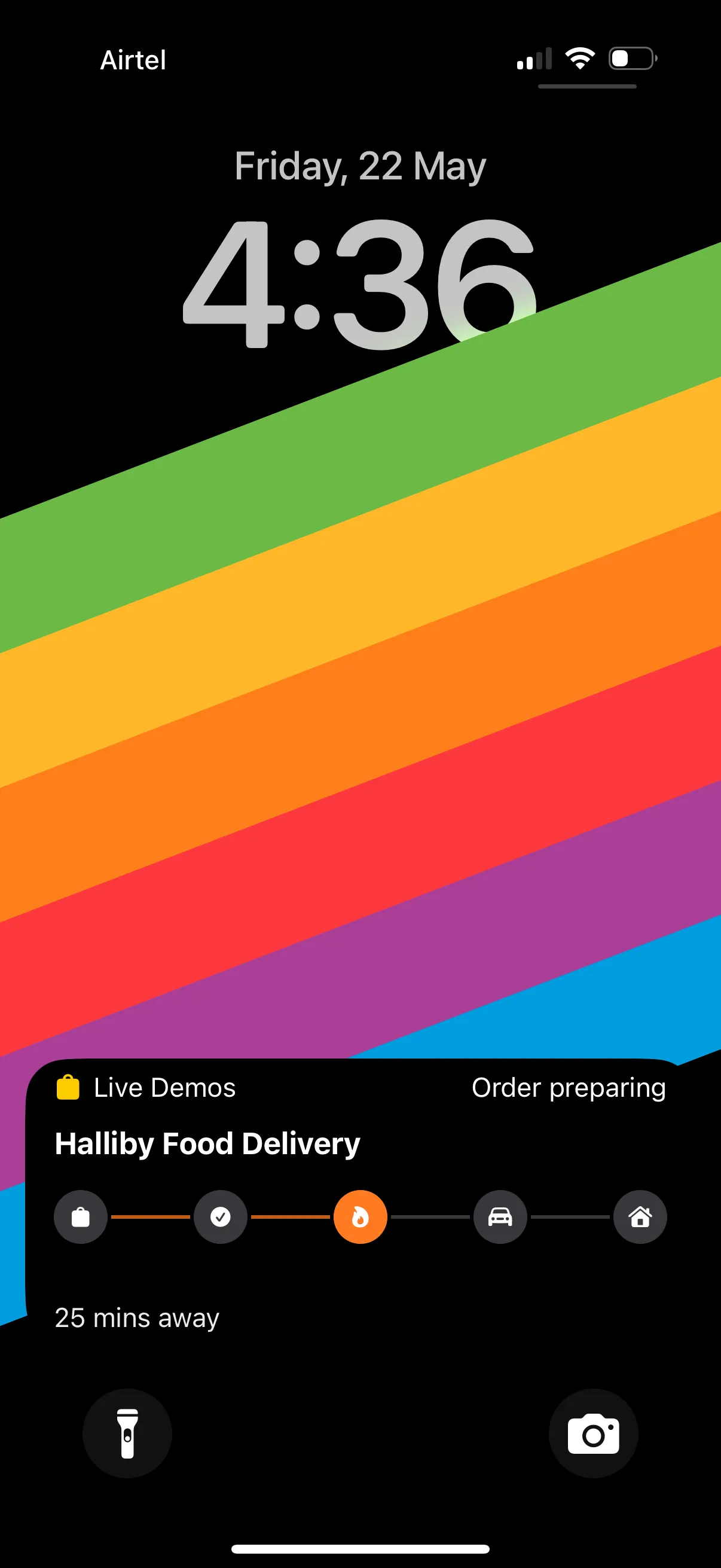
When the kitchen begins preparing the meal, the “Order Preparing” event is triggered.
On the Halliby journey trigger project, trigger Step 3: Order Preparing
Once the order is picked up by the delivery partner, the “Order On The Way” event is triggered. The Live Activity updates to show that the order is on its way to the customer.
On the Halliby journey trigger project, trigger Step 4: Order on the way
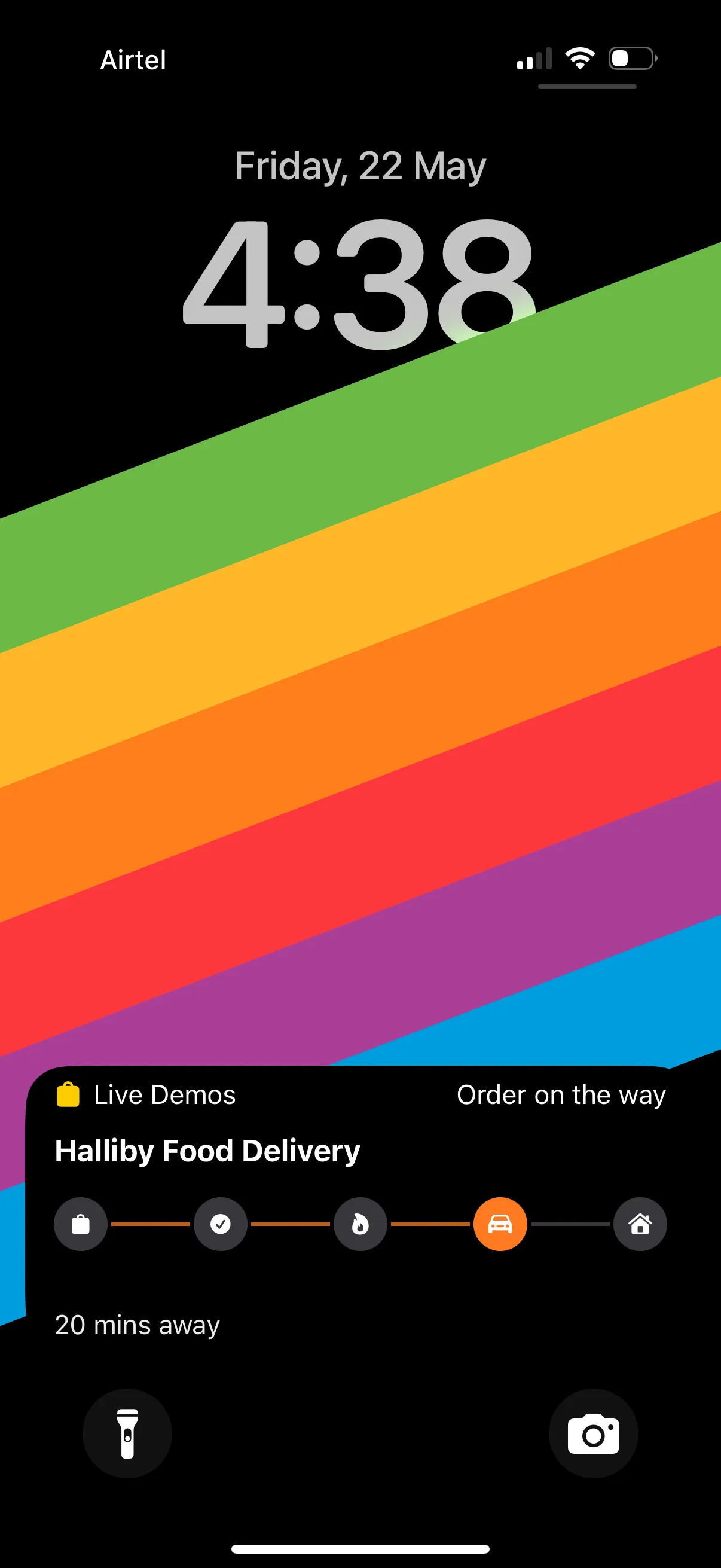
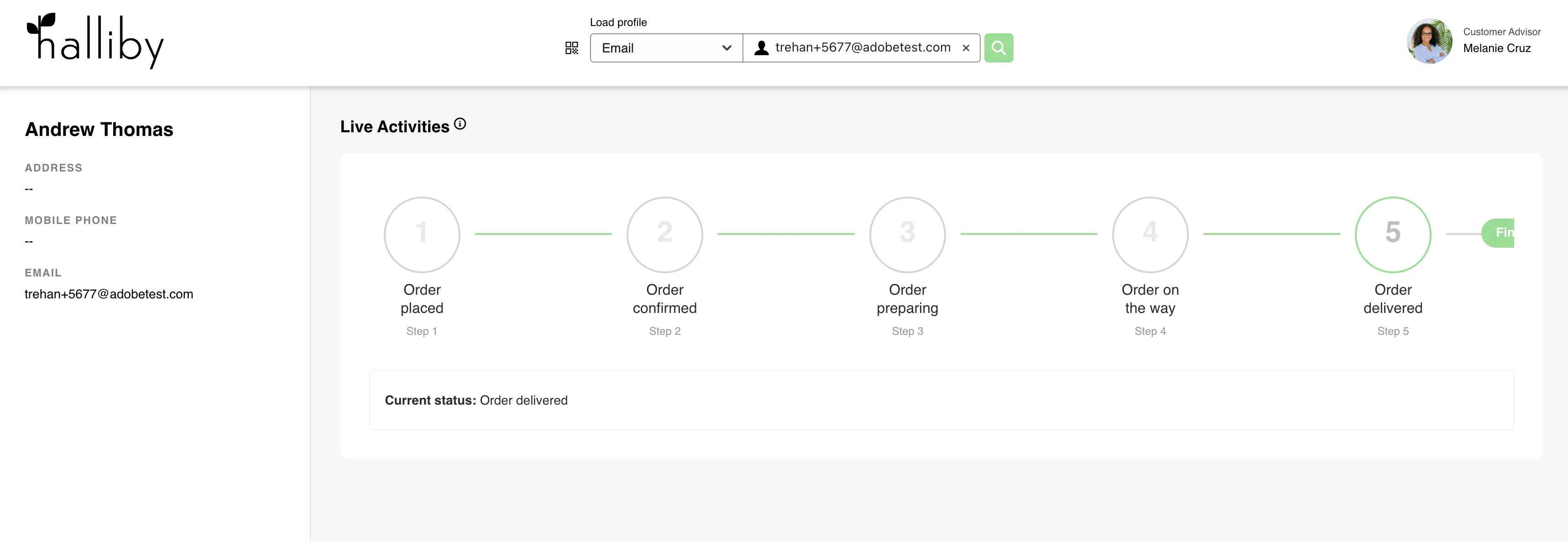
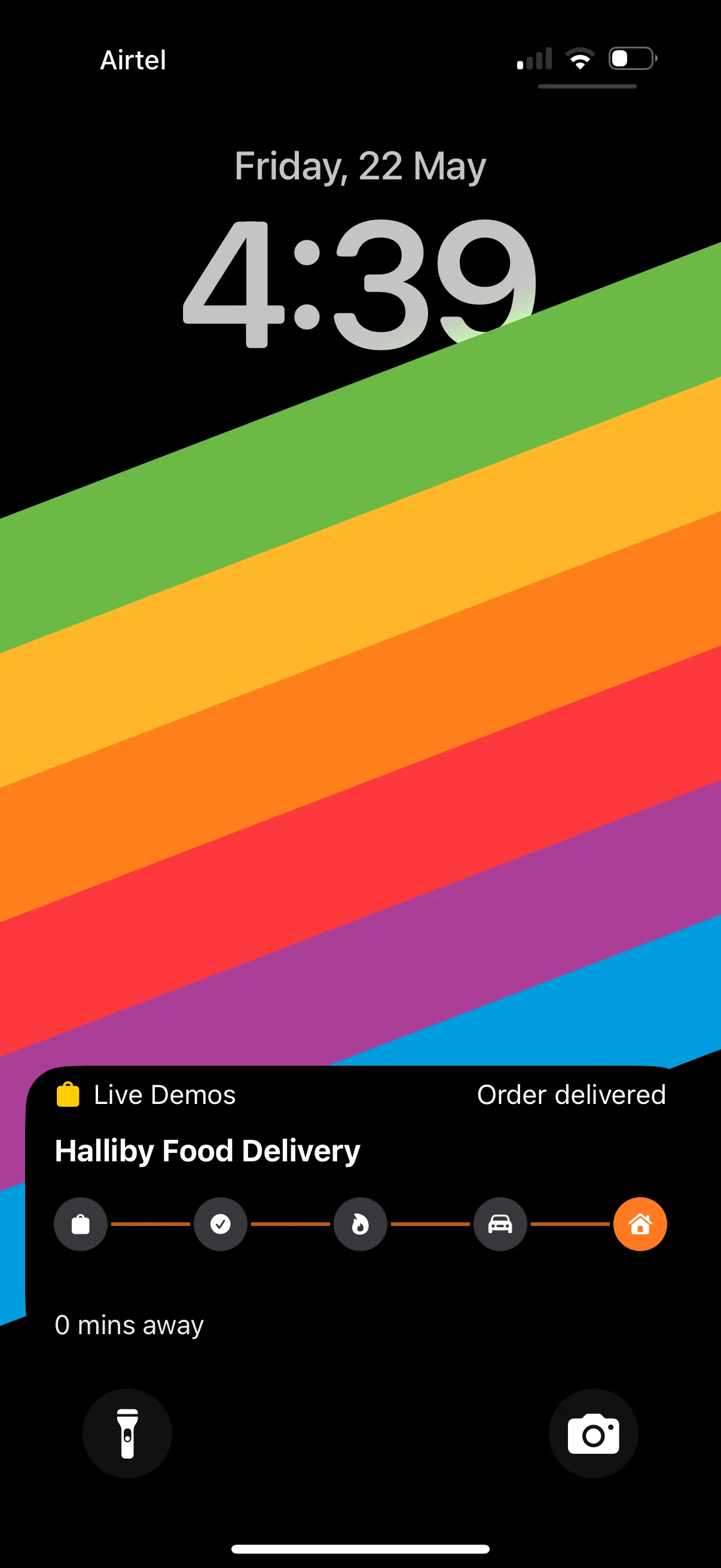
Finally, when the order reaches the customer, the “Order Delivered” event is triggered. The Live Activity sends a final update confirming successful delivery.
On the Halliby journey trigger, trigger Step 5: Order Delivered