Finance Consolidation
This scenario follows Haley Smith as she consolidates her finances after getting married.
Refer to the Retail Banking Industry Journey for the full XD story.
Steps
Starting point
Start by opening the "How to consolidate bank accounts" article.
Haley just got married and is looking for a way to consolidate her and her husband's finances. After a Google search, she reads an article on SecurFinancial website.
Click the SecurFinancial logo to return to the home page.

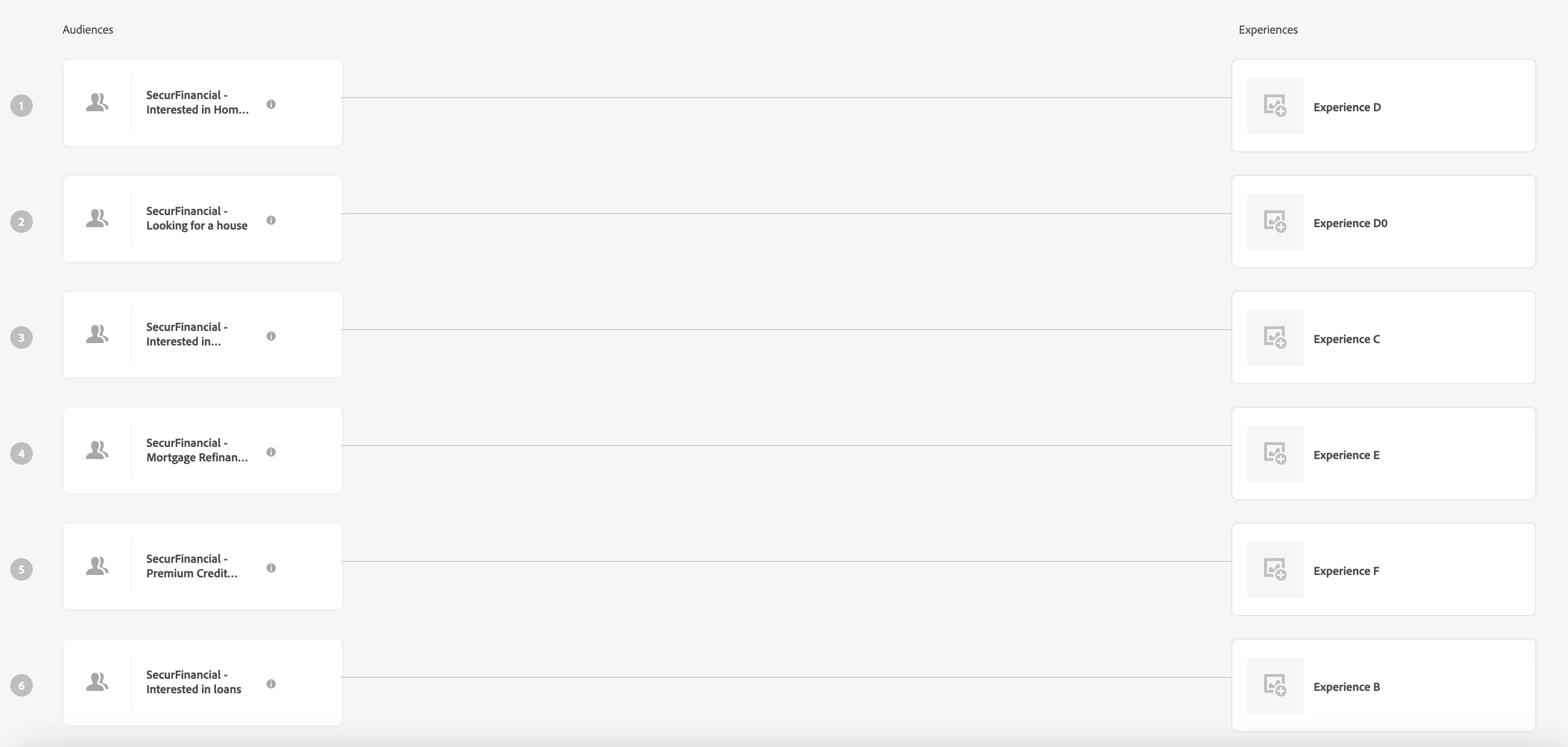
After returning to the SecurFinancial home page, main banner is personalized to reflect Haley's interest in consolidating finances. She decides to try out the MyInsights tool.
Click "Sign in" button in top right corner, then sign in with the email address of your demo profile. Or go to Dashboard if you are already logged in.

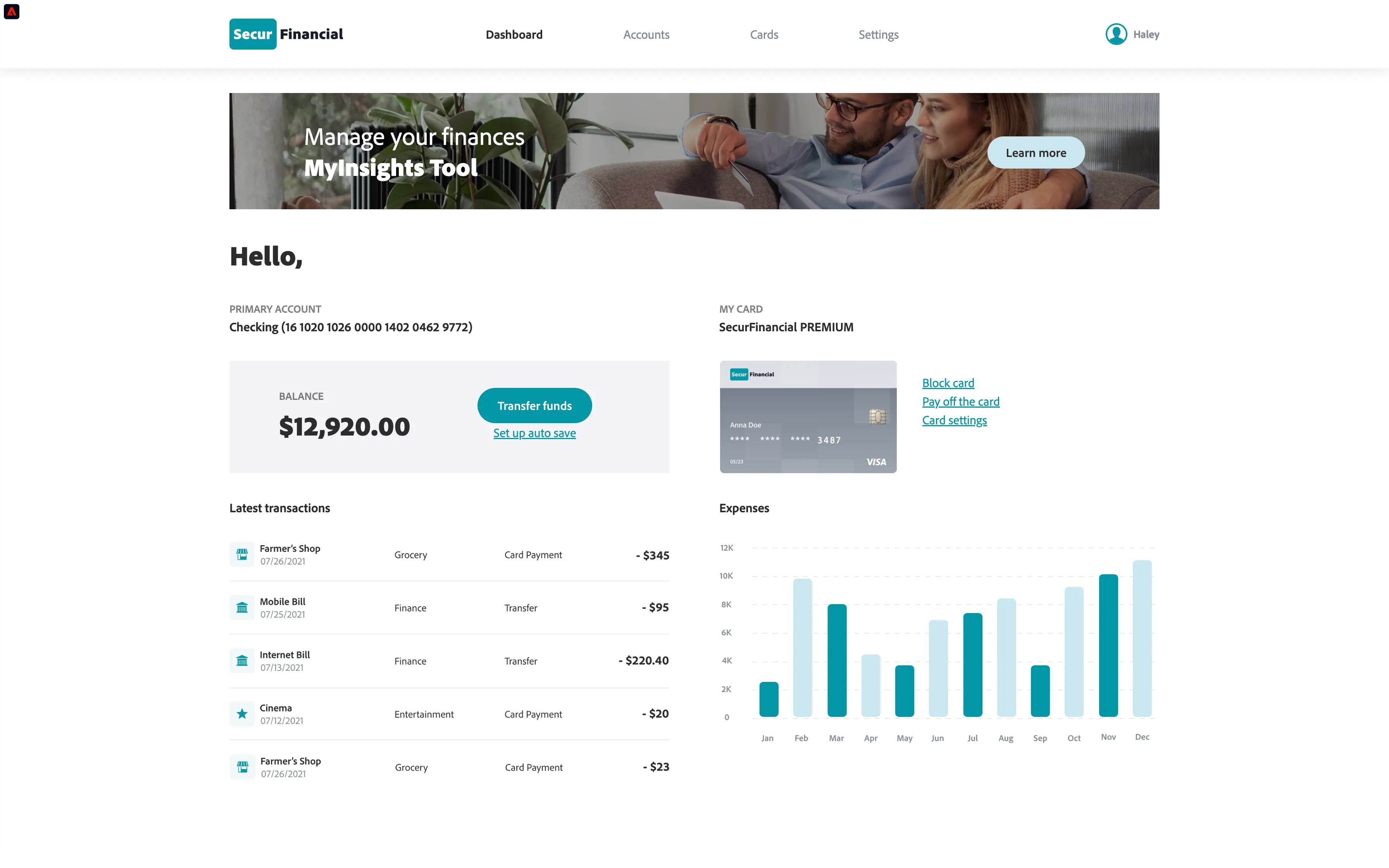
SecurFinancial Dashboard is also personalized for Haley. She decides to add her husband's account to MyInsights Tool and also notify SecurFinancial about name change.
Click "Settings" in main navigation submit the "Add external account" form, then the "Name change request".
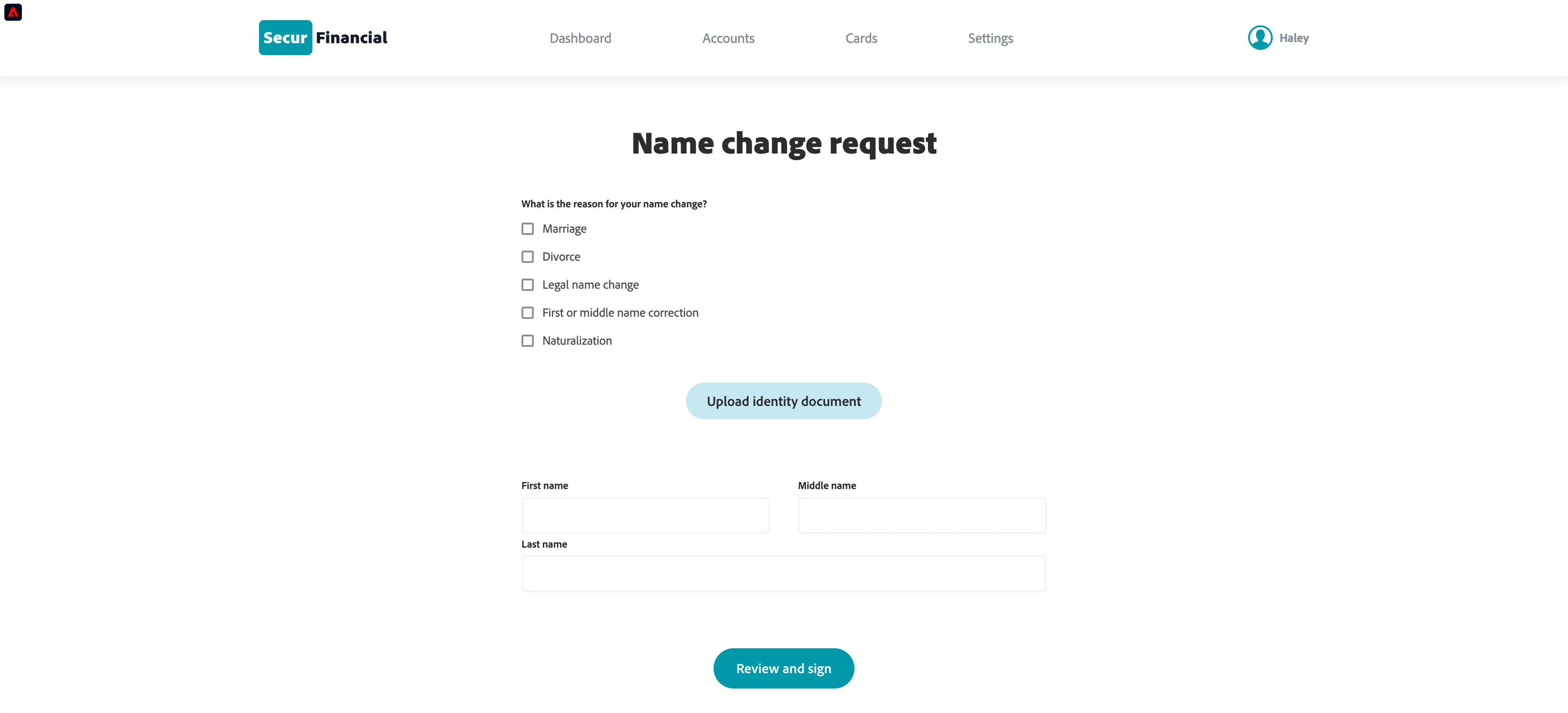
Haley fills out the "Name change request" form entering necessary information and uploading required documents.
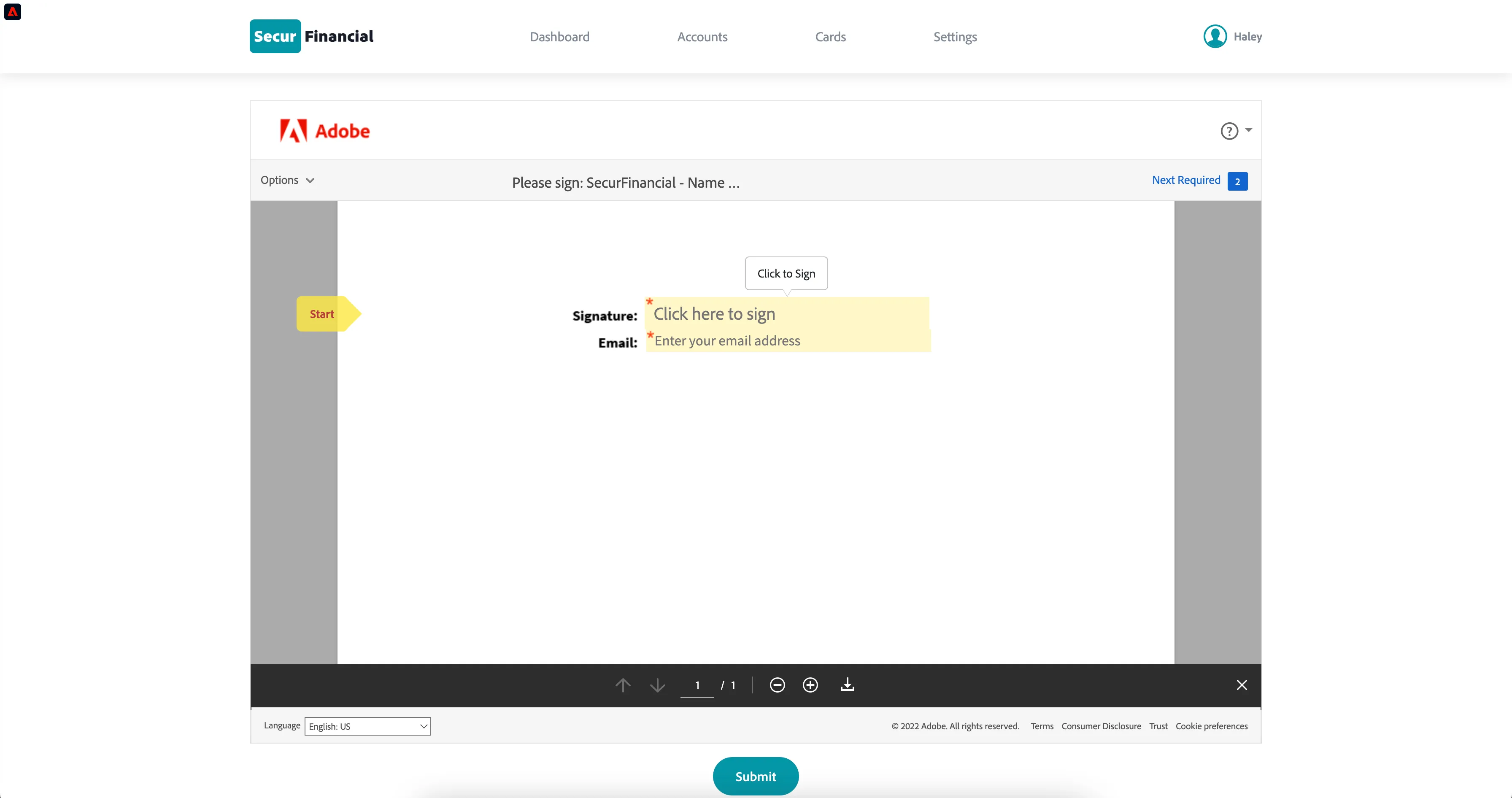
After submitting the initial form, Haley is asked to digitally sign the "Name change request" document.
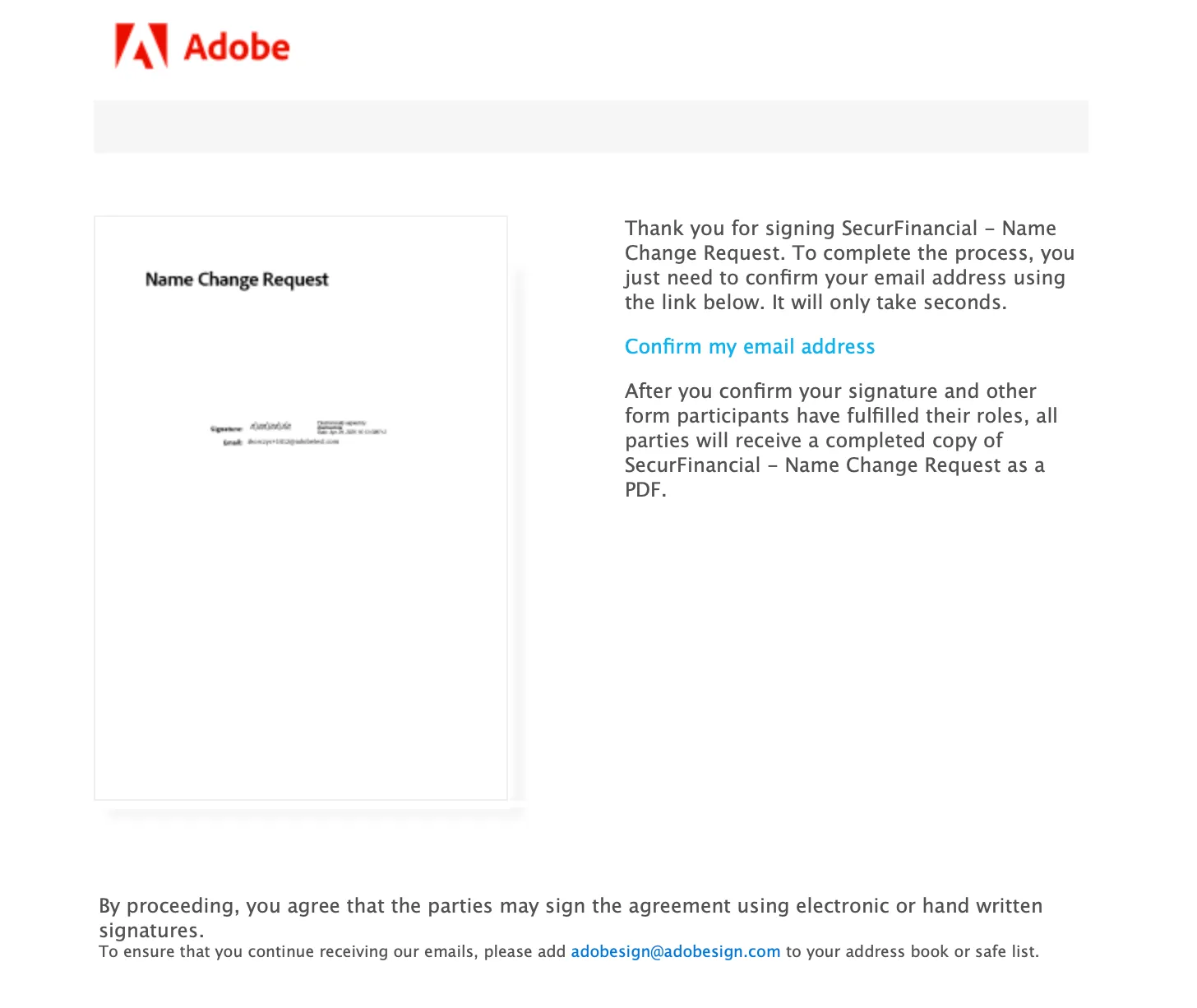
Review the document, add a signature, provide your demo email and click "Submit" below the document. You will recieve an email to complete the process.
Haley likes her experience with SecurFinancial so much that she decides to open a retirement account.
Return to the SecurFinancial website, go to Accounts page and click "Open account" under Retirement Account section.

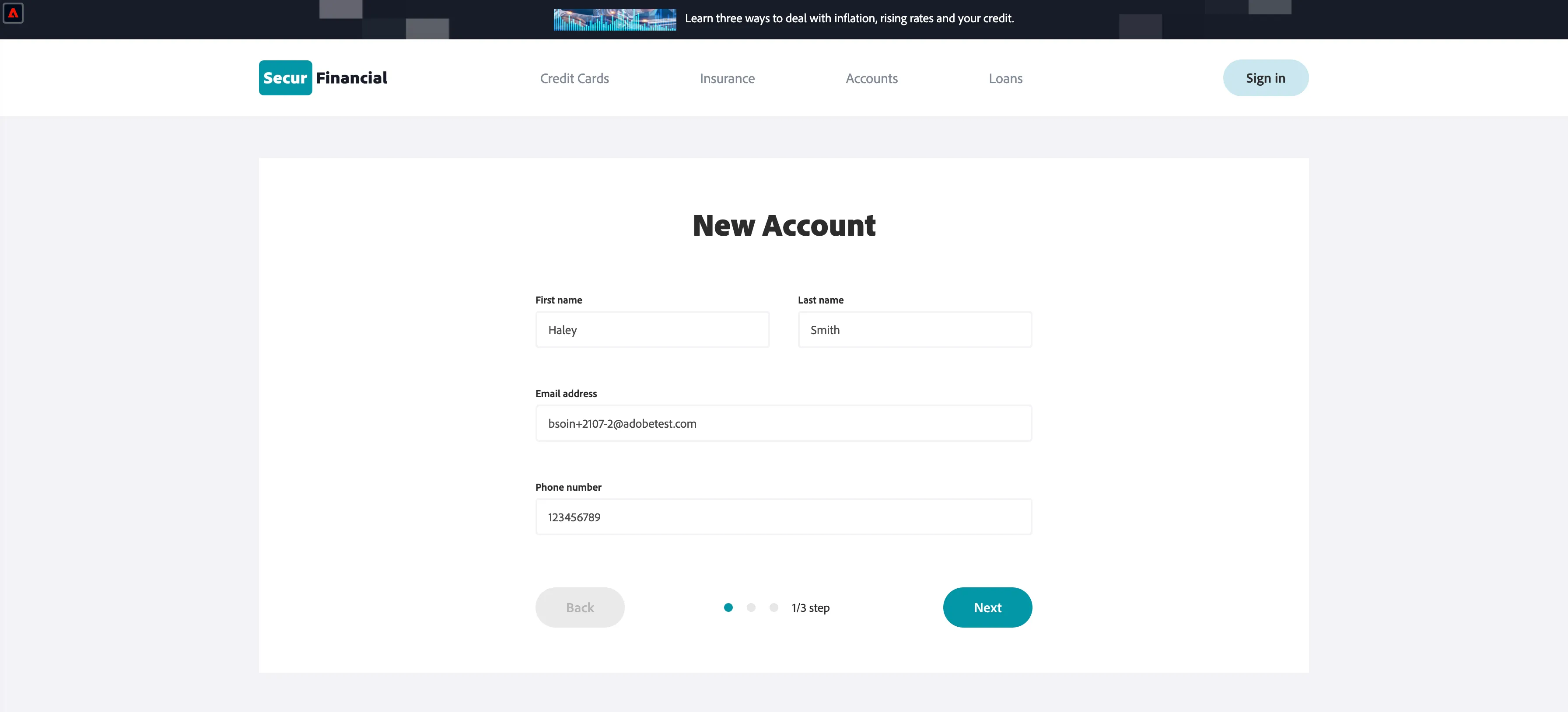
She fills out the form quickly because most of the fields are already pre-populated with her data.
Complete the "New account" wizard.
Assets used in this scenario:
Experience Targeting Activity in Target: https://experience.adobe.com/#/@demosystem4/target/activities/activitydetails/Experience-Targeting/securfinancial_-home2