GenStudio and AJO Integration
INTRODUCTION
Adobe GenStudio for Performance Marketing and Adobe Journey Optimizer integrate seamlessly to enhance marketing workflows, enabling the creation, management, and activation of personalized content across various channels.
GenStudio is where creative content comes to life, enabling marketers to generate, edit, and manage on-brand assets with ease. Journey Optimizer is where these experiences are orchestrated and delivered in real-time, across all channels. When connected, these two tools close the gap between creative and activation, enabling marketers and designers to collaborate seamlessly, move faster, and ensure brand consistency from ideation to execution.
CONFIGURATIONS
Available at GenStudio ADSS Environment
Basic Building Blocks in GenStudio:
- Brand
- Products
- Personas
BRANDS
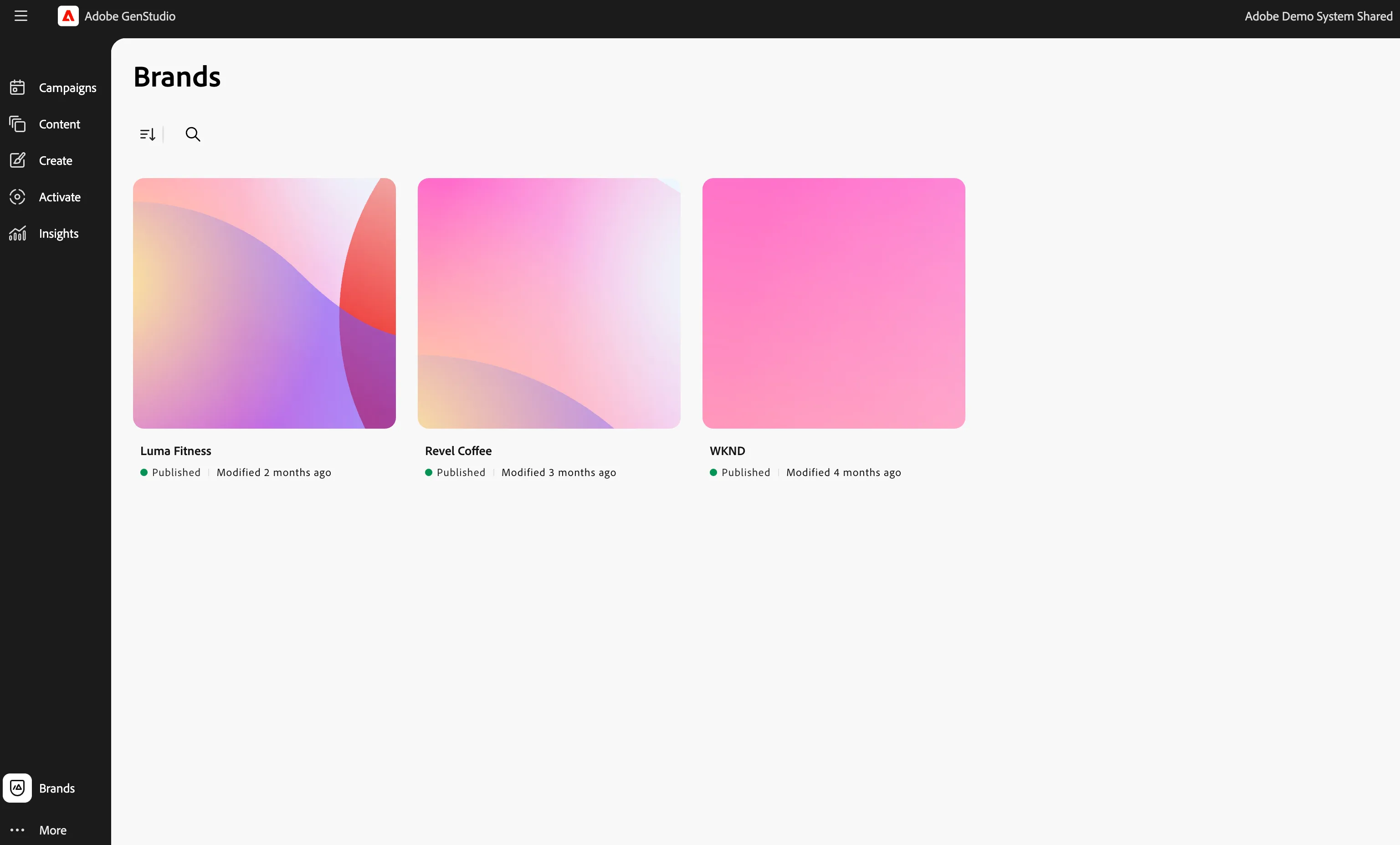
Genstudio > Brands(From left rail)
This is where creative guardrails are defined, including elements such as brand colors, logos, tone of voice, and approved assets. What’s powerful here is that these guidelines aren’t just static documents—they’re actively embedded into the content creation process, helping ensure everything we generate in GenStudio is automatically on-brand.
We have configured the Luma brand for this demo. This is where creative guardrails are defined, including elements such as brand colors, logos, tone of voice, and approved assets. What’s powerful here is that these guidelines aren’t just static documents—they’re actively embedded into the content creation process, helping ensure everything we generate in GenStudio is automatically on-brand.
You can see the brand guidelines configured:
- Tone of voice
- Stylistic rules
- Image guidance
- Channel guidelines
- Social Campaigns
- Approved logos
- Brand colors
PRODUCTS
Three ellipses(More) > Products.
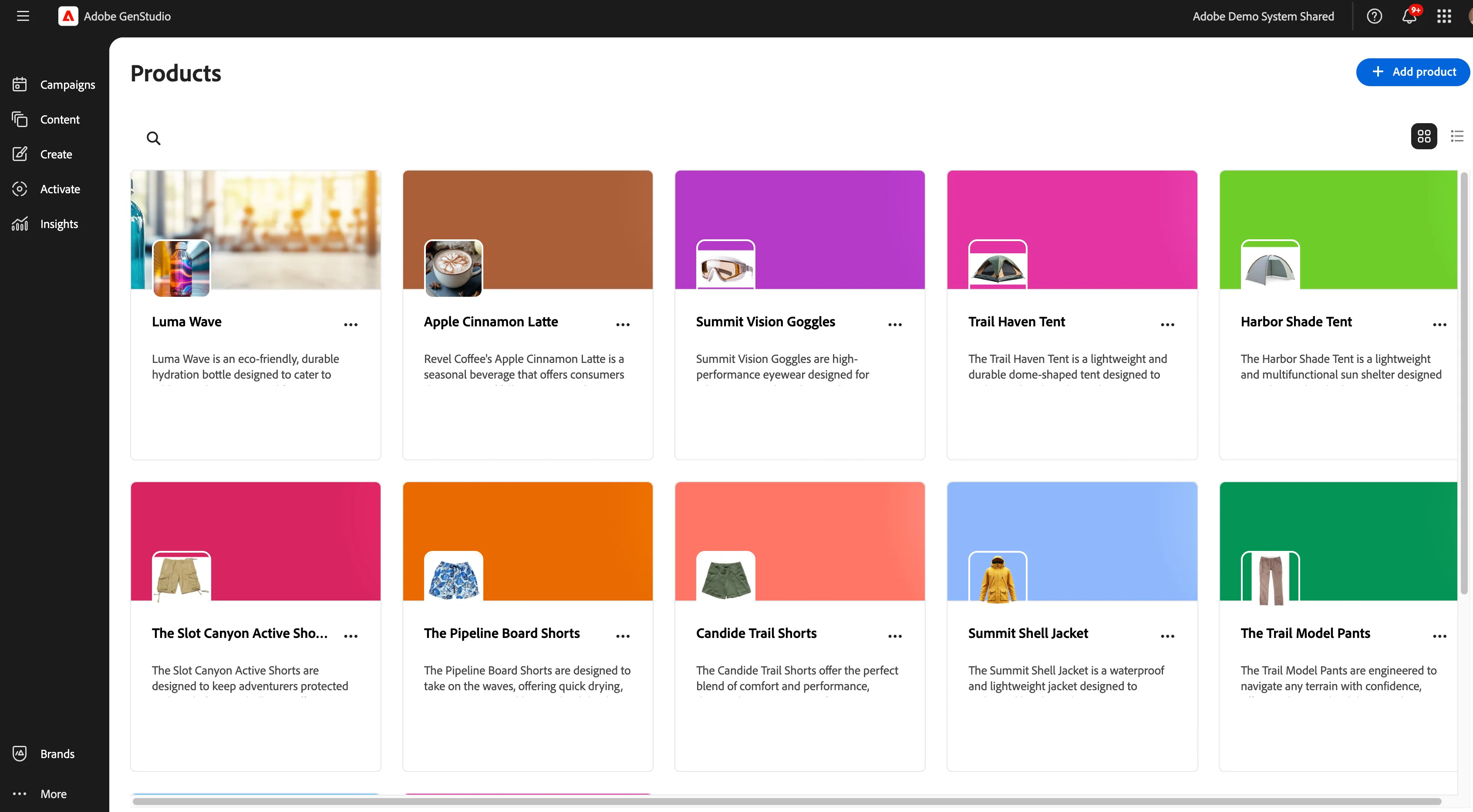
The Products section acts as a structured content layer that lets us associate key attributes like product names, imagery, descriptions, and value propositions all in one place. That means marketers don’t need to hunt down this information or worry about inconsistencies between campaigns. Everything is centralized, accurate, and ready to be used across formats and channels.
We have configured the Luma Wave product for this demo.
We have configured the details below for the Luma Wave product:
- Description
- Value Proposition
- Messaging Preferences
PERSONAS
Three ellipses(More) > Personas.
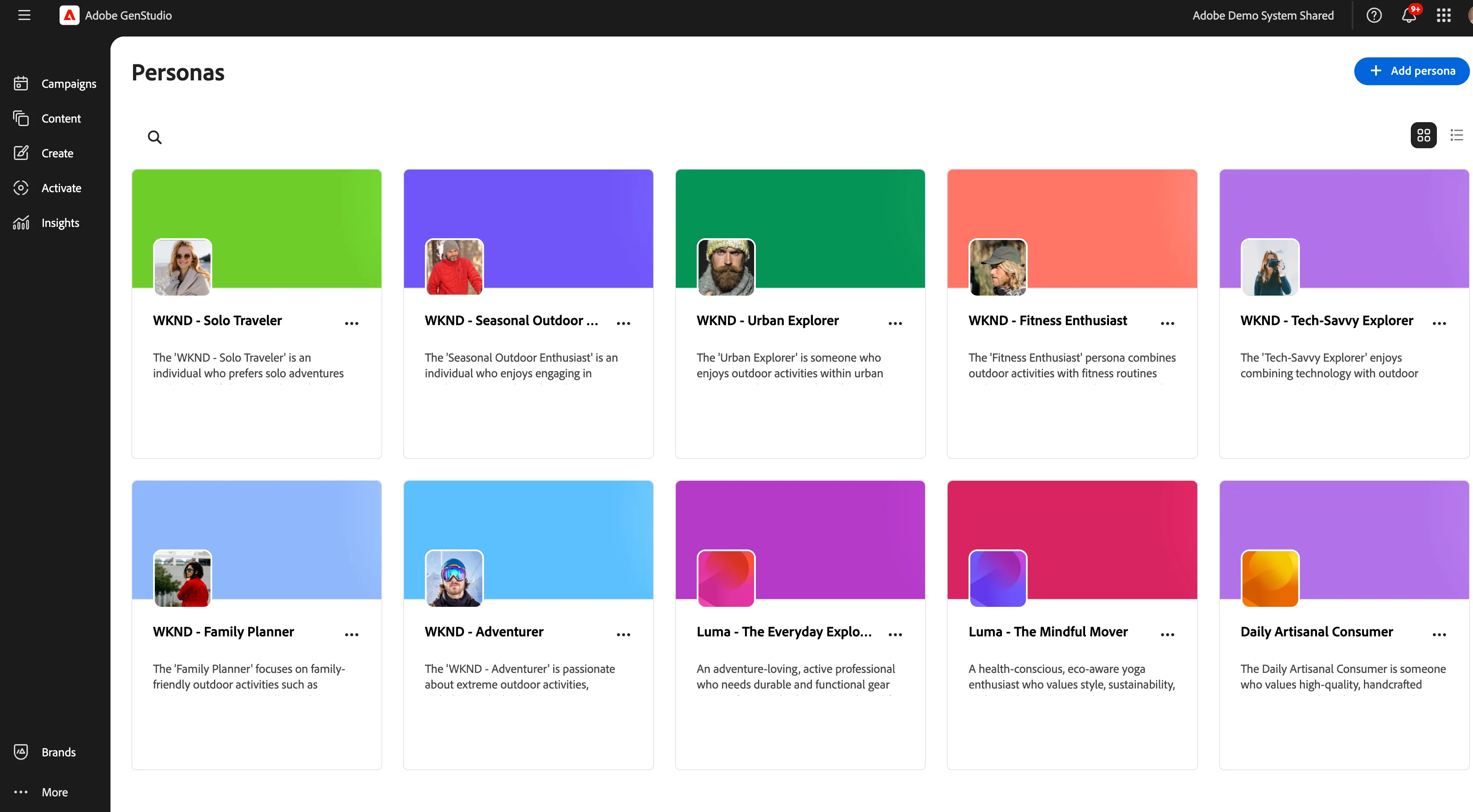
Personas in GenStudio help marketers go beyond basic segmentation and get intentional about targeted messaging.
Each persona represents a target customer profile that provides an authentic portrayal of your customer segments, encompassing their information, interests, pain points, preferences, and behavioral traits.
We have configured Luma - The Everyday Explorer persona for this demo.
We have configured the details below for the Luma - The Everyday Explorer:
- Description
- Value Proposition
DEMO FLOW & ACTIVATION
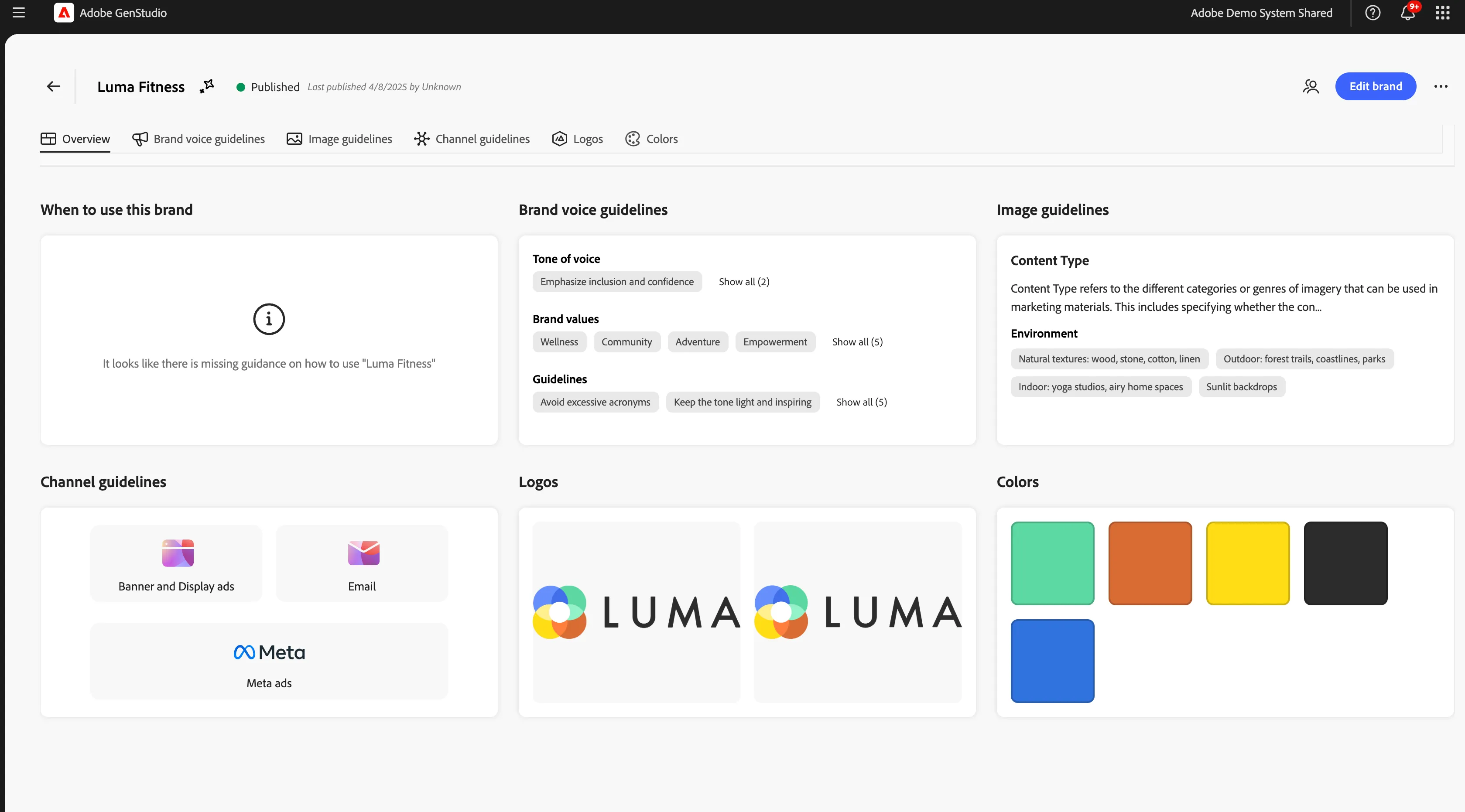
All the parameters are defined and configured. Each section is tailored with best practices specific to Luma . For example, we’re encouraged to use a friendly, inclusive tone, incorporate emojis when appropriate, and keep headlines short and benefit-driven. Even small but critical details like preheader length and acronym use are captured here to maintain consistency. What’s valuable is that these rules aren’t just reference material—they actively guide how AI-generated content is produced and reviewed. So, whether a marketer is writing manually or using generative tools, the result reflects the brand’s voice and campaign strategy.
For example, in the Email channel guidelines, you can see how GenStudio supports marketers with clear, modular guidance for crafting high-performing emails, all while staying aligned to brand standards.
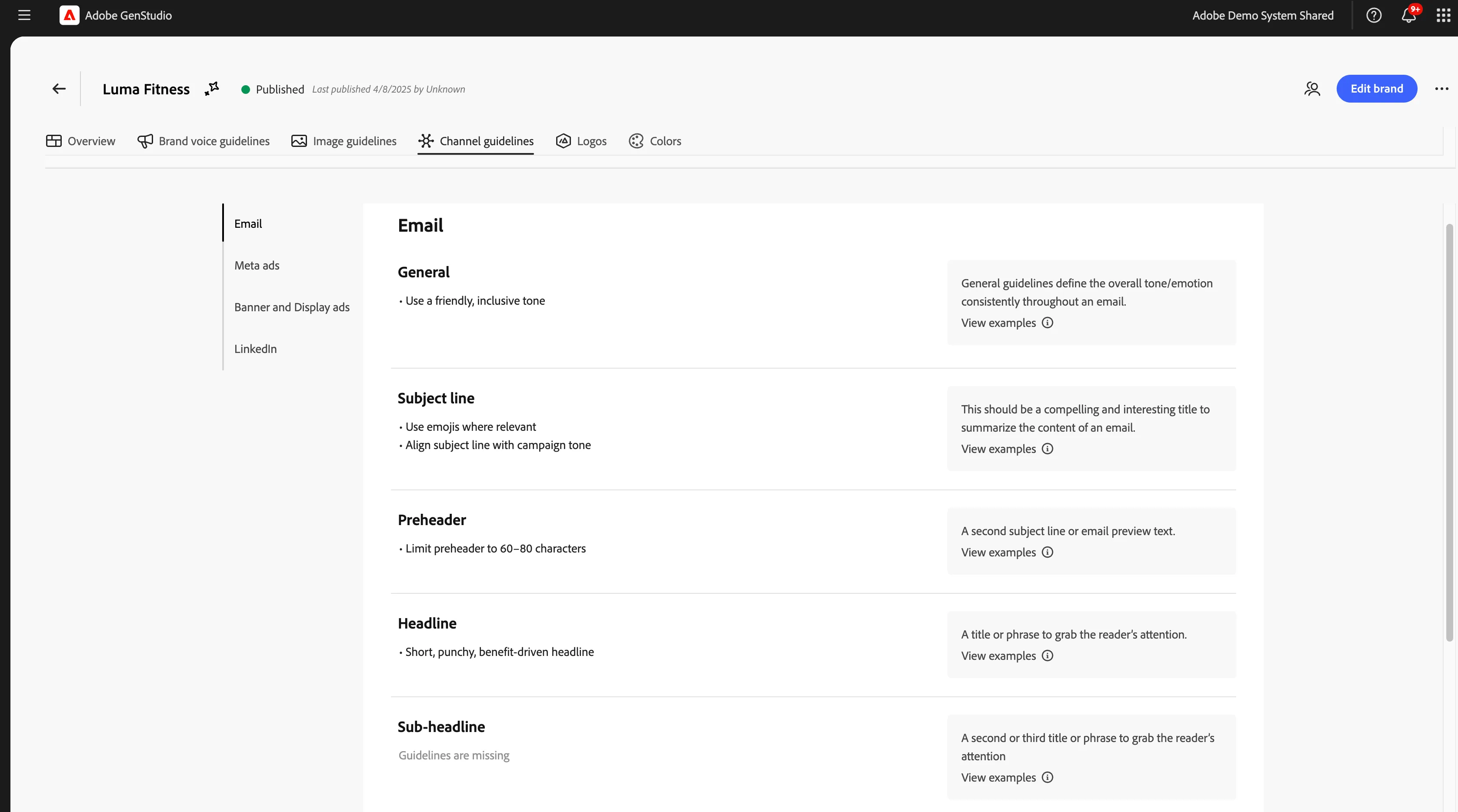
2. Now go back and Three ellipses(More) > Products, you can showcase the Luma wave product configurations.
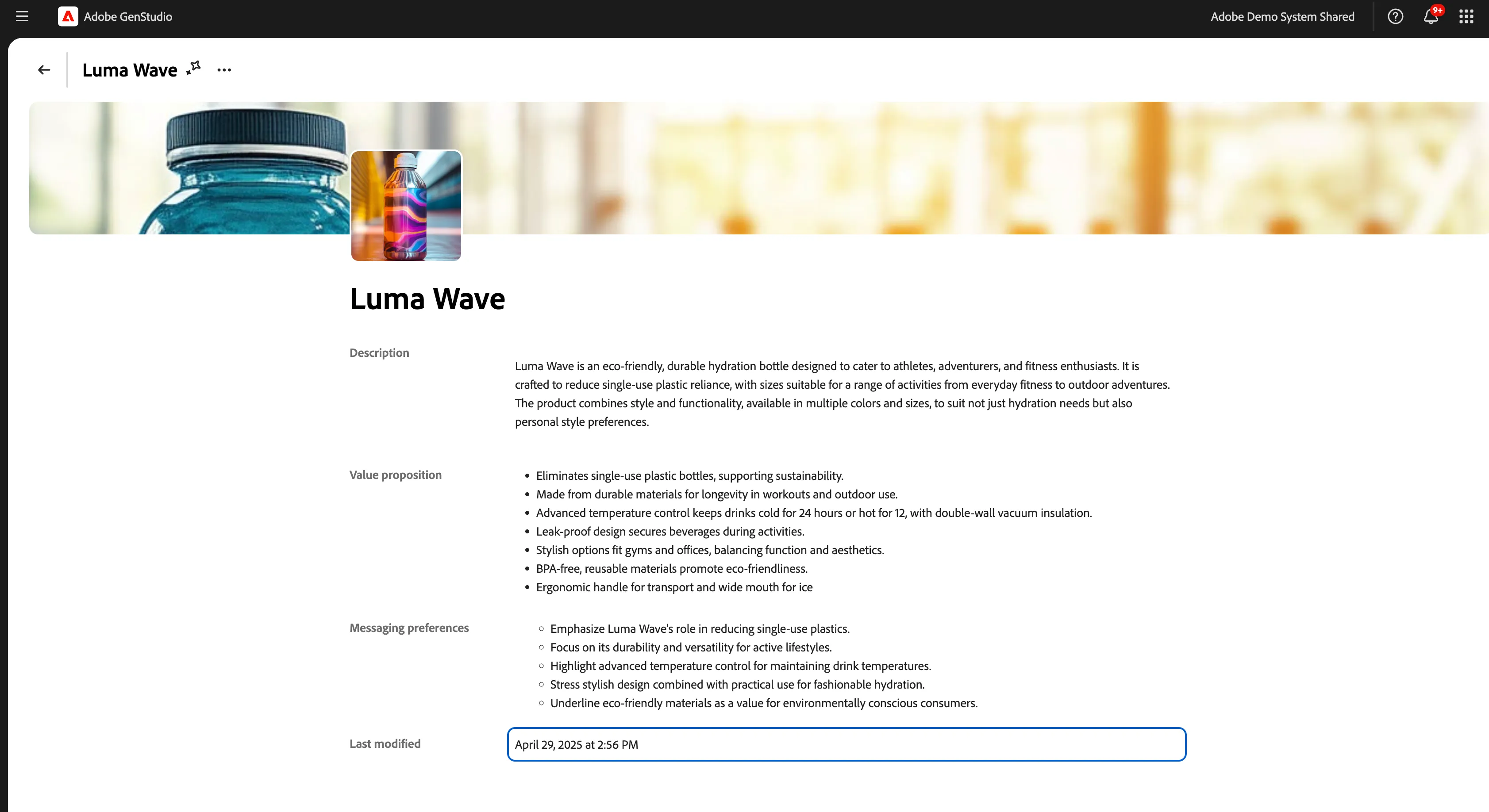
Luma Wave, one of Luma Fitness’s eco-friendly hydration bottles.
Each product record like this is packed with structured, reusable content: a clear description, key value propositions, and messaging preferences. This ensures that anyone generating content is aligned with what makes this product unique and how it should be positioned. 3. Go to Three ellipses(More) > Personas and showcase personas configurations.
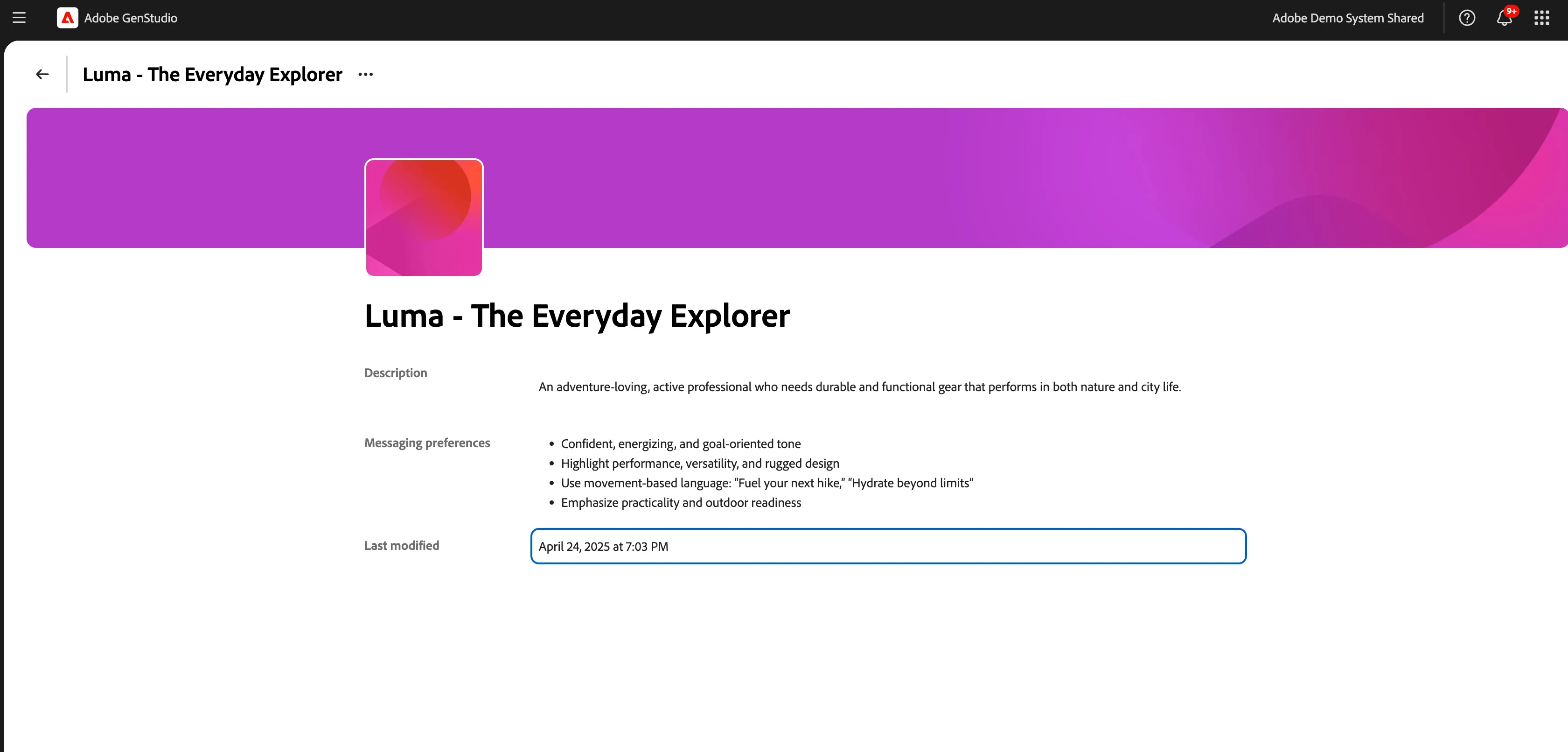
When we start creating assets like emails, GenStudio uses these personas to shape copy and visuals to better resonate with each audience. The Everyday Explorer represents an adventure-loving, active professional—someone who values both performance and practicality, whether they’re on a trail or navigating the city. You’ll notice this persona is more than just a demographic profile. It includes a rich description and specific messaging preferences that help guide both tone and content strategy. In this case, we’re aiming for a confident, energizing voice that emphasizes performance, versatility, and outdoor readiness. We’re even given example language, like 'Fuel your next hike'—to align with how this audience thinks and feels.
4. By leveraging Adobe’s advanced AI technology, GenStudio for Performance Marketing guidelines, Brands, Products, and Personas all work together to generate compelling content that showcases the strengths of your products and ensures consistency across all messaging.
Let's bring it all together by creating an email.
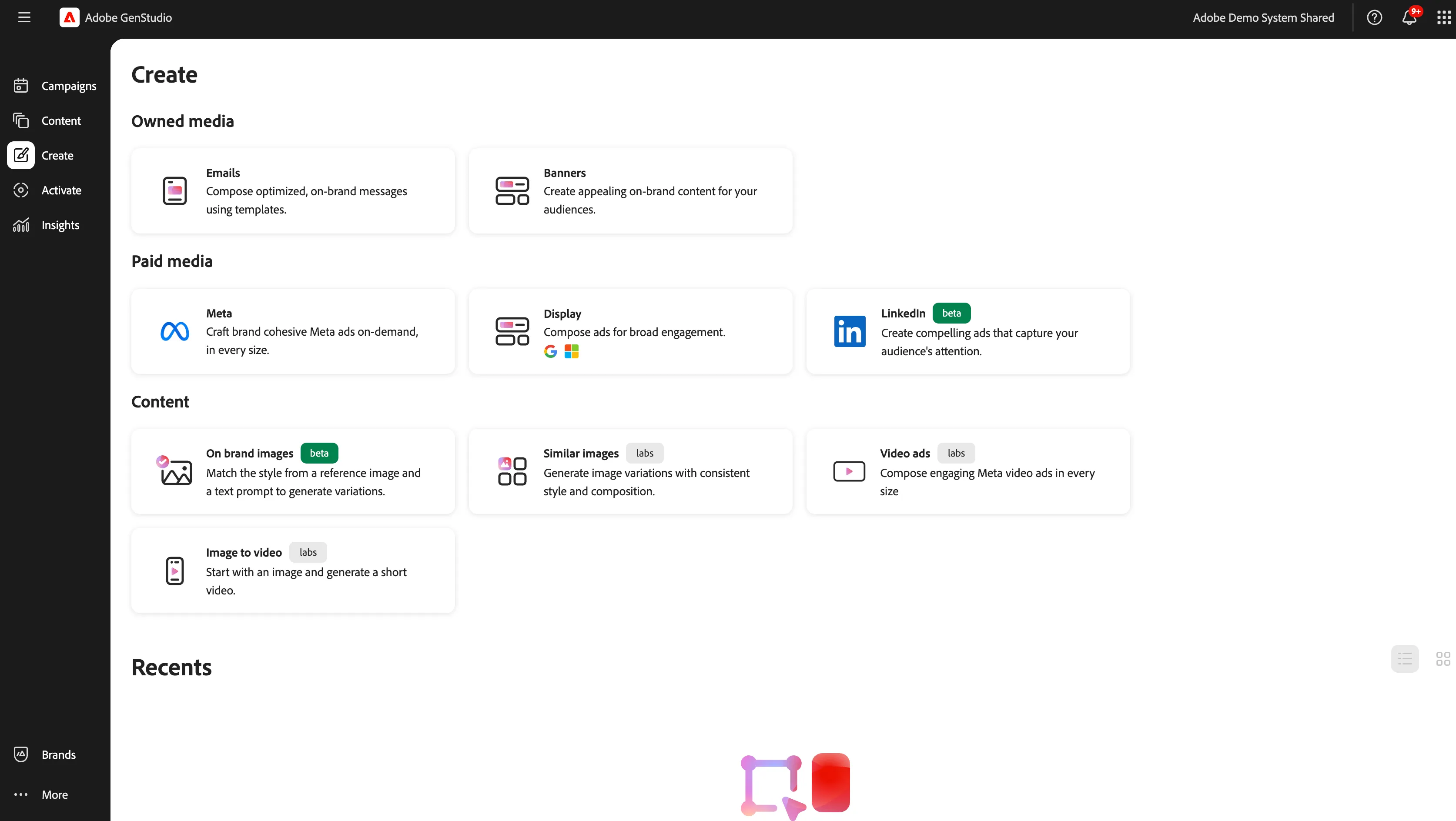
2. Select a template, we don't have to start from scratch, and will use Luma CTA - Email Template. (We’re selecting the Luma - CTA Email template, which was originally designed and imported from Journey Optimizer. This allows for a seamless creative-to-activation workflow: teams can build flexible layouts in Journey Optimizer, then bring them into GenStudio where marketers can personalize and scale variations - all while staying on-brand.)
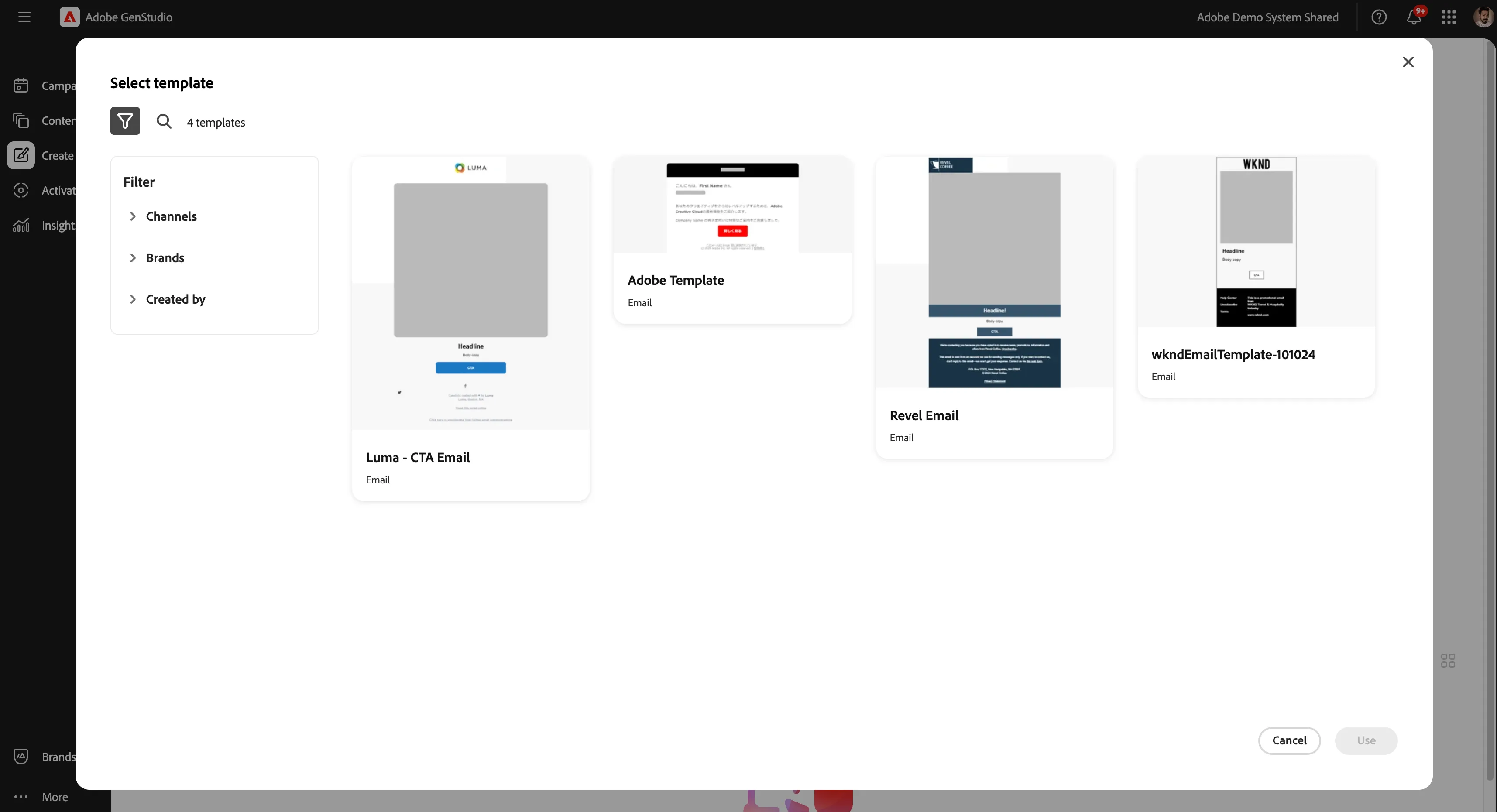
3. Select all the configurations that you did in the previous steps, like Brands, Products, and Personas.
Select Luma Select Luma – The Everyday Explorer Select Luma Wave
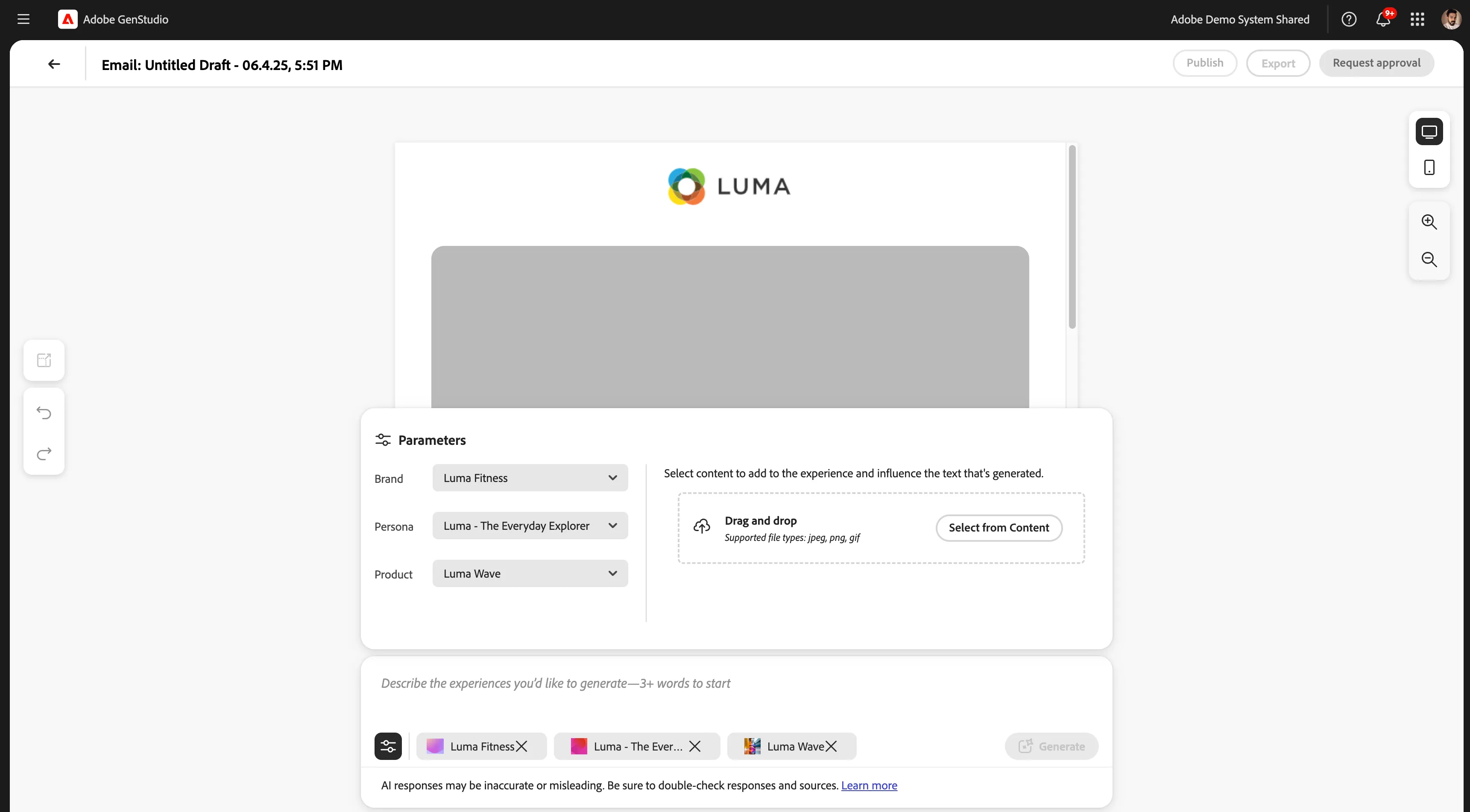
Next, we’re selecting some pre-approved creative assets that the AI can use to populate our email. These images come directly from the brand’s curated asset library, so everything we see here has already been vetted for quality, tone, and brand alignment. We can choose as many visuals as we like, and the AI will pull from this selection to generate content that feels cohesive with the generated messaging. Whether the goal is to showcase lifestyle, product detail, or mood, we’re ensuring the creative direction stays both intentional and on-brand.
Now that we’ve selected our brand, product, persona, and creative assets, the last step is to give the AI some high-level guidance based on our campaign goals. (This is where we can shape the tone, focus, or intent of the message - whether that’s driving urgency for a limited-time offer, spotlighting product benefits, or simply building brand affinity.) We just type in a short prompt, "Promote Luma Wave line of water bottles.", and GenStudio takes care of the rest.
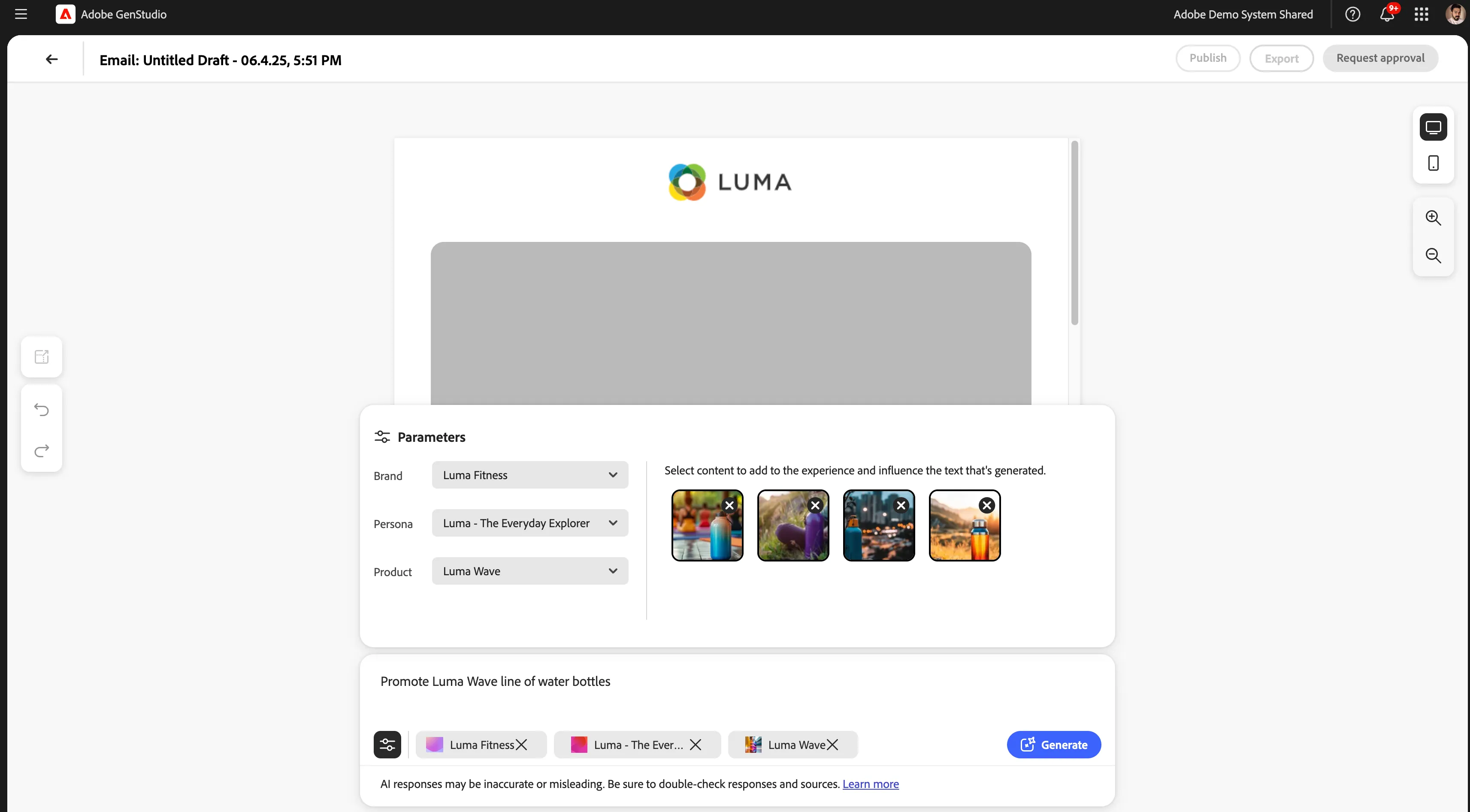
With everything in place, we hit Generate, and the GenStudio will create a fully composed email using all of our selected elements.
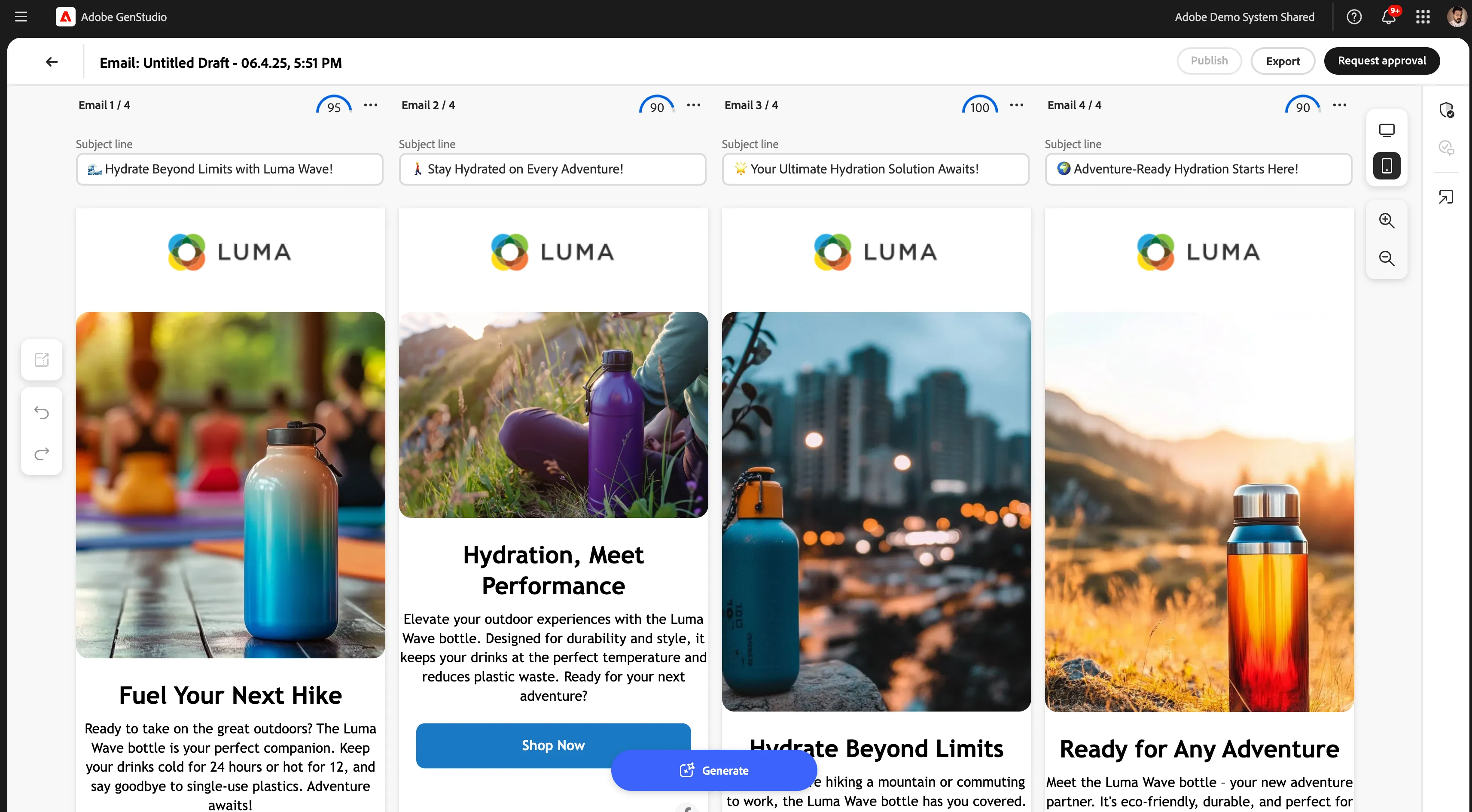
4. As the generations complete, we can see GenStudio has delivered four complete, on-brand email variants - each one tailored to our selected persona, product, brand, and assets.
What’s helpful is that each variant is also scored automatically. (GenStudio evaluates the generated content against the brand’s voice, tone, and format rules—everything from subject line length and image usage to tone of voice and persona alignment. Here, for example, we see two variants scoring a 95, meaning they’re highly aligned, while others, like the 75, may need slight adjustments. This makes it easy for marketers to quickly choose a direction, or even A/B test across Journey Optimizer, confident that everything stays consistent and compliant.) We can also click to better understand the scoring for each version. Even though 95 is a passing score, let’s dive in and review any outstanding issues with this first generation. Click on the score and then view and fix issues.
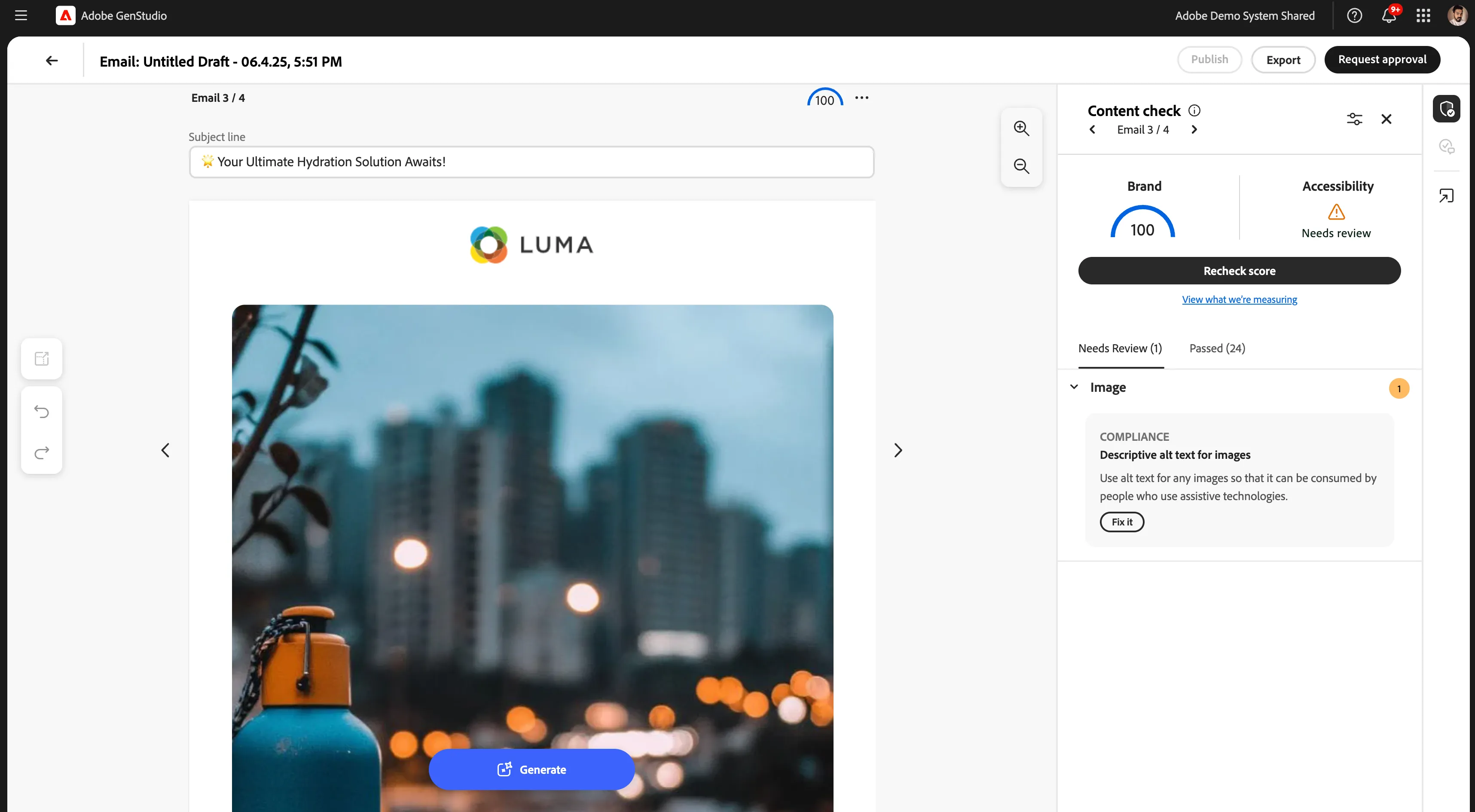
5. On the right, you’ll see the Content Check panel. It automatically audits the content for brand and accessibility compliance. In this case, everything passes except for one small flag, and the reason is mentioned in the snapshot.
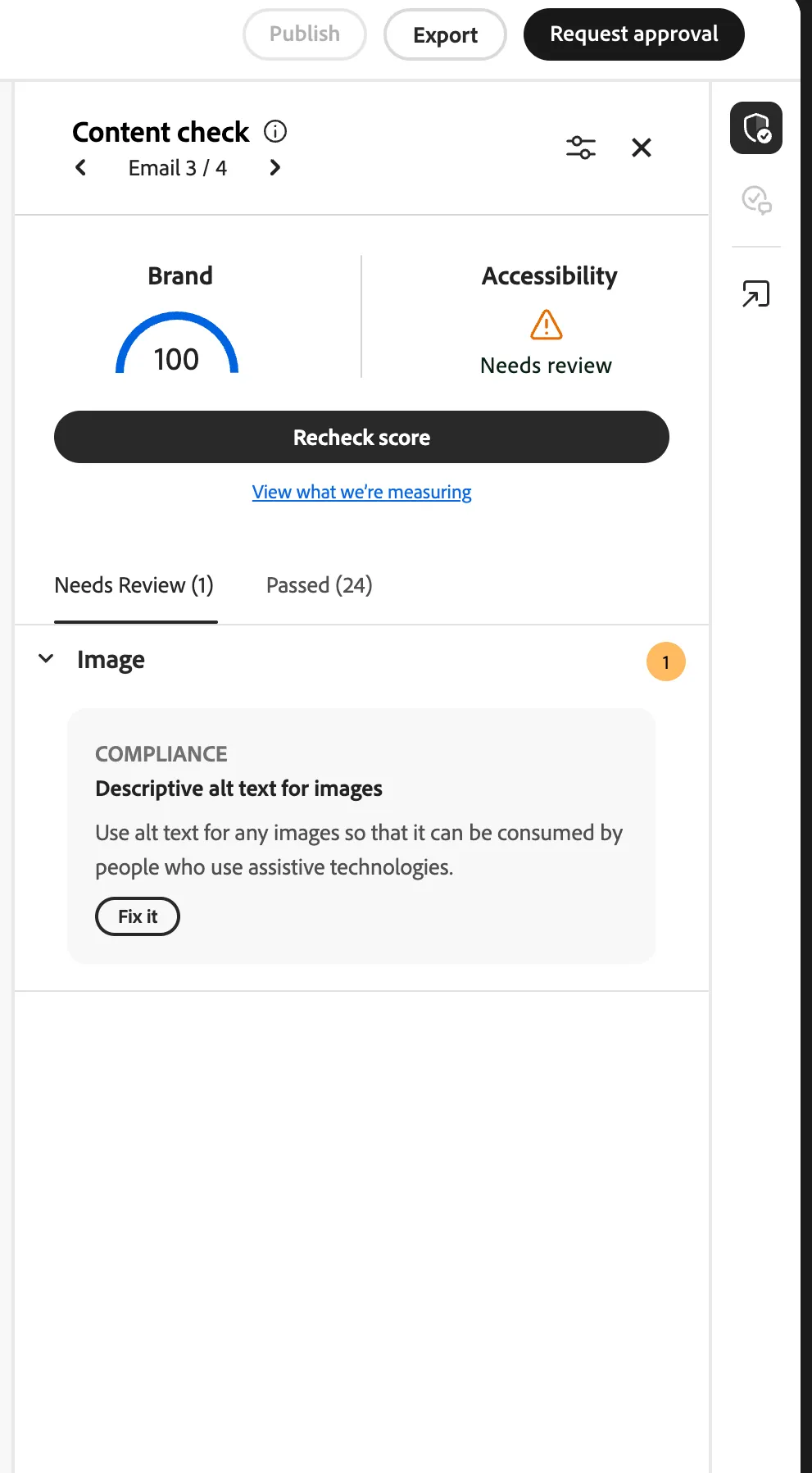
6. This kind of precision allows marketers to make quick, confident adjustments without needing to cross-reference brand documentation manually. And with the Fix It option, we can jump right to the issue and make a quick adjustment.
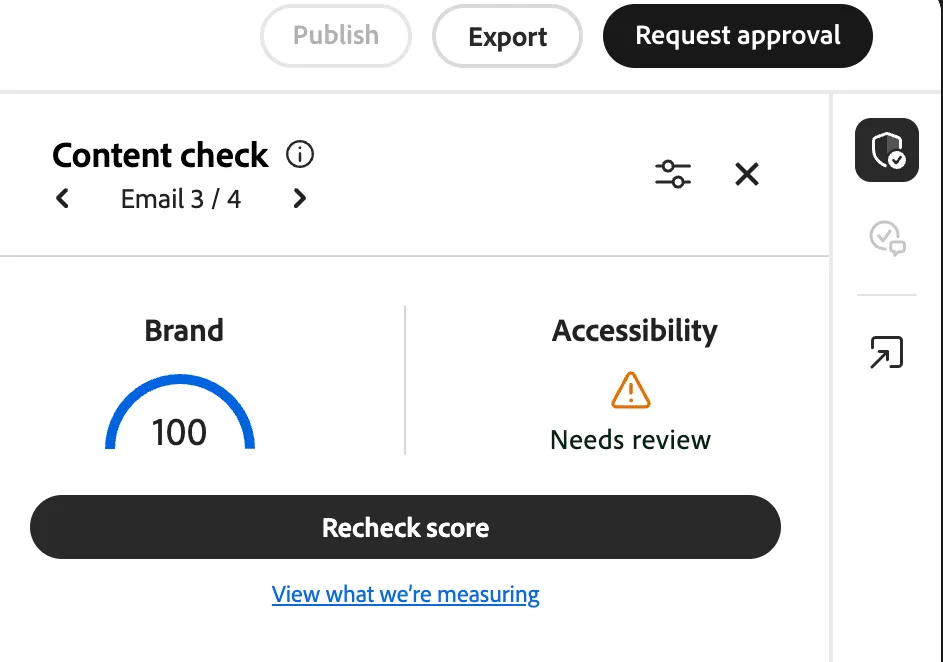
At this point, we could recheck our score to see if we’re in compliance and quickly navigate to the other generations to repeat the process or remove any we don’t want. 7. Once we’re happy with the results, we can submit the generations for approval. Click on Request Approval and give the proper name and approver email ID. Hit Send.
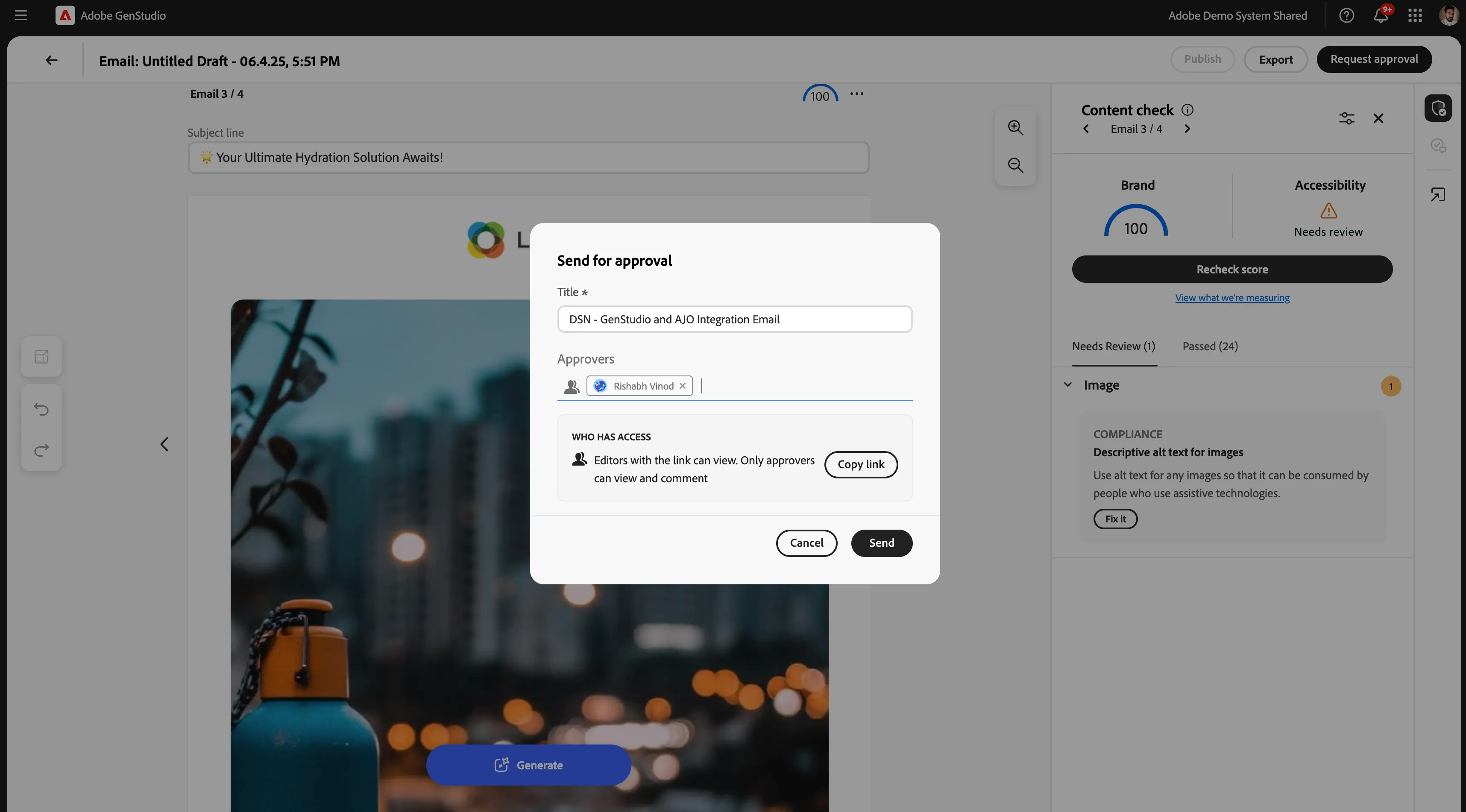
Even with AI speeding up content creation, GenStudio keeps governance and collaboration front and center. The approval workflow ensures that every piece of still goes through the right eyes before it’s published and activated. You can easily add approvers, share a review link, and keep everything in one streamlined loop, right within the platform. (This process balances agility with accountability. It empowers marketers to move fast while still respecting creative standards, legal review, and internal signoffs.)
8. Once we send this for approval, the assigned approvers will be notified in two ways: directly within the GenStudio UI via an alert, and also through an email notification, so nothing slips through the cracks.
(Approvers can review the content and even provide feedback and discussion directly within GenStudio to ensure efficient, compliant review cycles throughout the approval process.) For demo, we’ve set ourselves as the approver so we can easily walk through the full review flow.
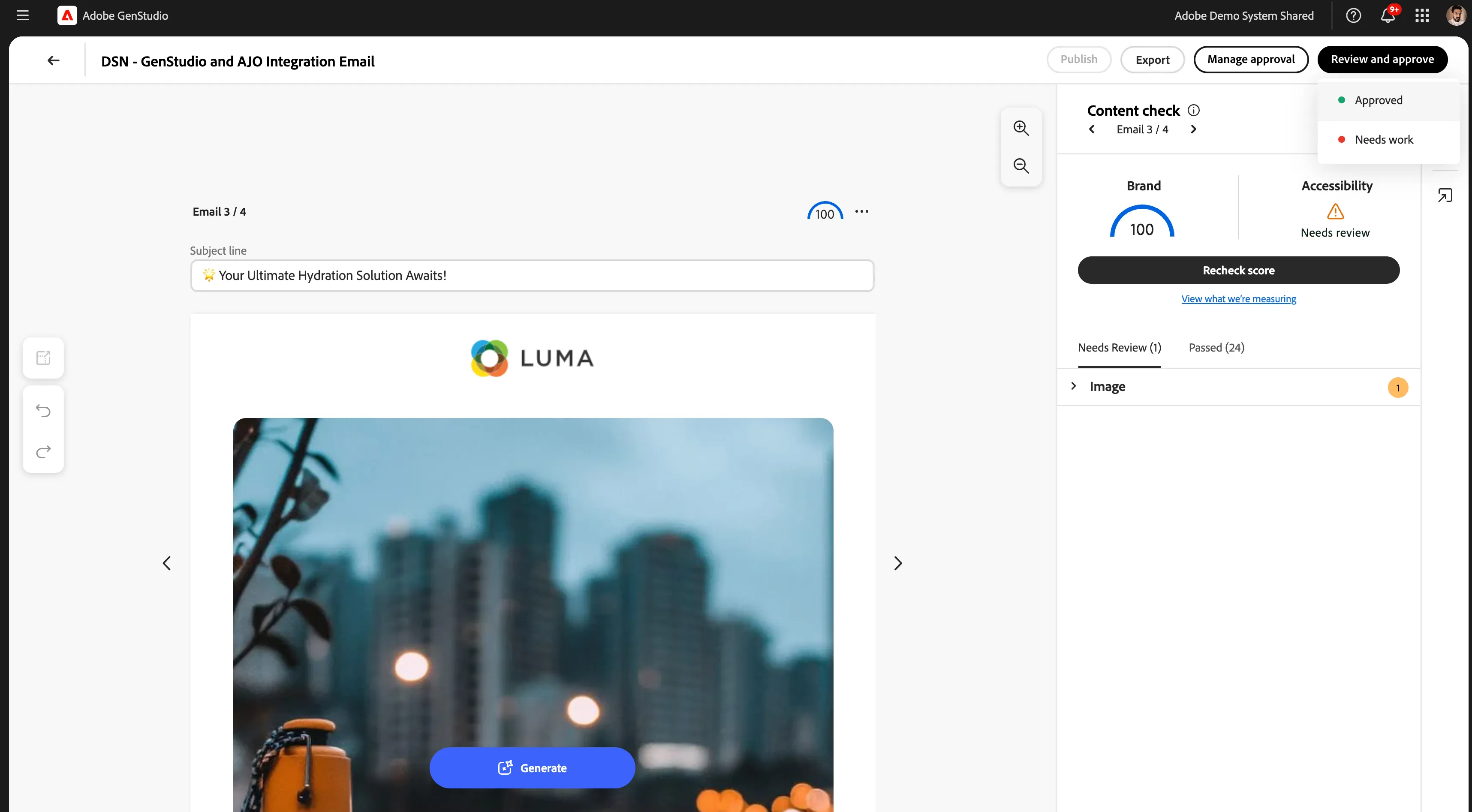
9. With approvals complete, we now see that our content is ready to publish. The reviewer has given the green light, and we’re just one step away from making this email content available to the rest of our marketing stack.
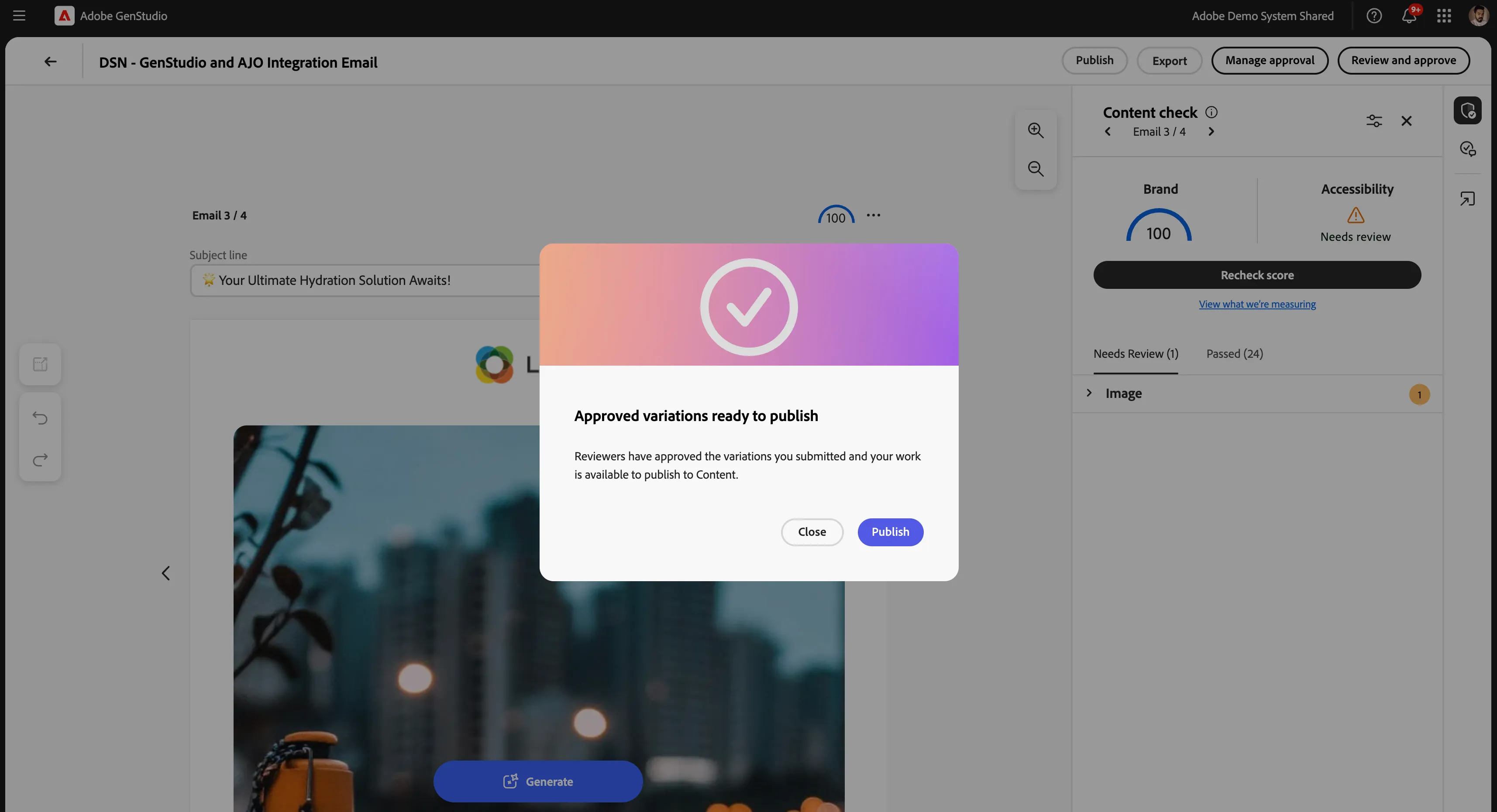
10. By selecting Publish, we’re asked to quickly review the final details before pushing this approved email into the content library. (This is the moment where creative and performance marketing truly connect - and where GenStudio hands off to Journey Optimizer to deliver that experience at the right time, to the right audience.)
11. Let’s navigate right over into ADSS Adobe Journey Optimizer - PROD now and create a Campaign name(DSN Luma Wave Integration) in AJO.
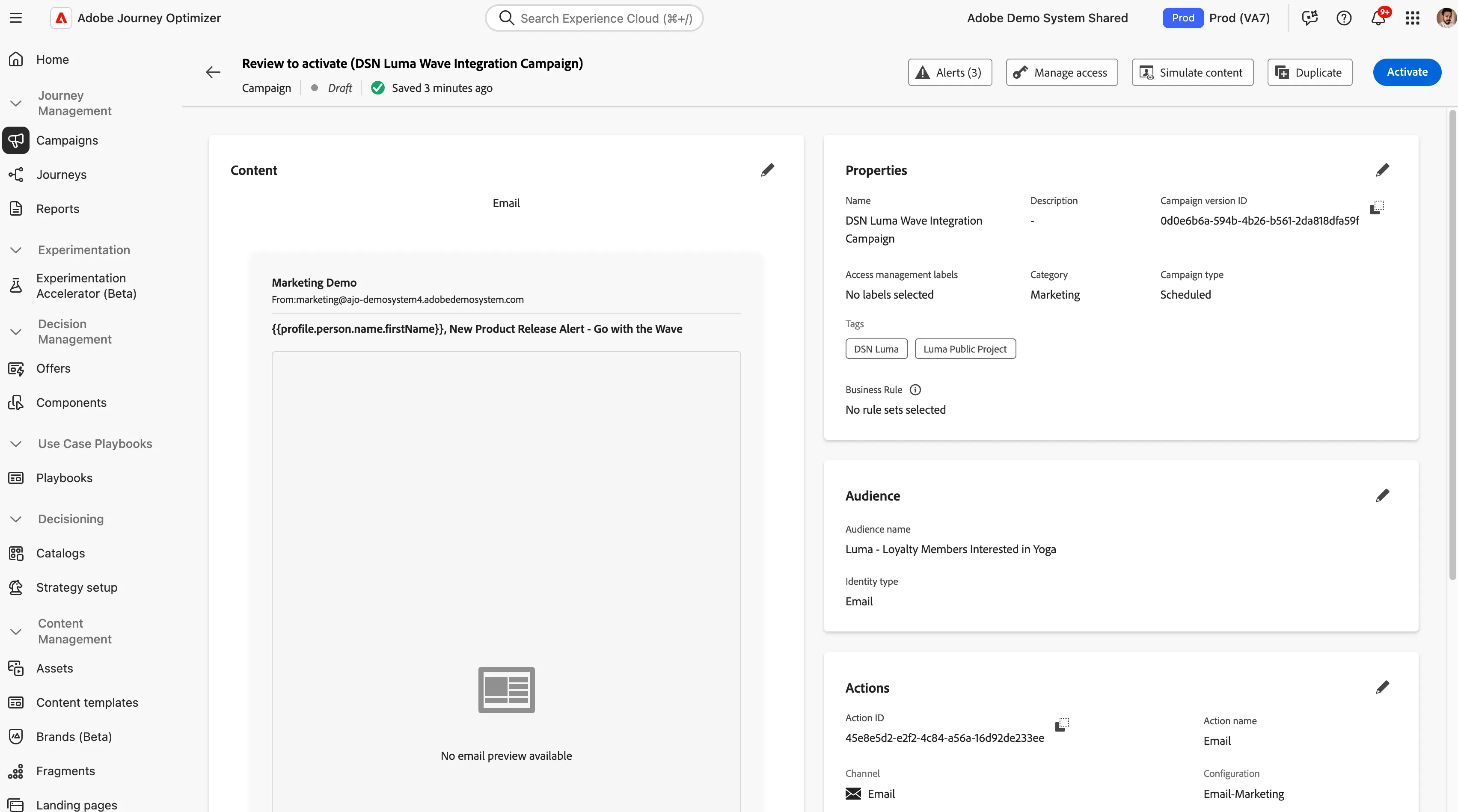
12. Let's go inside the campaign, and everything is ready except that the last piece of the puzzle is simply dropping in the approved content we just created in GenStudio. Because these tools are integrated, that content is already available and formatted for use, so we can move directly into activation without any rework or back-and-forth.
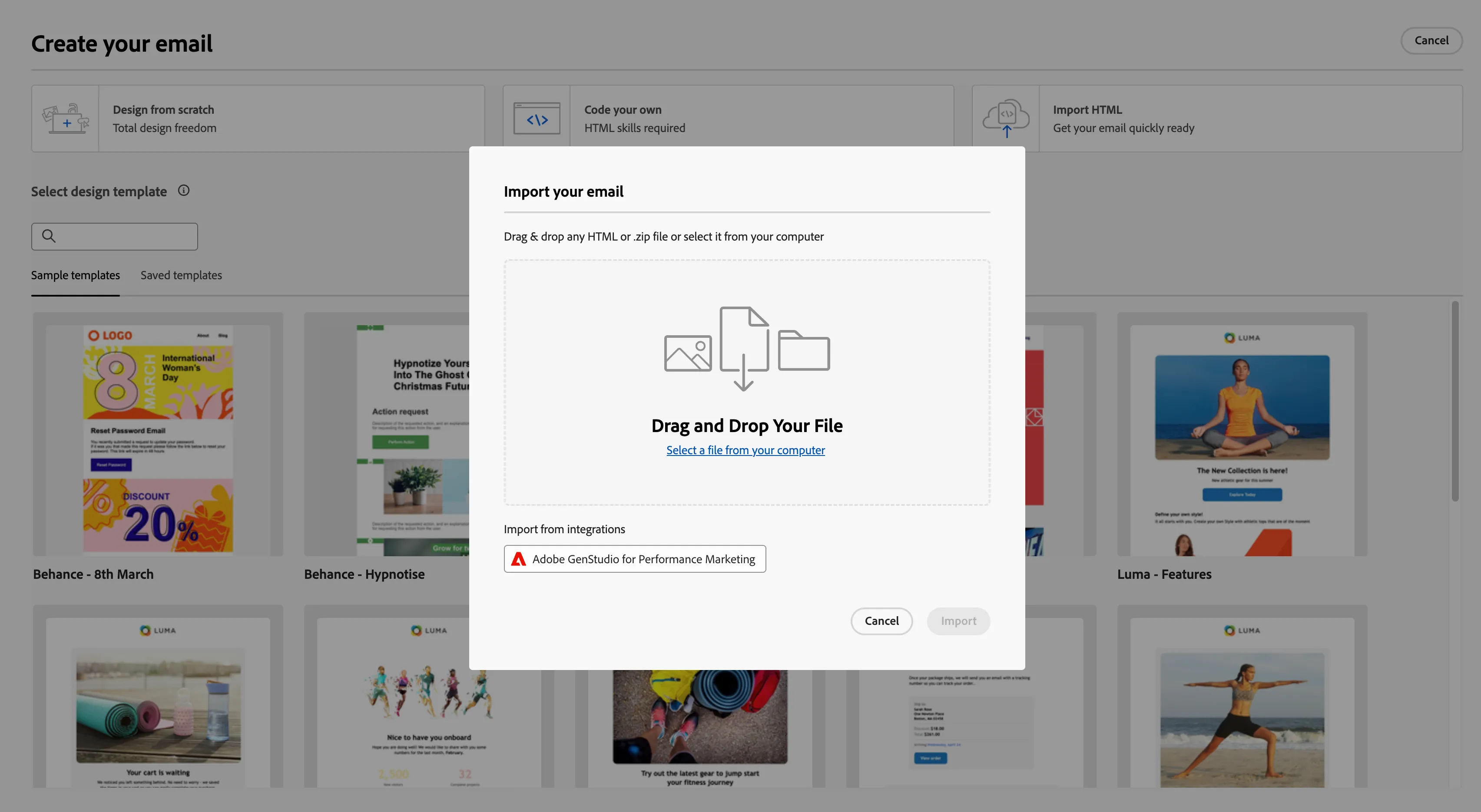
Click on edit content > The first step is to select a template. Since we already built and approved our email in GenStudio, we’ll choose Import HTML, and then select Import from GenStudio.
Click on Adobe GenStudio dropdown and select the email template that you created in GenStudio by adhering to Brand, Product and Persona guidelines.
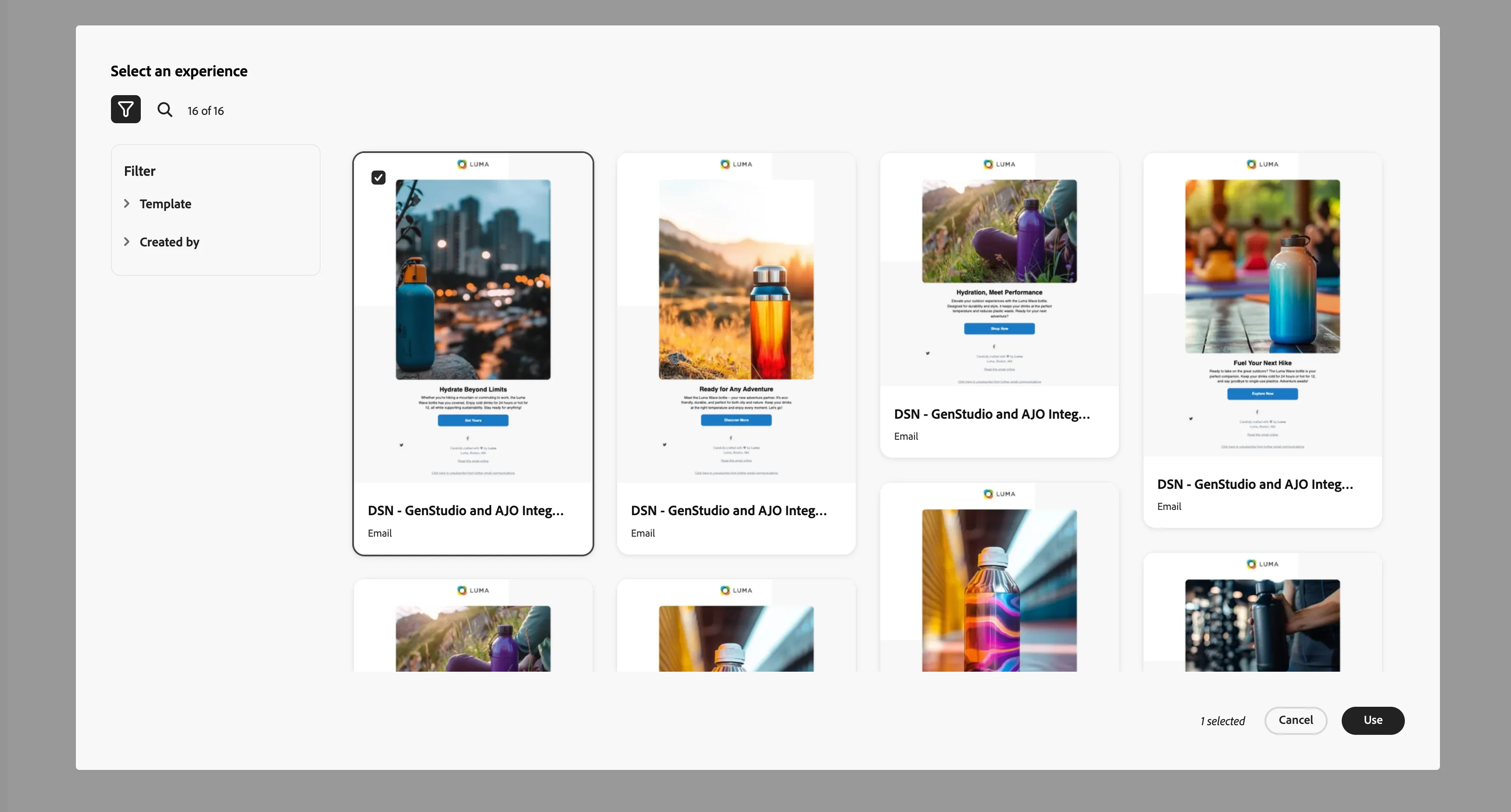
Then you need to import HTML inside your ADSS AEM GenStudio Asset Repo.
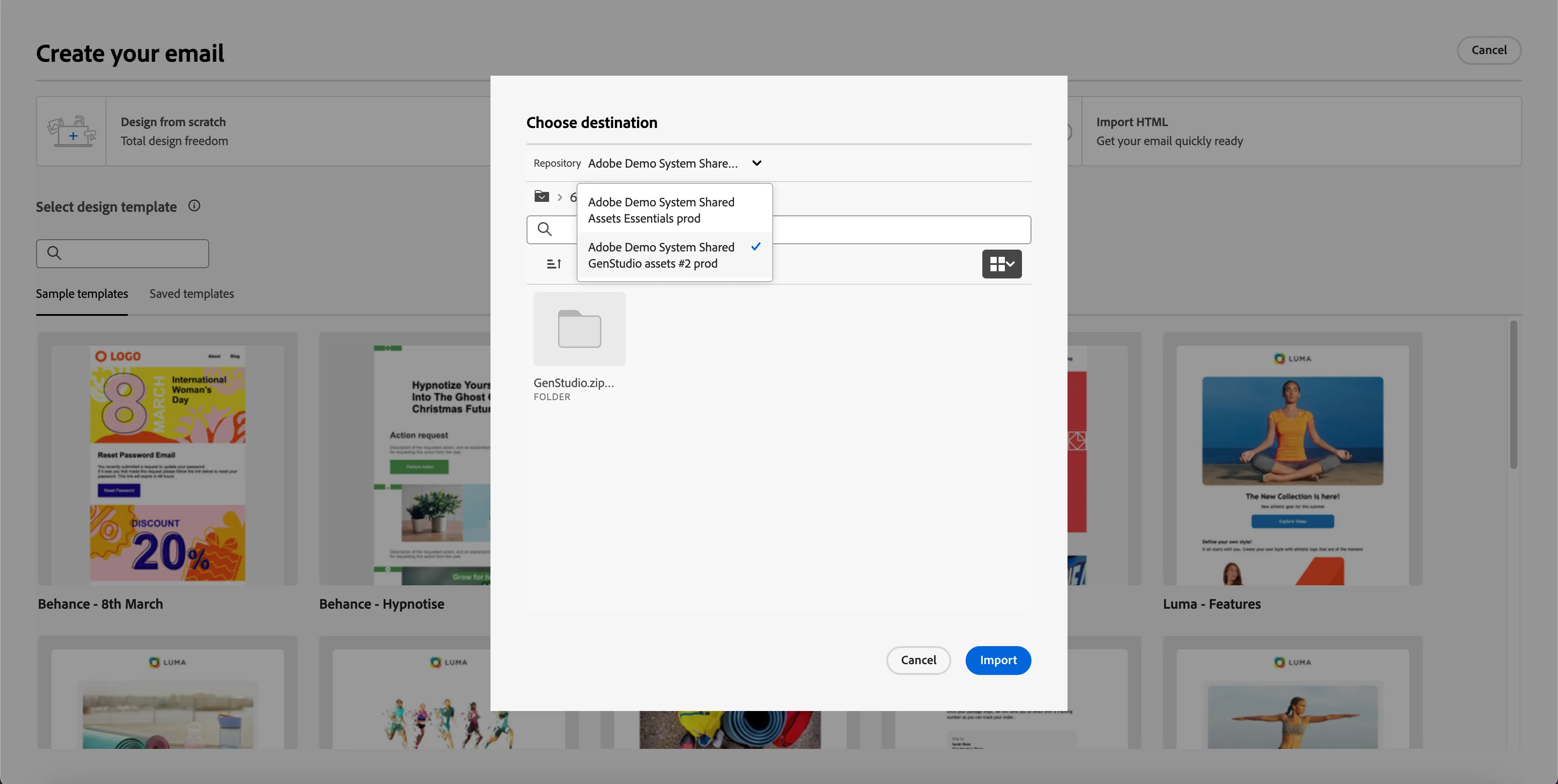
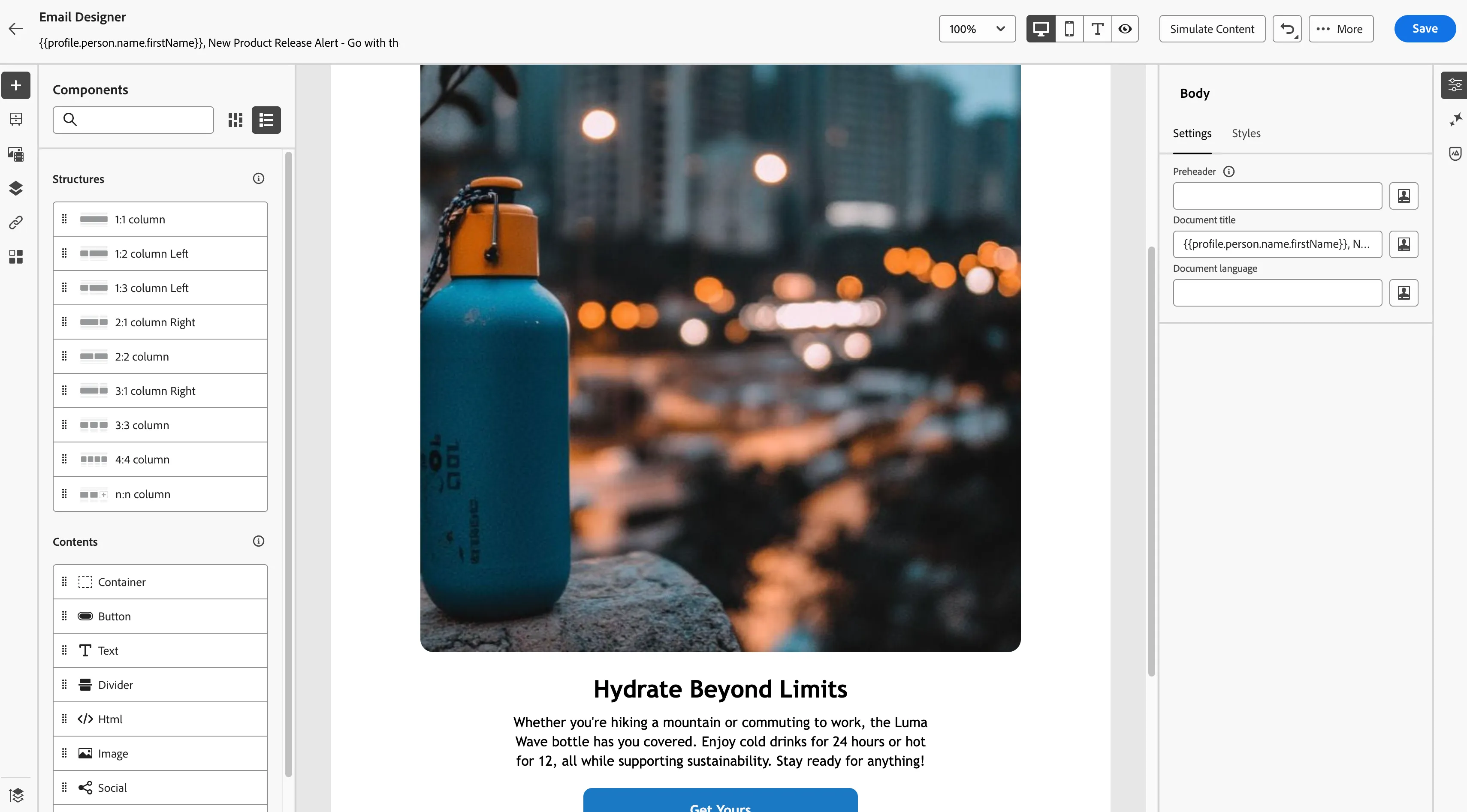
After the above step, you will see the email template in the email designer. We have the opportunity to further personalize in Journey Optimizer, before going through one final round of approvals before activation.