How to prepare an advanced mobile screen experience
3 min
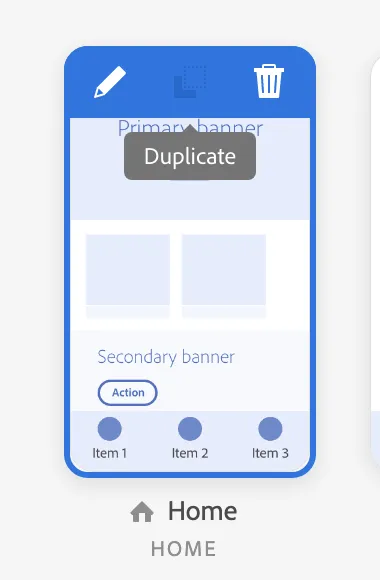
- Duplicate the screen you want to do targeting or create a new one by adding a new screen
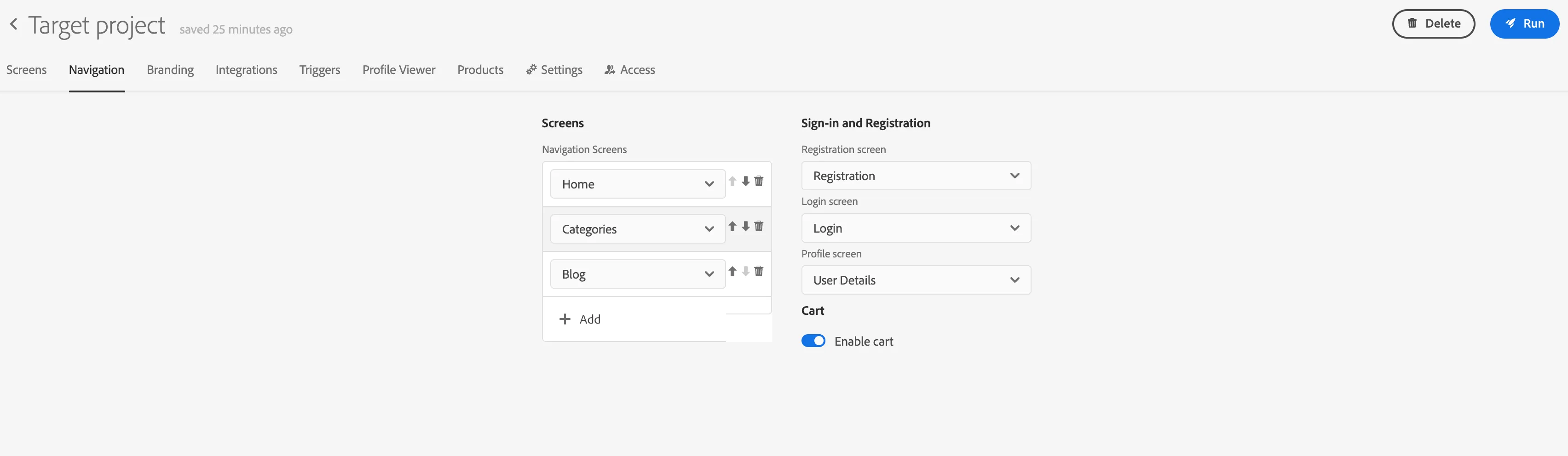
3. Make sure the new screen will be included in navigation - so you can test the preview of this screen. Go to the navigation tab and add the screen there.
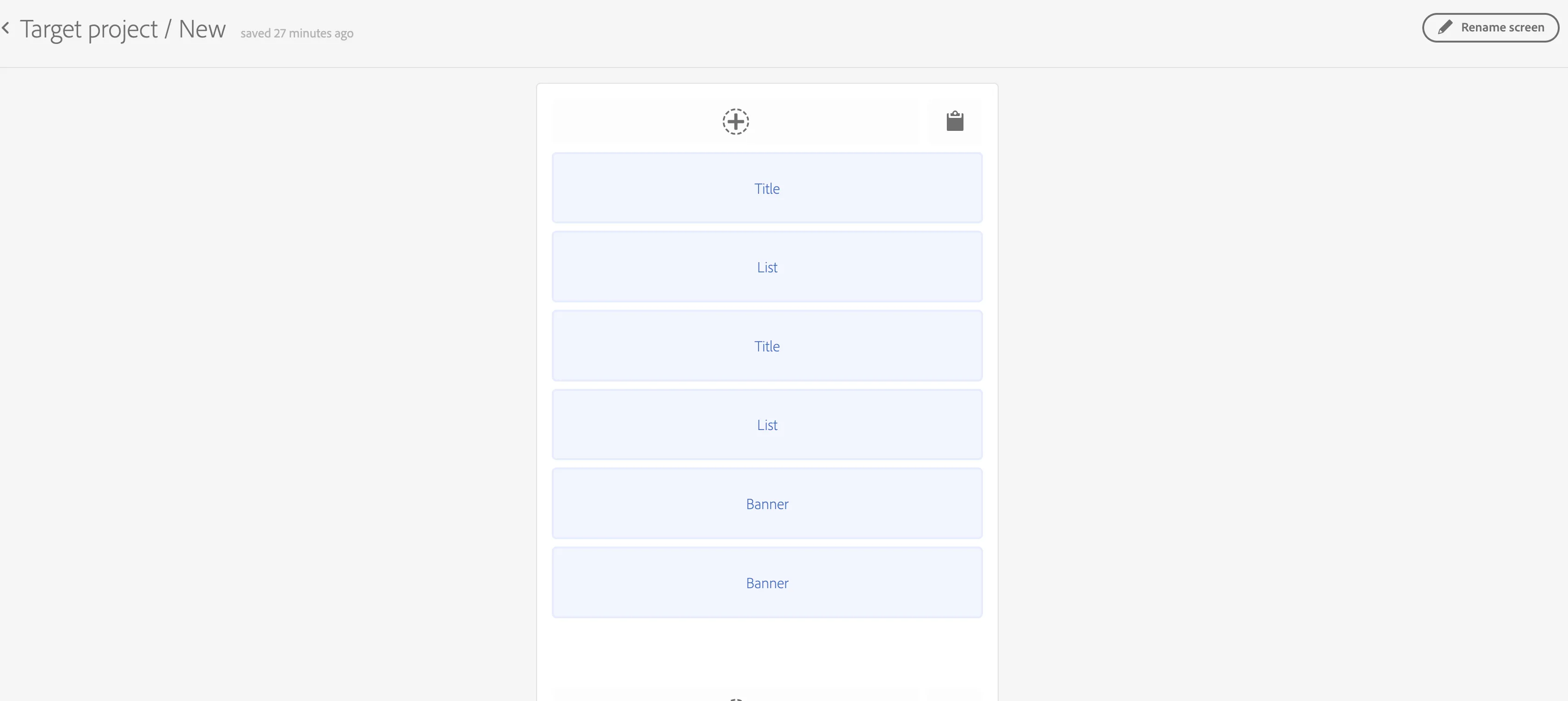
4. Go back to the screen. Modify the content to match your needs in the visual editor.
5. You can test your changes in the app by loading the project and navigating to the desired screen
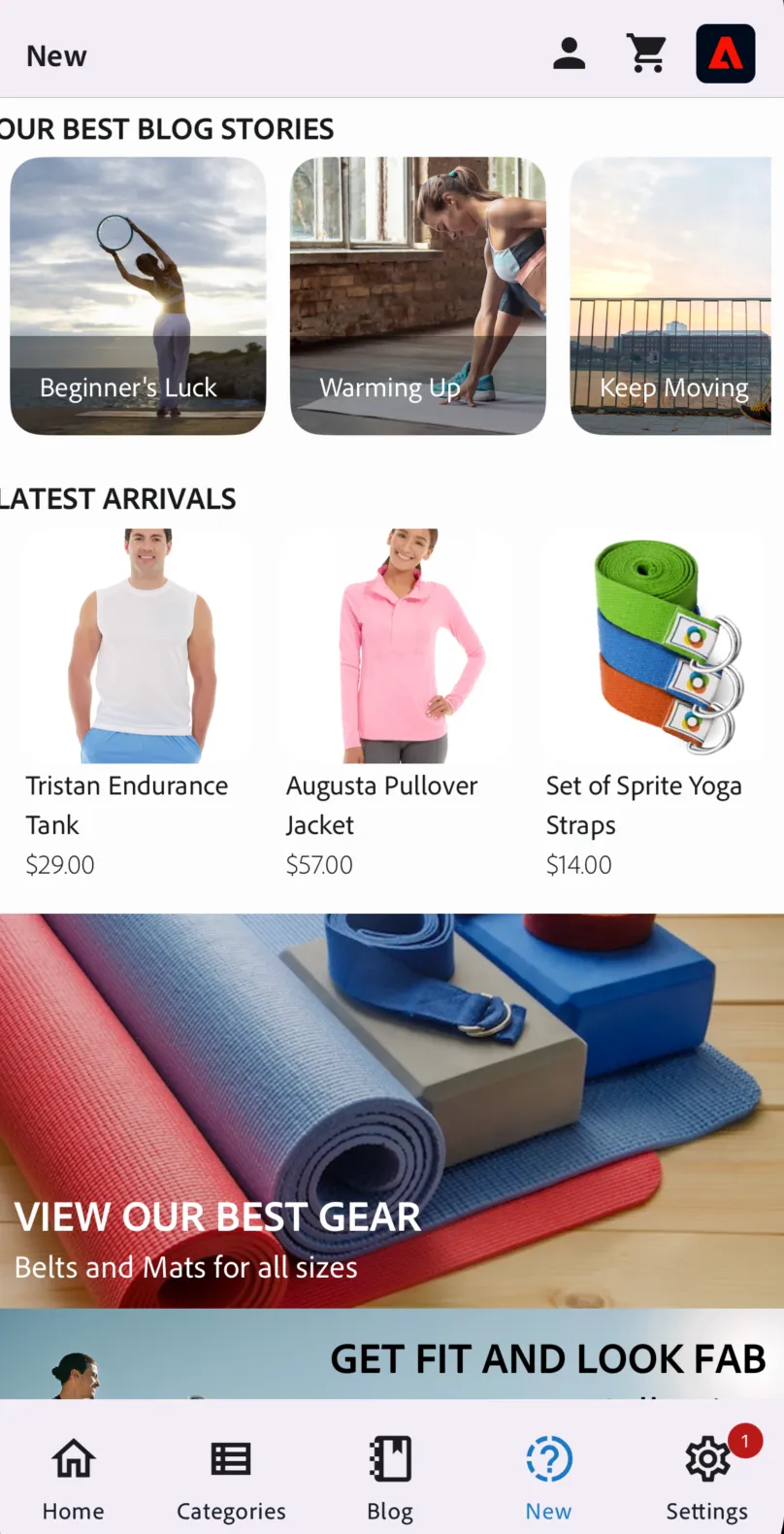
6. Go back to your project and click on the prepared screen (in this example New),
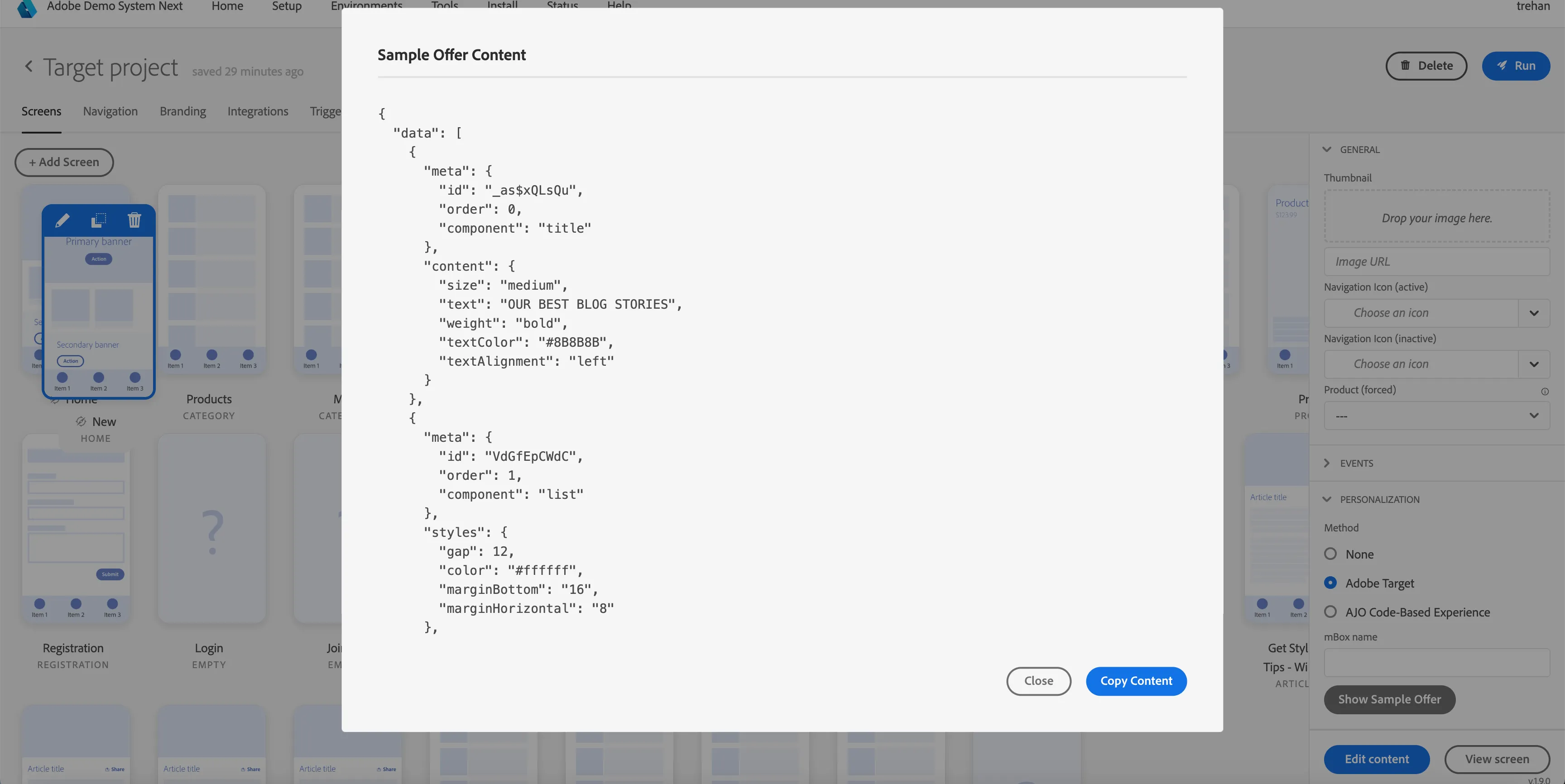
7. Expand the Targeting section in the navigator and click "Show Sample Offer."
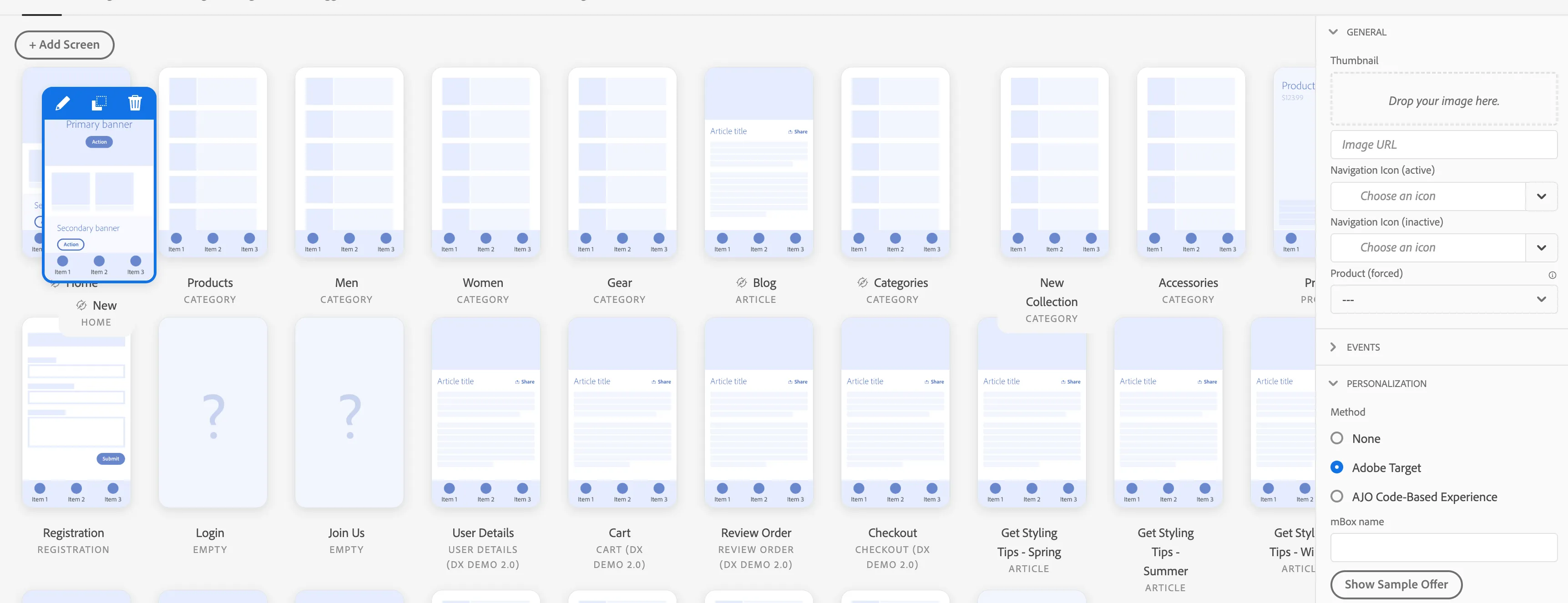
The offer content can be used as the offer content for your screen in Target Activity