Increase MyBarista Subscription
Business Objectives
It is a high priority for Frescopa to provide a great customer experience. An important role in their strategy is played by advisors, who help customers with some tasks, e.g., with the subscription process, and take care of after-sales support.
The Fréscopa marketing team plans to:
1) Create a campaign for the MyBarista personalized coffee subscription service.
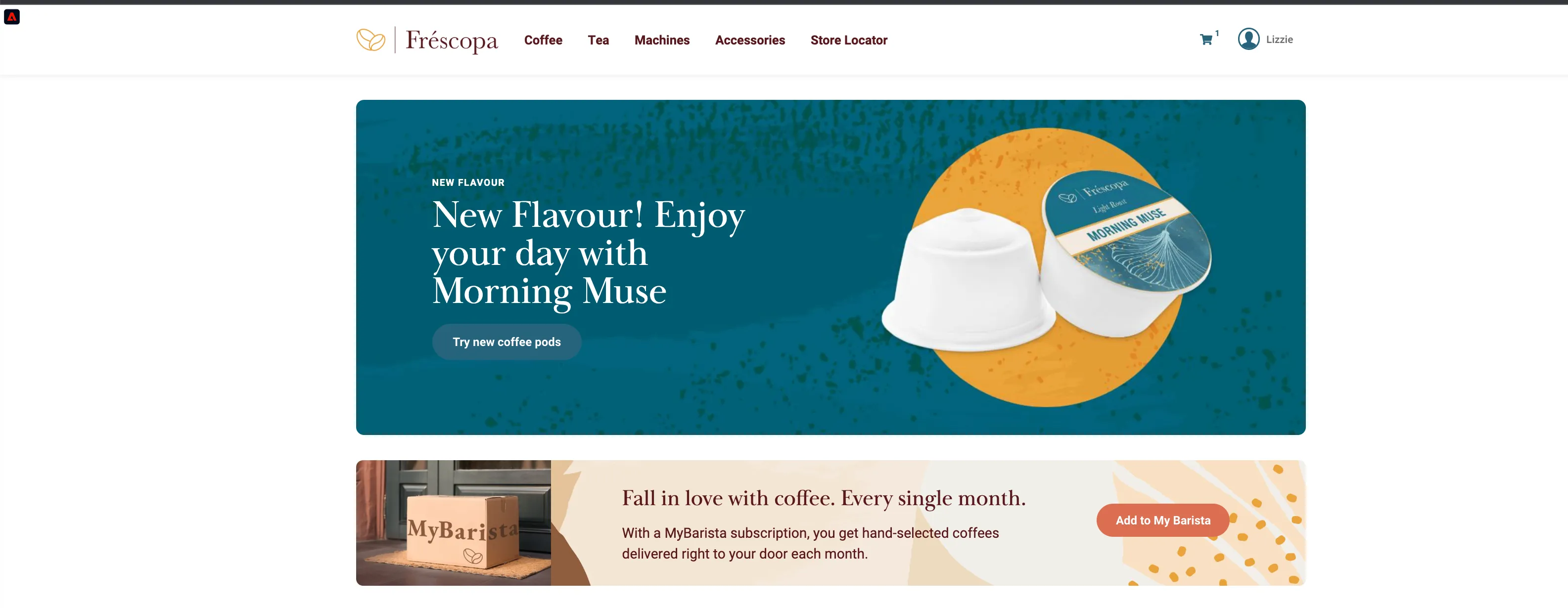
2) Launch a new product - Morning Muse.
3) And create a quiz that will help customers identify their coffee profiles, providing a value exchange for 1st party data that will drive leads towards the subscription service.
Persona Intro
Lizzie Torres is 22 years old single woman living in New York. She is a new Fréscopa customer; she has just bought an automatic espresso machine for her home. As part of the machine’s setup, she downloads the Fréscopa mobile app, logs in, and pairs her phone to her new smart coffee machine. Lizzie falls into an audience that Fréscopa wants to target: Smart Machine users who haven’t yet subscribed to Fréscopa’s MyBarista service.
Prerequisites
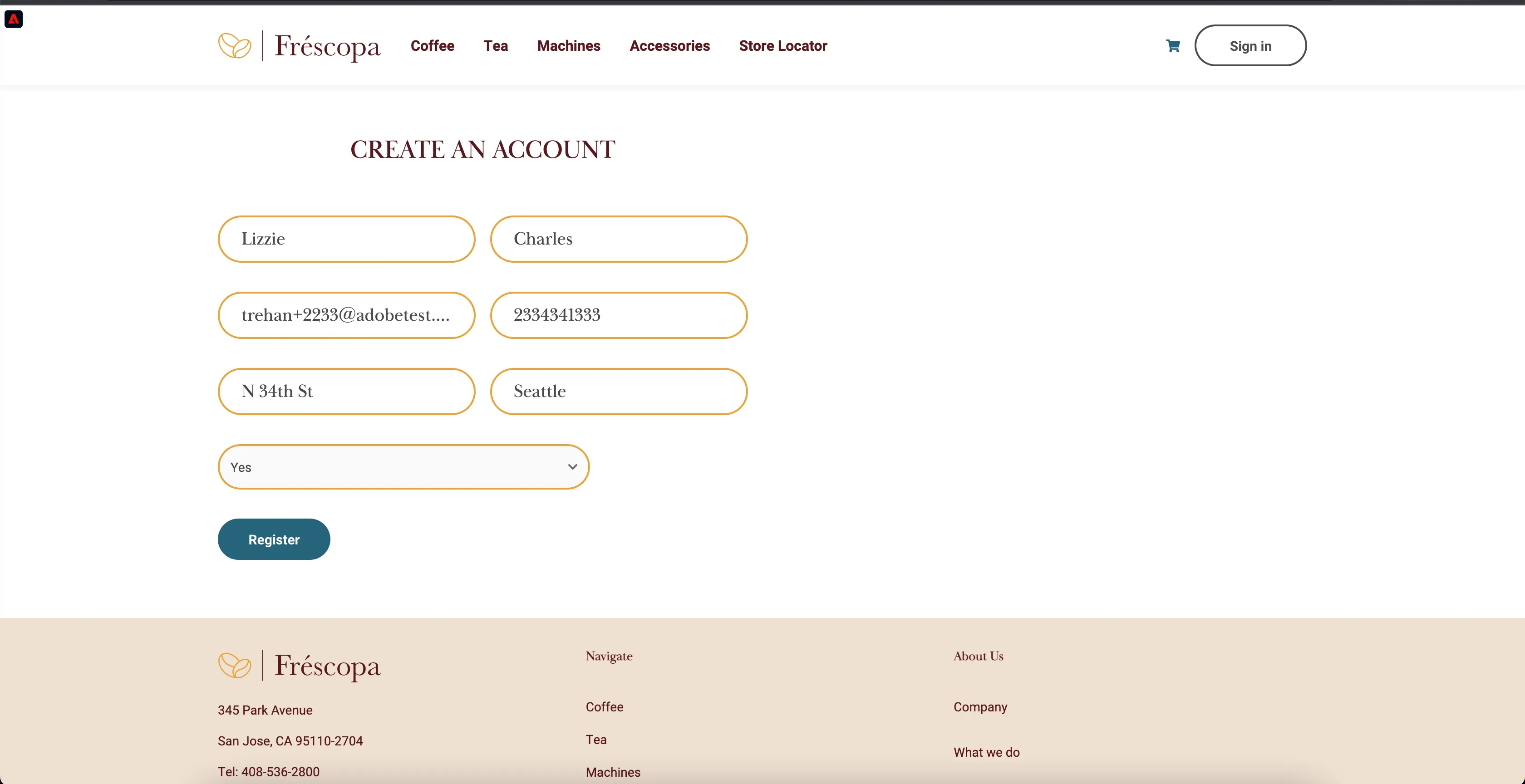
- Create a new demo profile (Lizzie Torres) by registering on the web page
- Go to https://dsn.adobe.com/web/frescopa/register and create a new profile. Make sure the answer to: Do you already have a Frescopa Smart Machine is yes. After registration, clean your cookies or start a new incognito session.
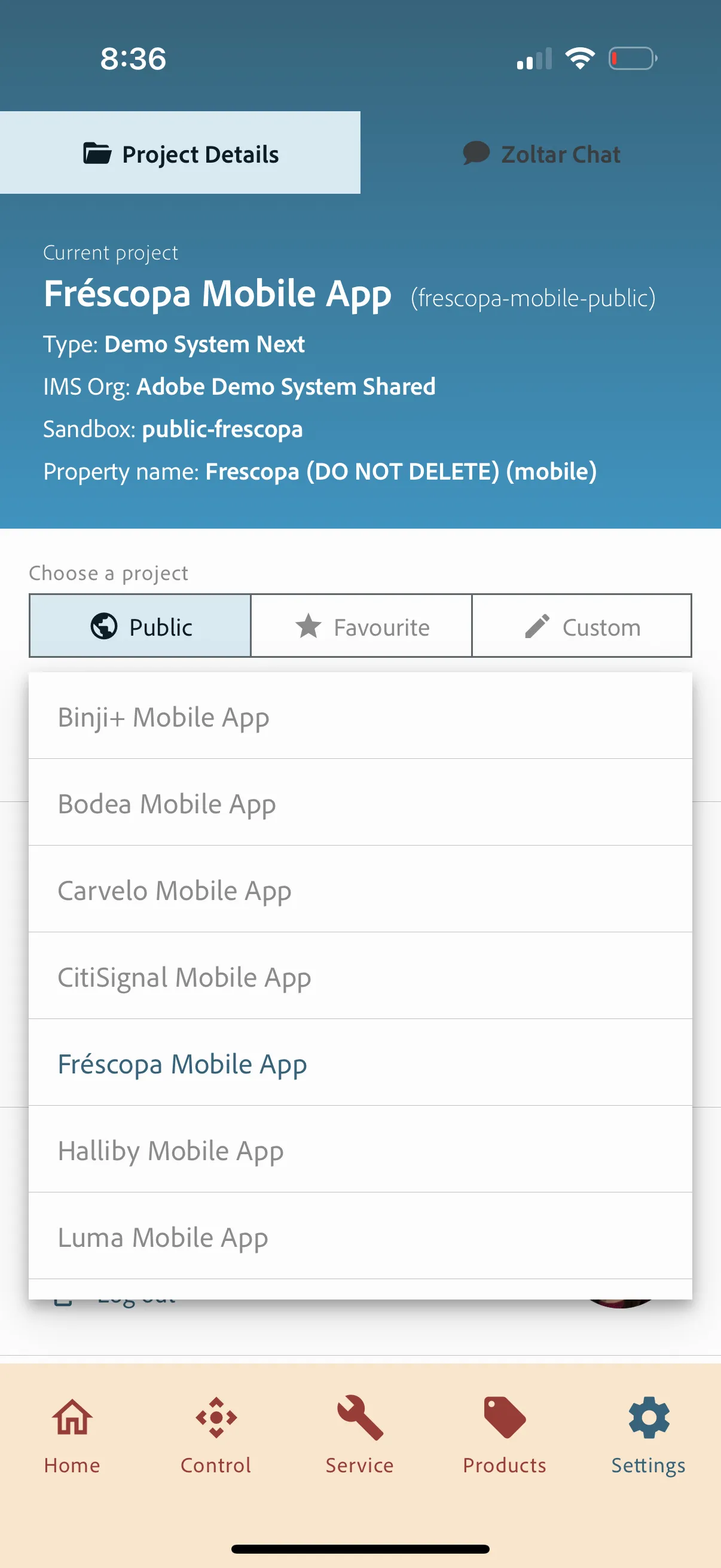
- Connect to the Frescopa project in the mobile app and log in with Lizzie's profile
- Open the https://dsn.adobe.com/install and switch to the Frescopa public project from the settings screen
-
-
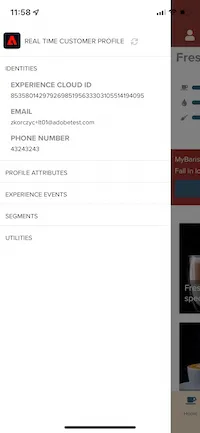
- Sign in with the demo persona email address created on the web page. Password doesn't matter. Make sure the profile is correctly loaded and merged in the profile viewer (swipe from left to right)
Scenario
Starting point
Instructions
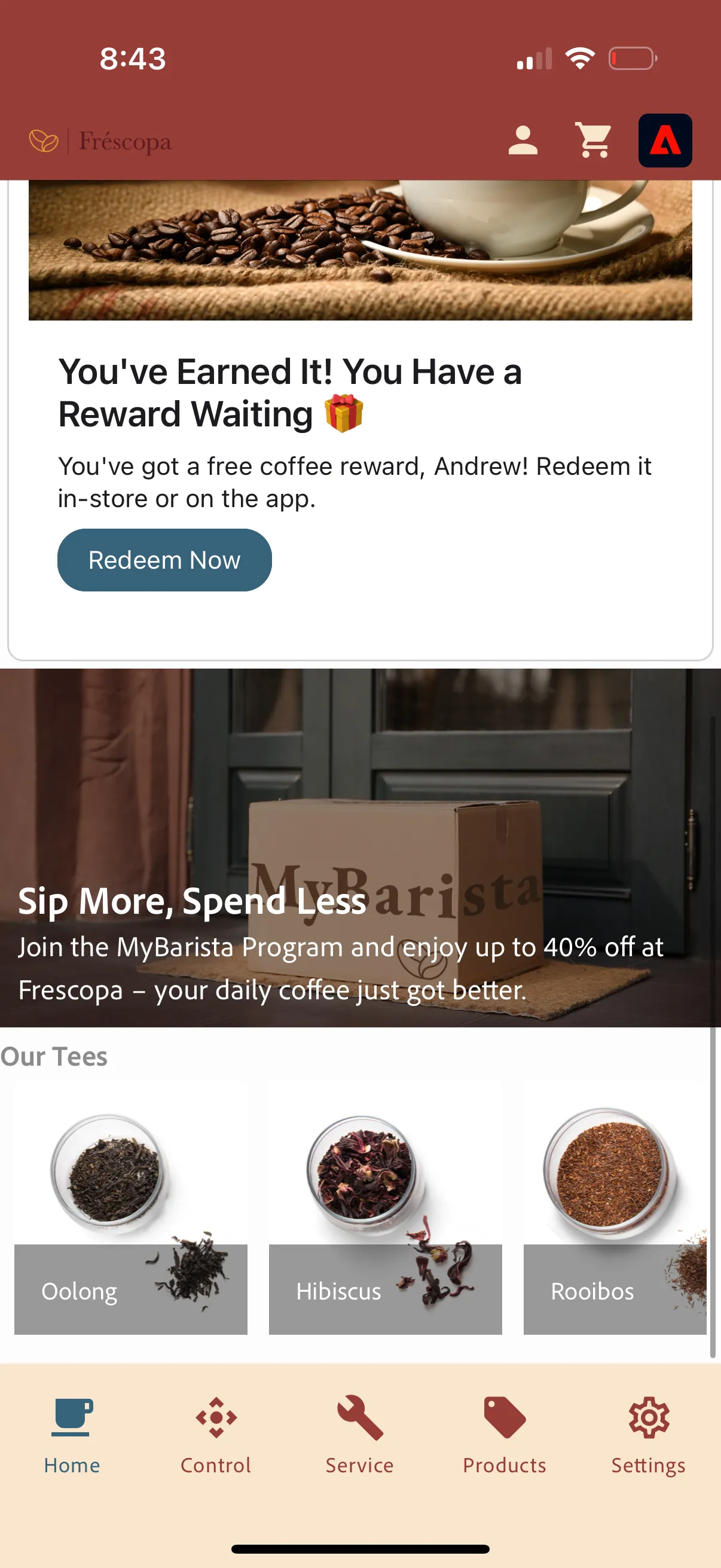
1) Lizzie uses her mobile app every day and sees information about the MyBarista subscription and Coffee Quiz. She ignores the messages for now.
Open the mobile app, and make sure you are logged in. Show the offers from Experience Decisioning proposed to her based on Lizzie's profile.
(All instructions in green are actions for the demonstrator to perform)
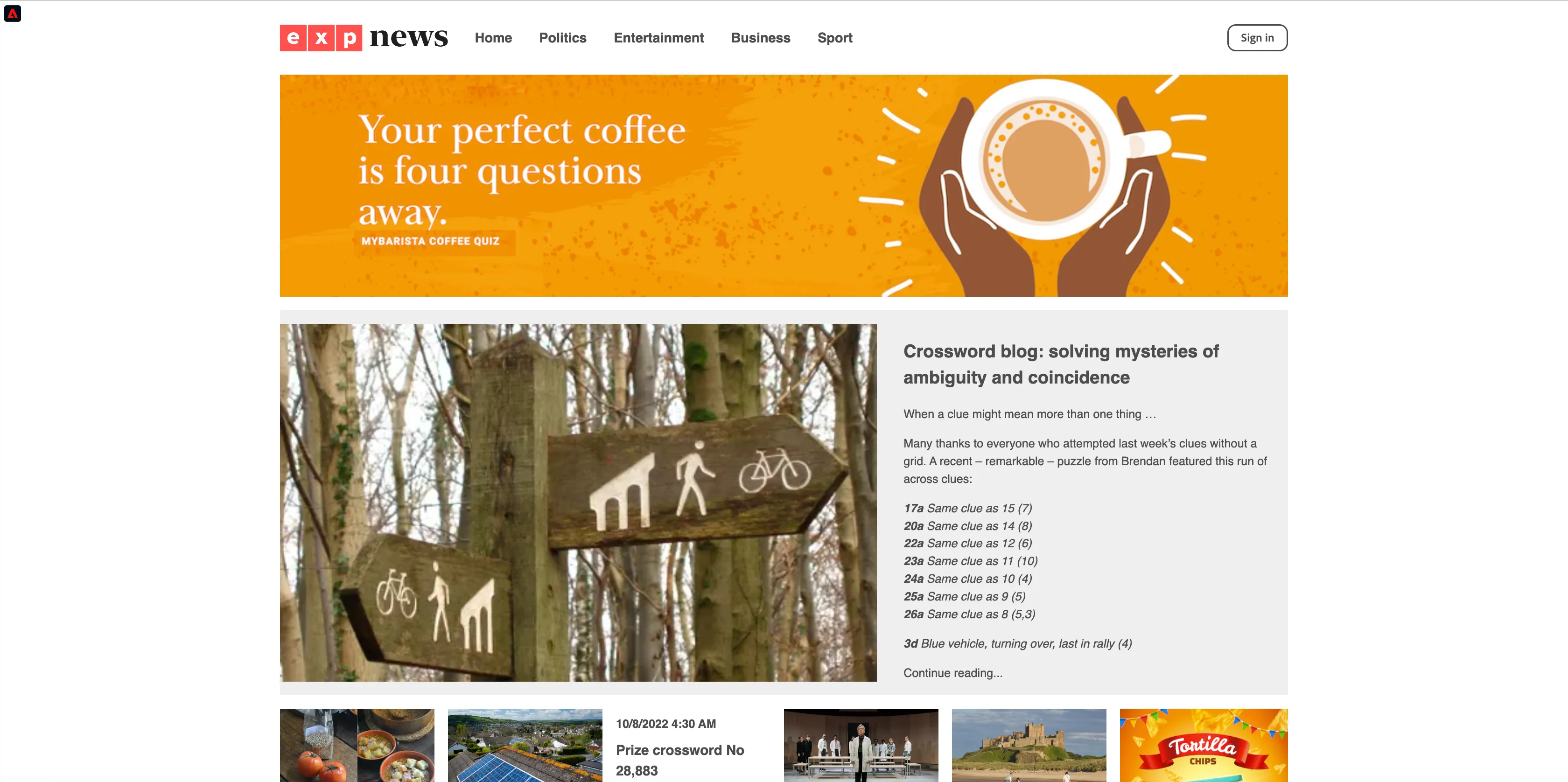
2) A few days later, Lizzie is browsing her favourite news site, EXP News, and sees a Fréscopa Coffee Quiz ad. Visit the page: https://dsn.adobe.com/web/exp-news/entertainment
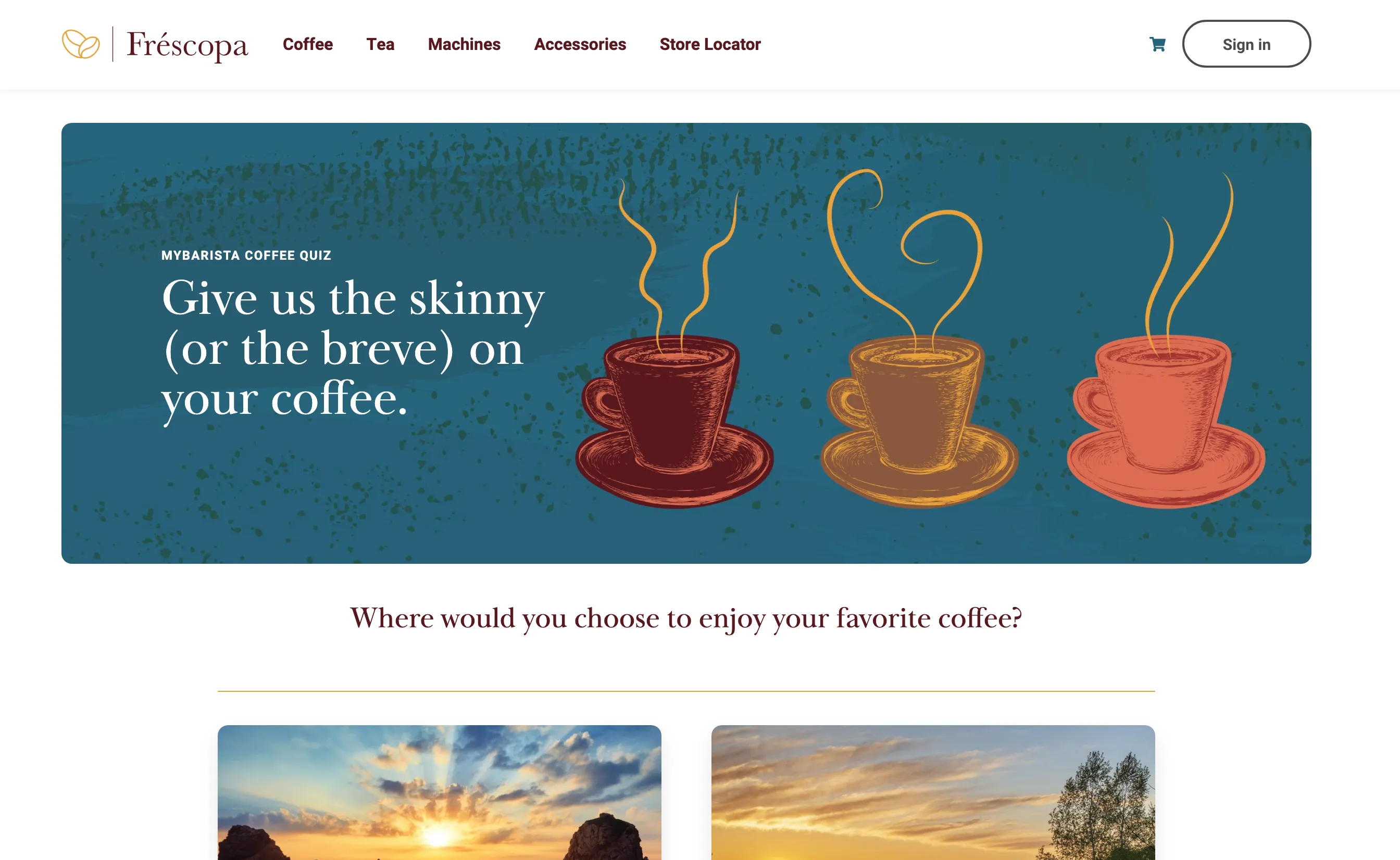
She clicks on the ad and lands on Fréscopa's homepage. She is an unknown user on this device.
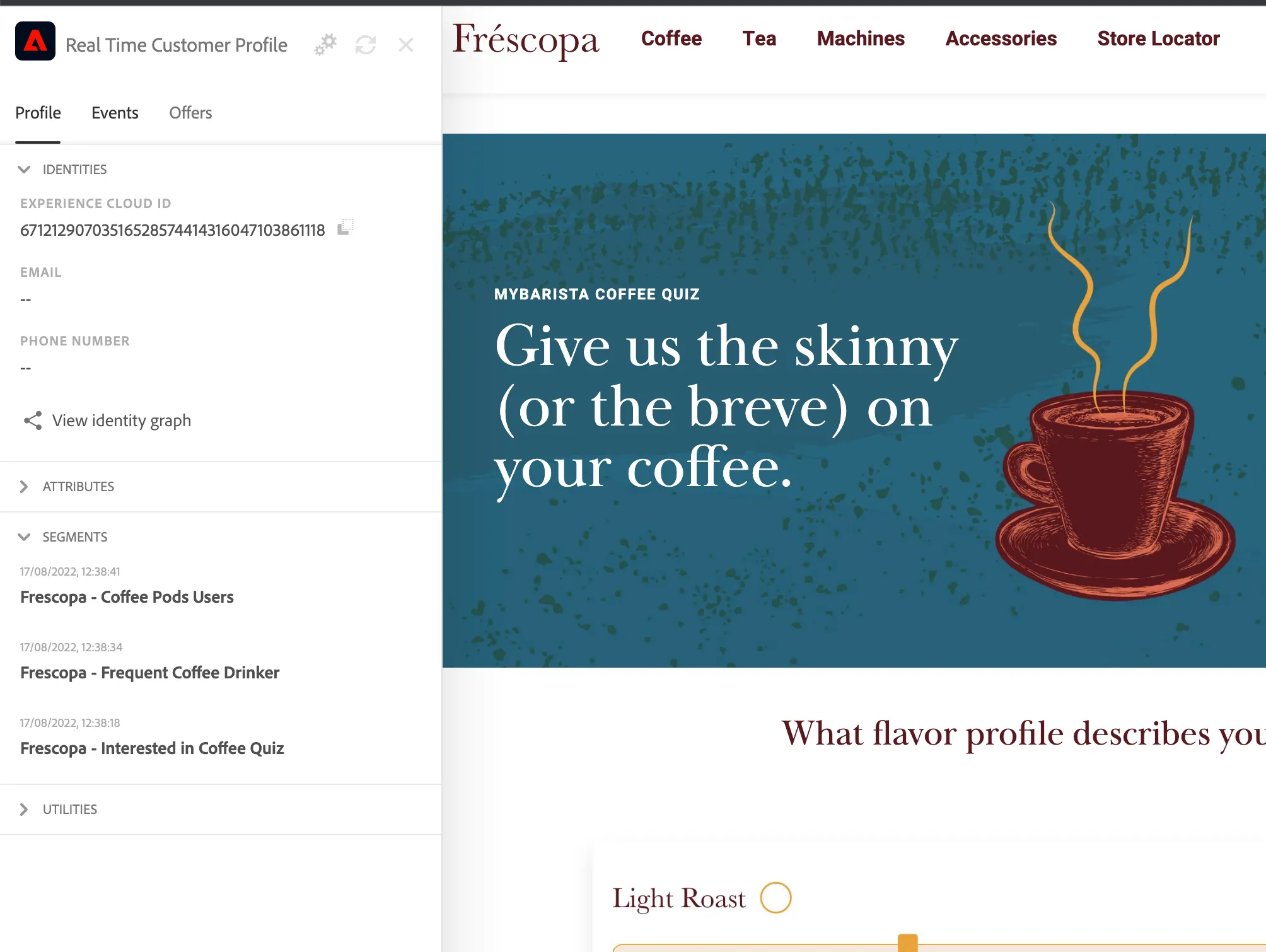
Click on the ad. It will transfer you to a dedicated page. Right now, Lizzie has been assigned to a segment, "Interested in Coffee Quiz."
Lizzie takes the quiz. She is a frequent coffee drinker as she drinks 3-4 cups of coffee per day. She also selects Coffee Pods as her favourite way of making coffee.
Based on her choices, she is assigned to a few segments:
Frescopa - Frequent Coffee Drinker and Frescopa - Coffee Pods Users. You can open the profile viewer or Lizzie's profile in AEP to show the segments.
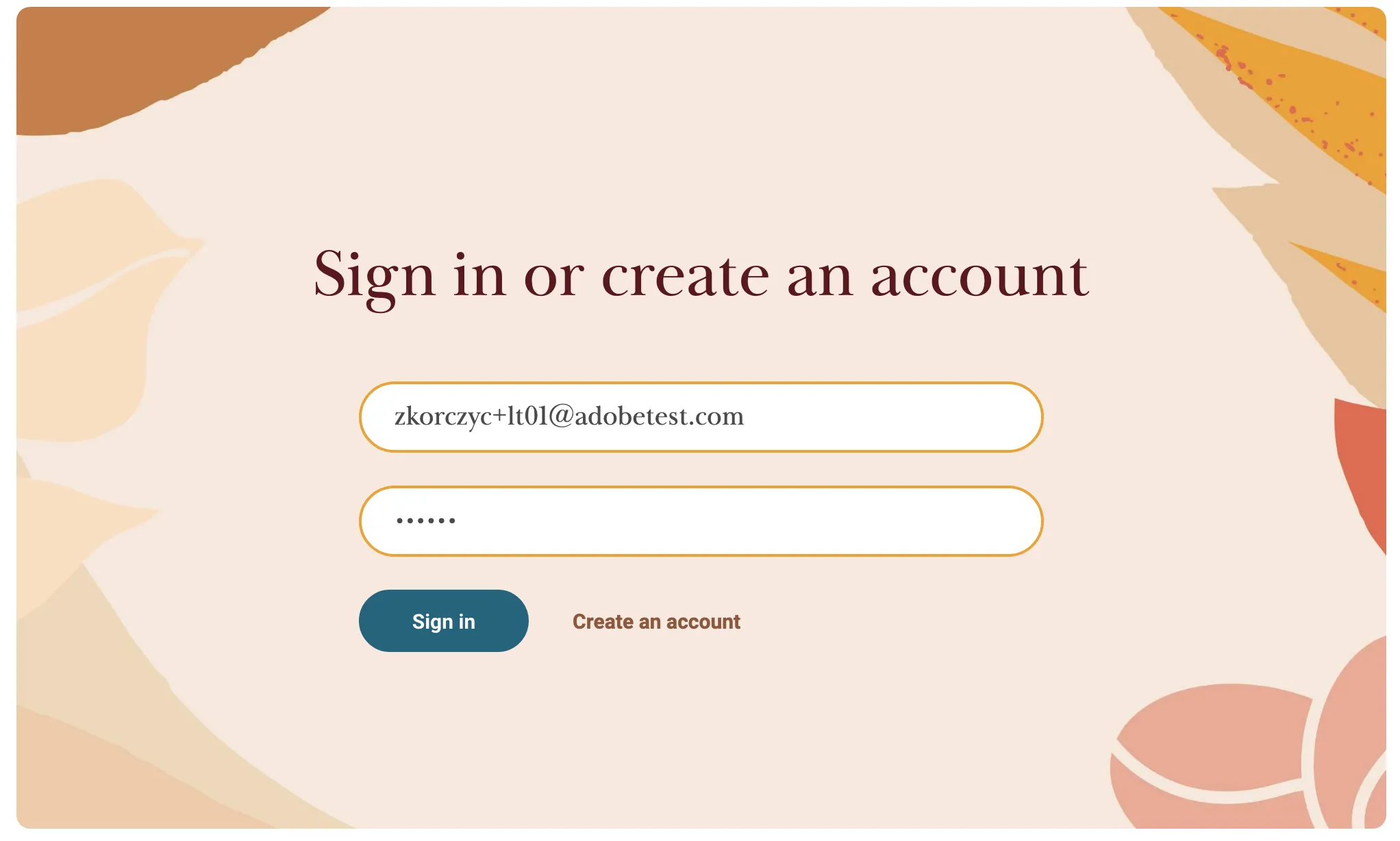
At the end of the quiz, Lizzie is asked to register to see the quiz results. She already has an account with Frescopa, so she signs in to the web page.
Sign in to the website with the account created in the Prerequisites.
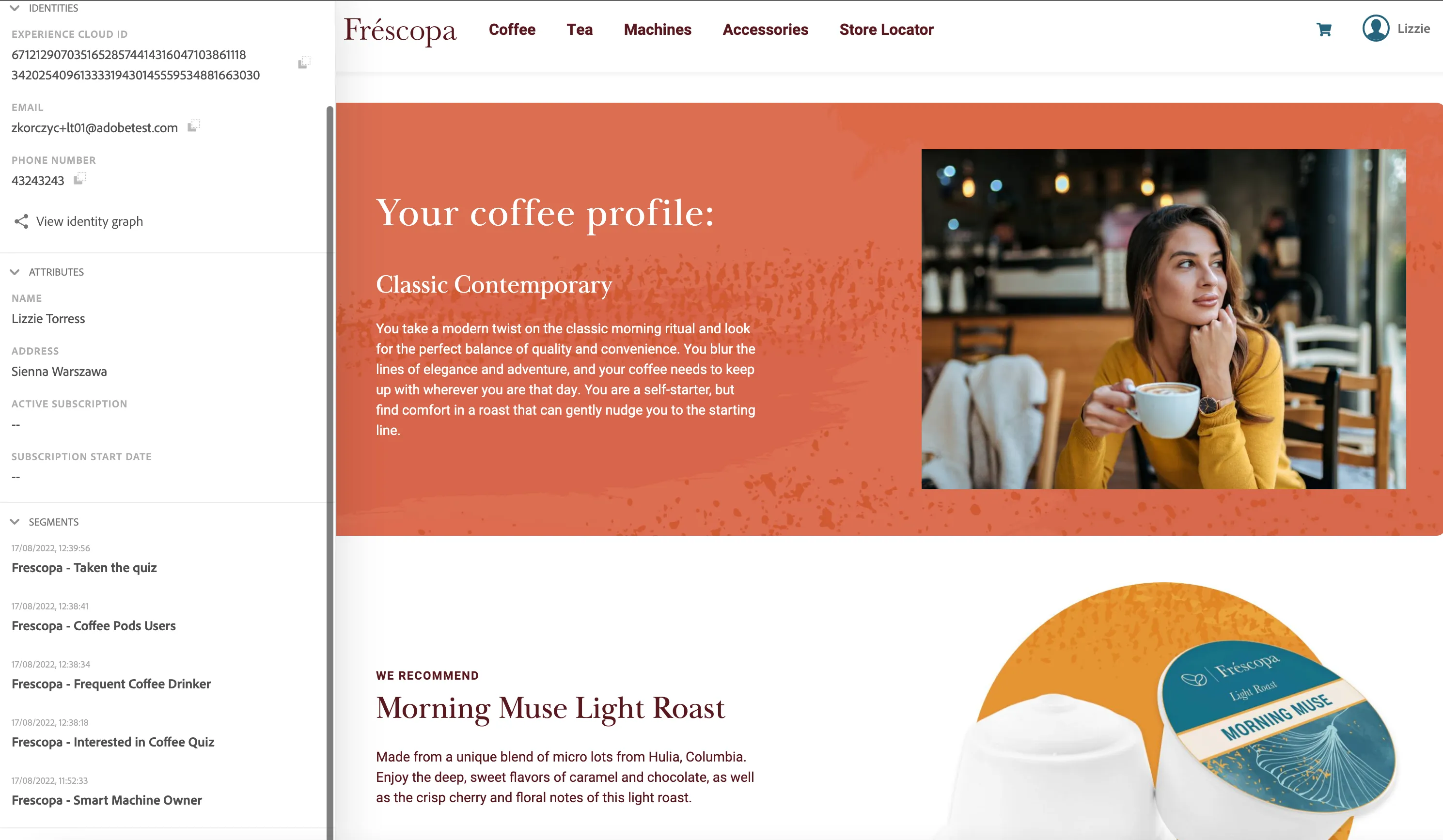
Lizzie can now get familiar with the quiz results and learn about perfect coffee for her: "Morning Muse".
Open the profile viewer and show how the anonymous profile was merged with all we know already about Lizzie, that she is also a Smart Machine Owner. You can also go to the AEP Profile and show all of Lizzie's interactions there.
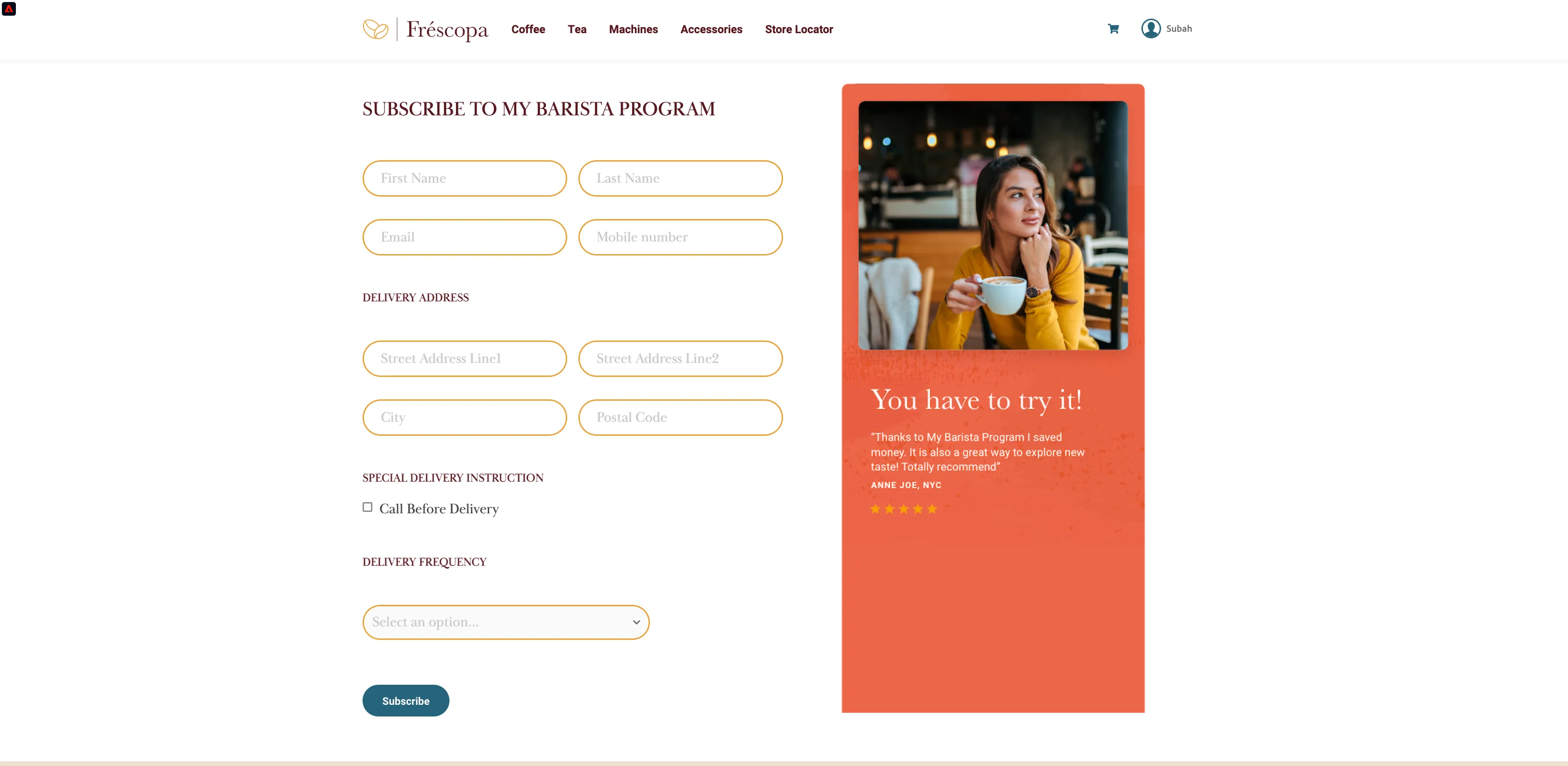
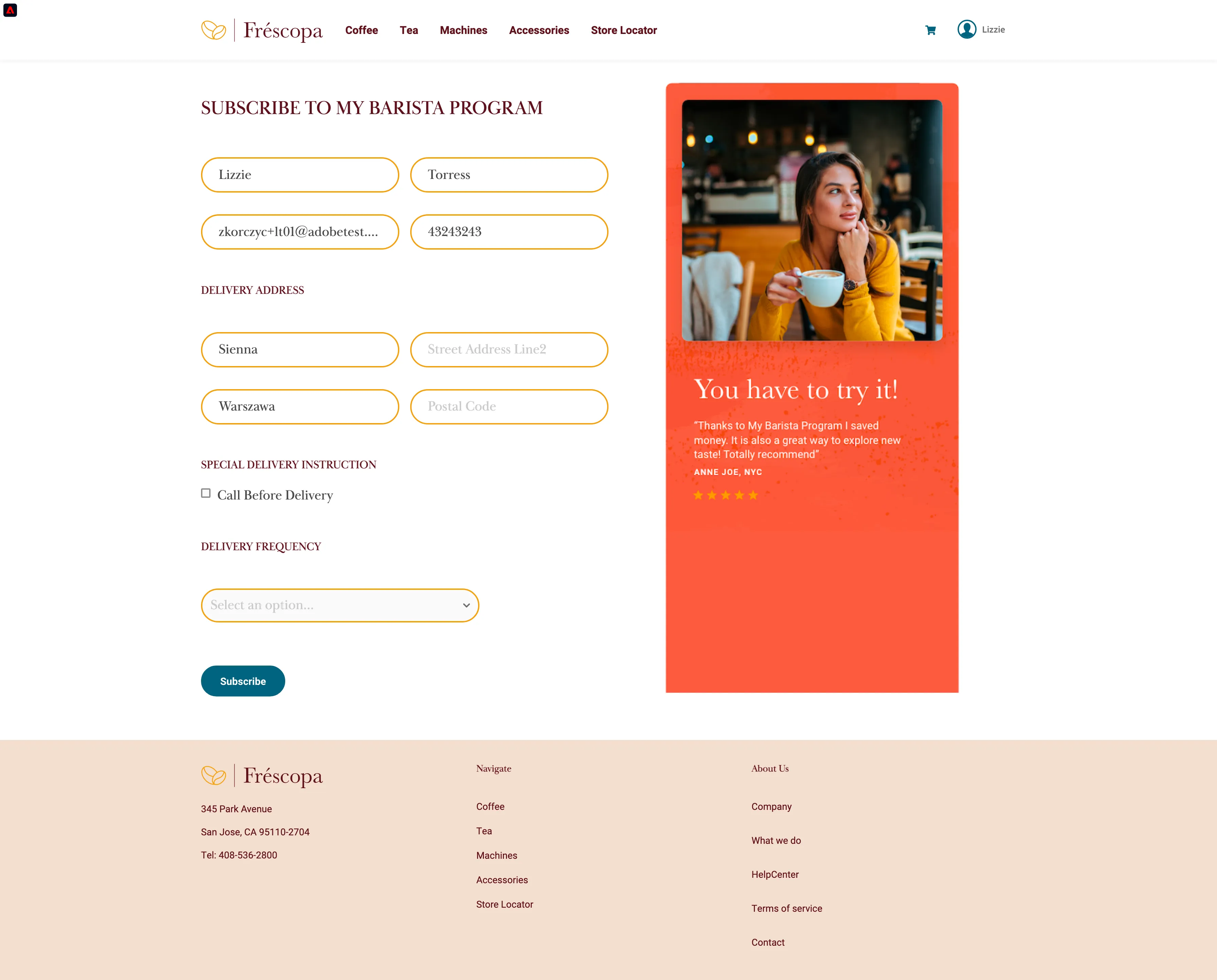
She is interested in the new kind of coffee and clicks on the "Add to MyBarista" button and sees the form, all the fields are pre-filled with her details. Lizzie is distracted and doesn't have time to learn more about it, and she abandons the form for now.
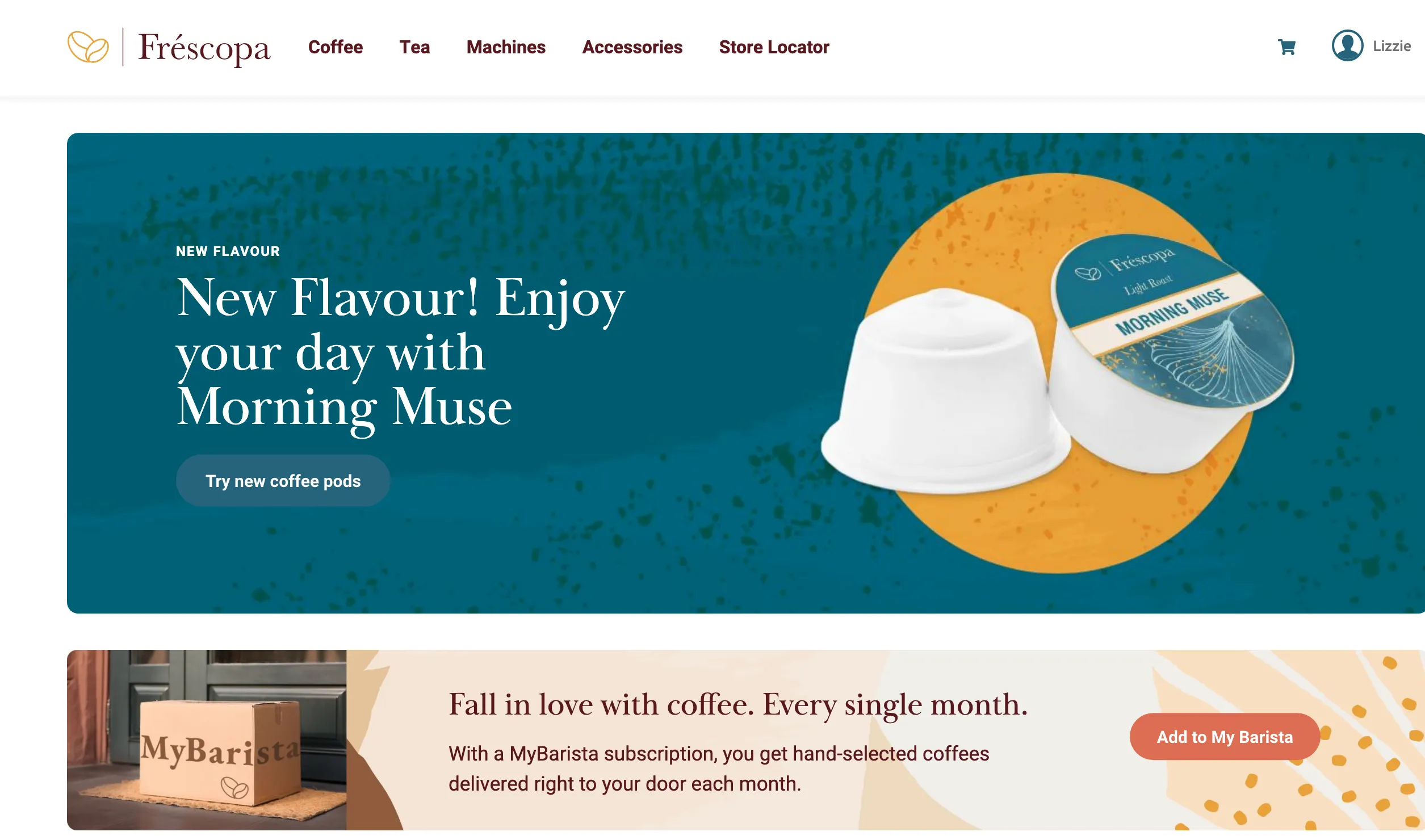
[Optional] Lizzie goes back to the Frescopa home page and she noticed that the main banner now displays information about the new coffee: Morning Muse instead of the Coffee Quiz.
Behind the scenes Target is displaying right banner for Lizzie based on her segments.
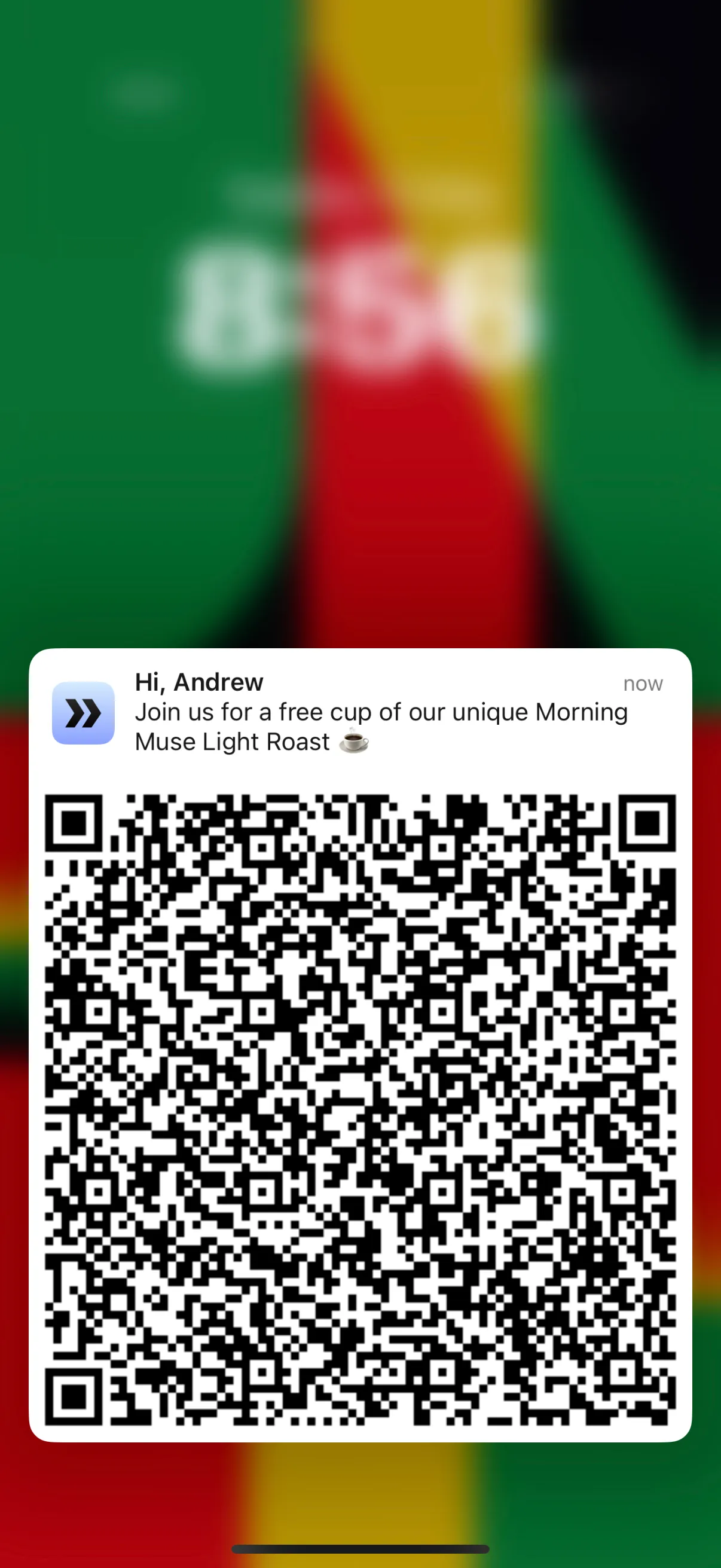
A few days later, Lizzie is walking next to the Fréscopa boutique and receives a notification on her mobile app, inviting her to the boutique nearby for a free cup of coffee - the Morning Muse Light Roast.
To simulate the store proximity use the Journey Trigger project. Open following link:https://dsn.adobe.com/cx/frescopa-jtSearch for the Lizzie's profile by email (use your demo persona email). Click the "Trigger Journey" button next to "Frescopa Boutique New York". You should get a notification on your phone. Make a screenshot of it as you will need it in the next steps.
Lizzie walks into Frescopa boutique and uses her free coffee offer to get one cup of Morning Muse.
To show this experience Open the Fréscopa Customer Experience App project: https://dsn.adobe.com/cx2/frescopa-cx-app-v2Select QR code option in the dropdown at the top. A new window will show up that will enable your computer camera. Keep the QR code in front of your camera. Click Confirm on the offer. Experience Event will be registered in AEP.
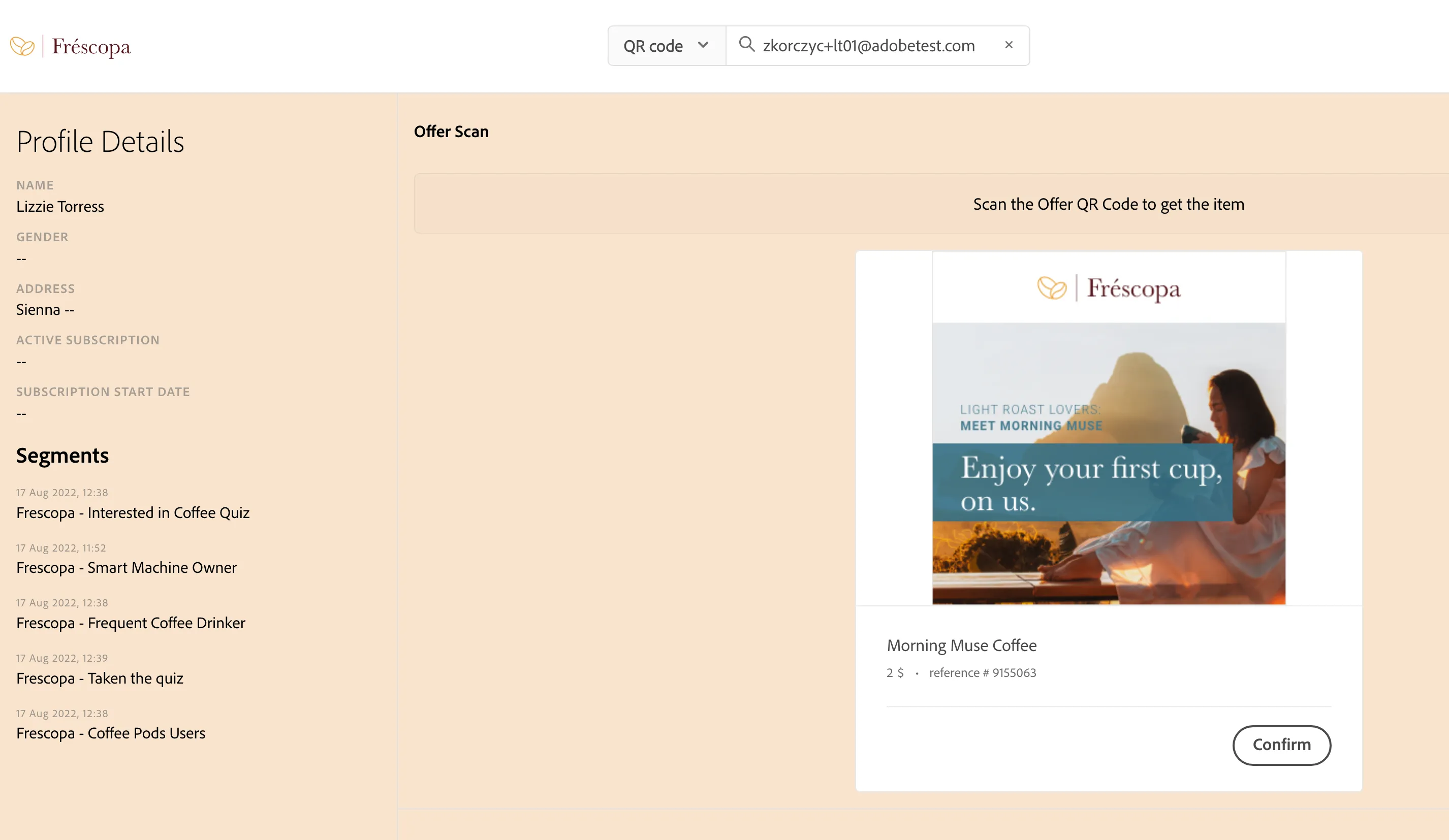
The merchant who was giving Lizzie the free coffee sees her full profile and recent interactions on the screen after she scans the QR Code. He also sees that the next best offer for her is the subscription to the MyBarista program.
Scroll down on the Customer Experience App and present Lizzie's interactions from the merchant perspective. All of Lizzie's purchases should be visible there as well
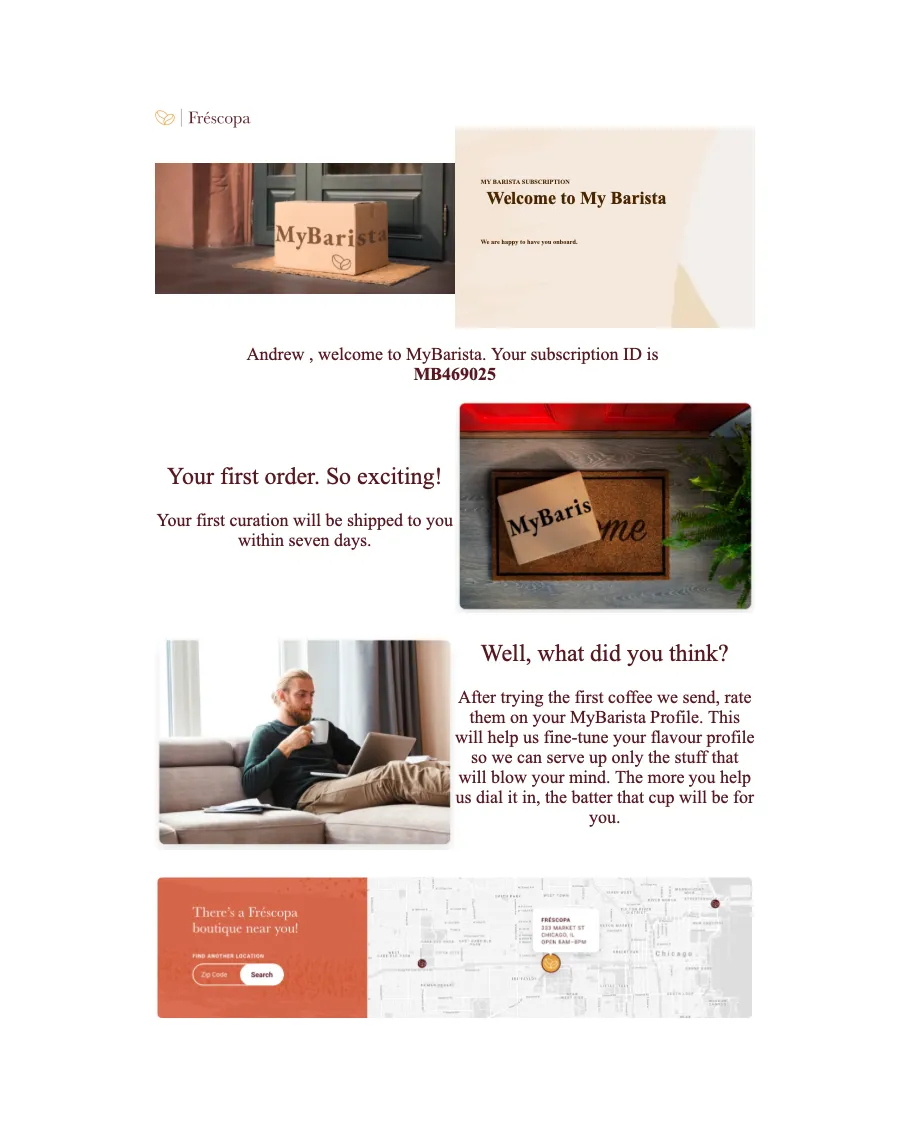
The merchant proposes the MyBarista program again to Lizzie, and this time she says she wants to start the process. The Merchants do that, and immediately, Lizzie receives an email in her inbox. Also, see the new offer.
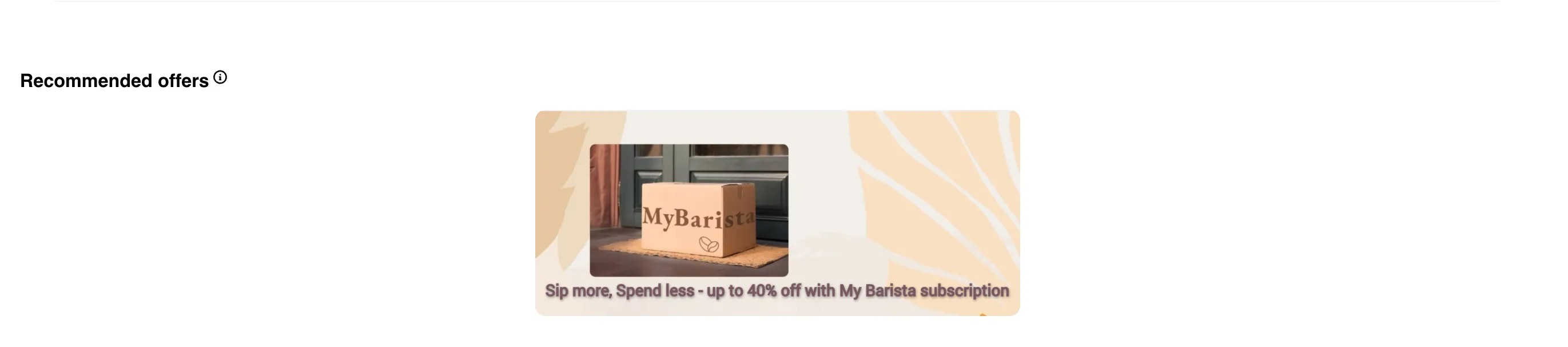
Click "Next". This will trigger a Journey that will send an email to Lizzie. New offer can be seen.
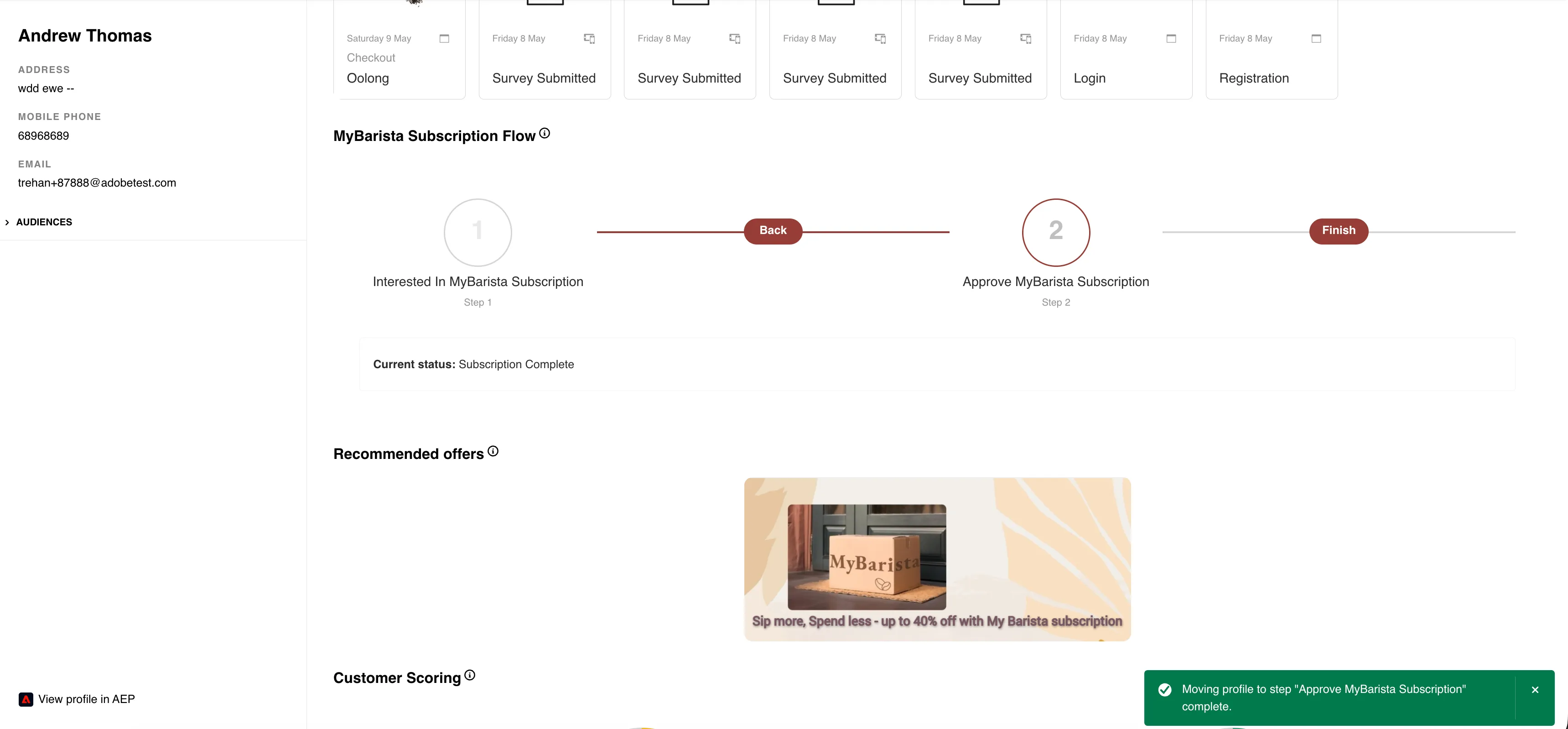

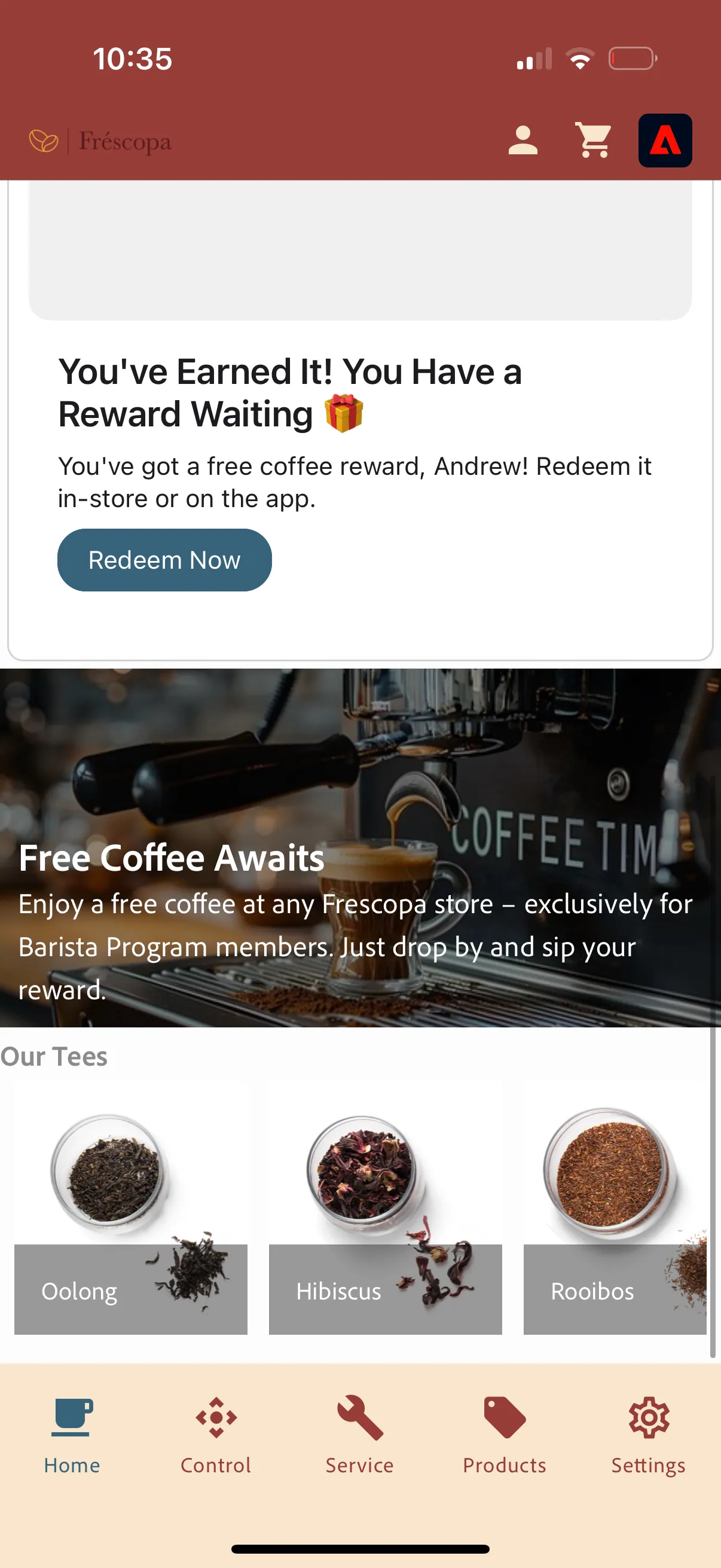
Lizzie's mobile app also is aware of the profile change and is not displaying the MyBarista ad anymore. App shows the updated offer.
In case, Lizzie does not subscribe using CX app and is not interested right away, she can go back to website anytime and can subscribe there by clicking on "Add to My Barista" button