Luma+ Loyalty Membership
Business Objectives
A good customer loyalty program can help companies to improve sales, increase profits and keep users engaged with the brand. A thought-through, well prepared, and adaptive loyalty program can help attract new customers, keep the existing ones, and drive company profits.
Luma has introduced a new Loyalty Program: Luma+.
Persona Intro
Alice is 31 years old, a wife and mother living in Los Angeles. She likes yoga, but doesn't have much time to attend classes so she mostly does trainings at home. She also prefers online shopping as she doesn't have much free time.
Scenario
Directly: https://luma.adobedemosystem.com/en/yoga
The ad leads to a dedicated Luma Landing Page with content about Luma Yoga Classes, sample trainings at home, and a Luma Clothes Collection.
By visiting this page, Alice becomes a member of the "Luma - Interested in Yoga" segment
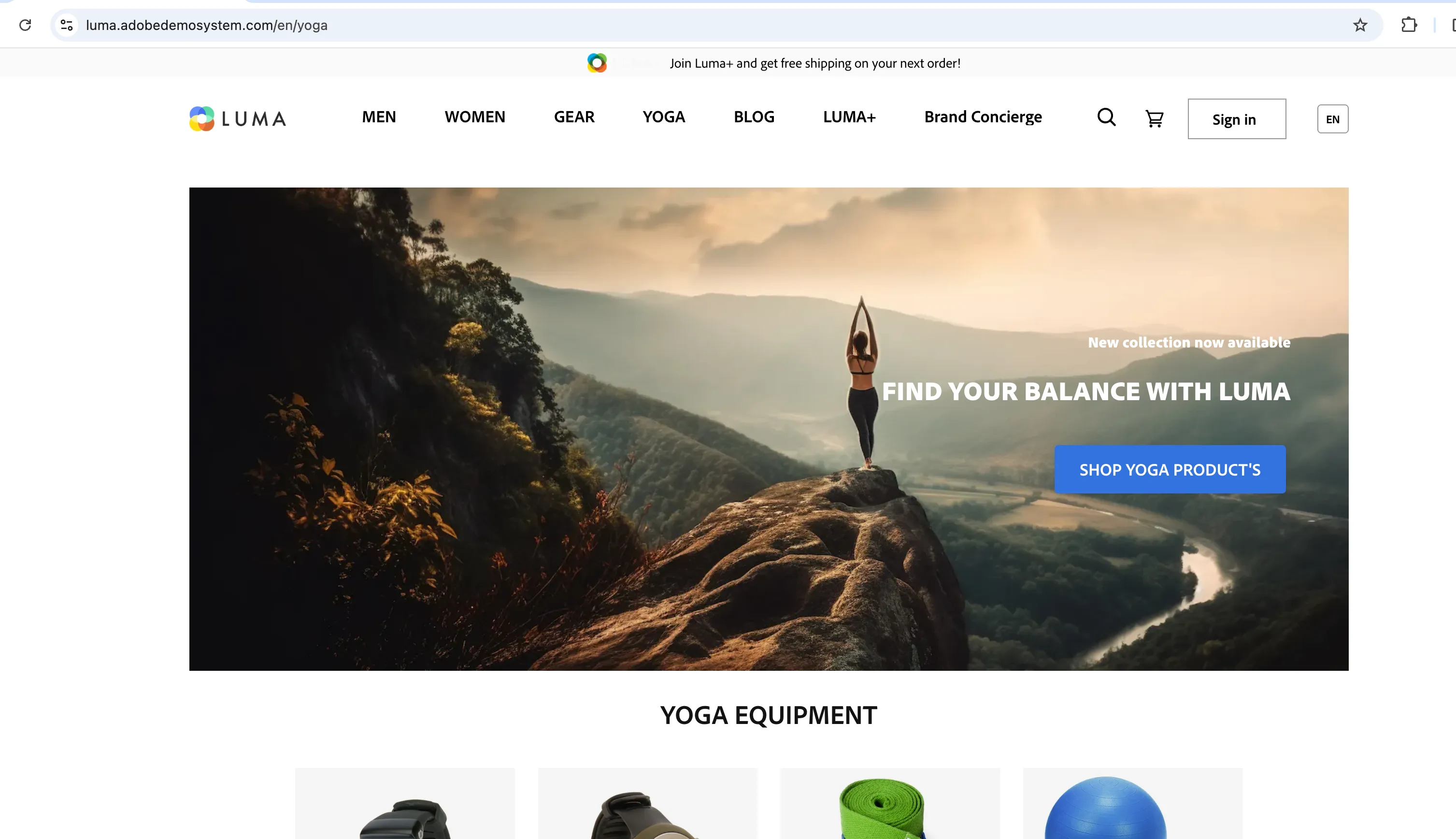
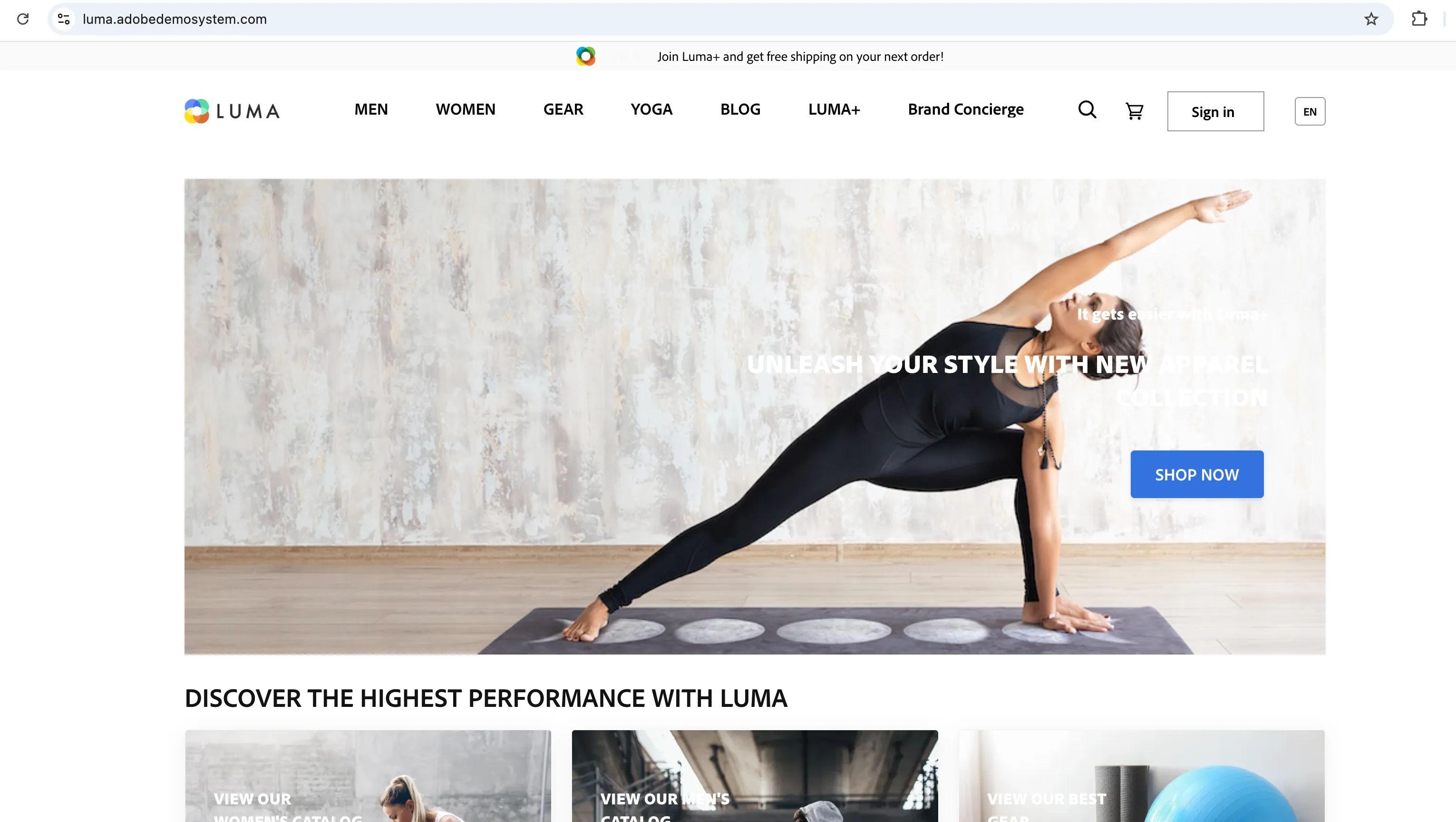
At the top of the page, Alice sees an ad about the Luma+ Loyalty Club with the following text: "Join Luma+ and get free shipping on your next order!" She ignores it for now, as Luma is a completely new brand to her.

At the same time, the banner on the home page is set up according to the Interested in Yoga Audience.
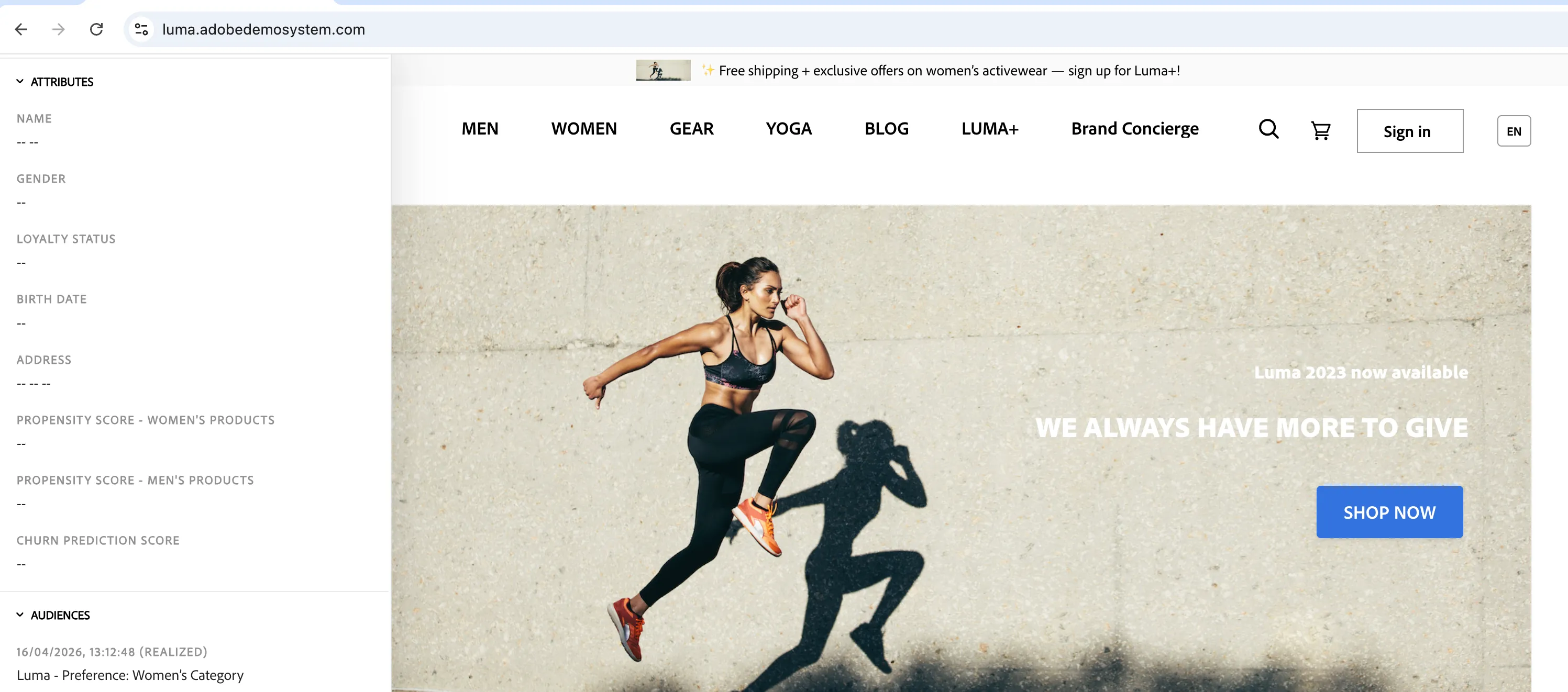
Alice continues to brows the page. After three interactions with the women's category, Alice is now a member of the segment "Luma - Preference: Women’s Category" Due to that, the top ribbon updates with a message: "Free shipping + exclusive offers on women’s activewear — sign up for Luma+!"
Click 3 products from women's category
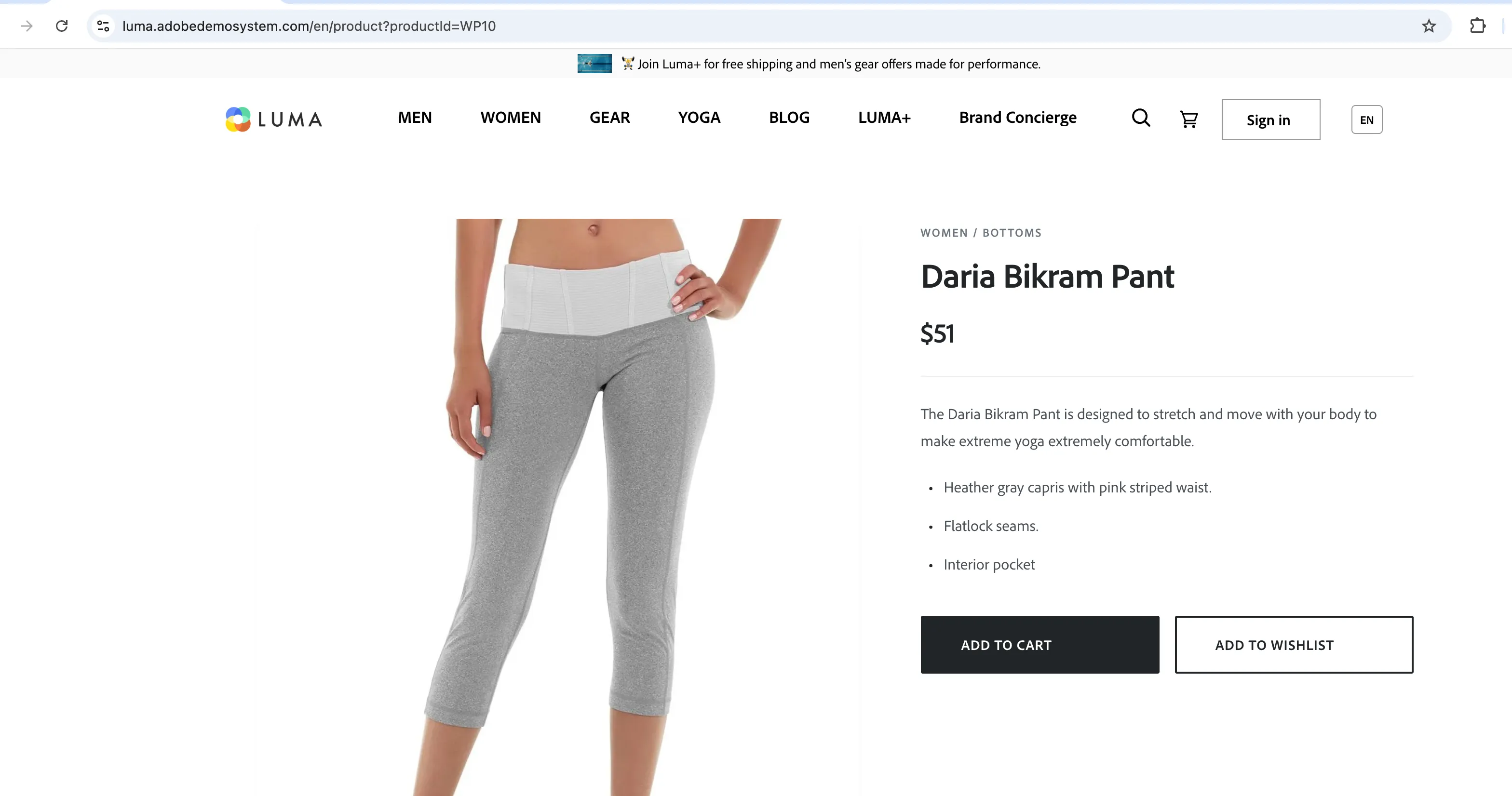
Alice likes the "Daria Bikram Pants" and adds them to cart.
Add "Daria Bikram Pants" or any other products to the cart
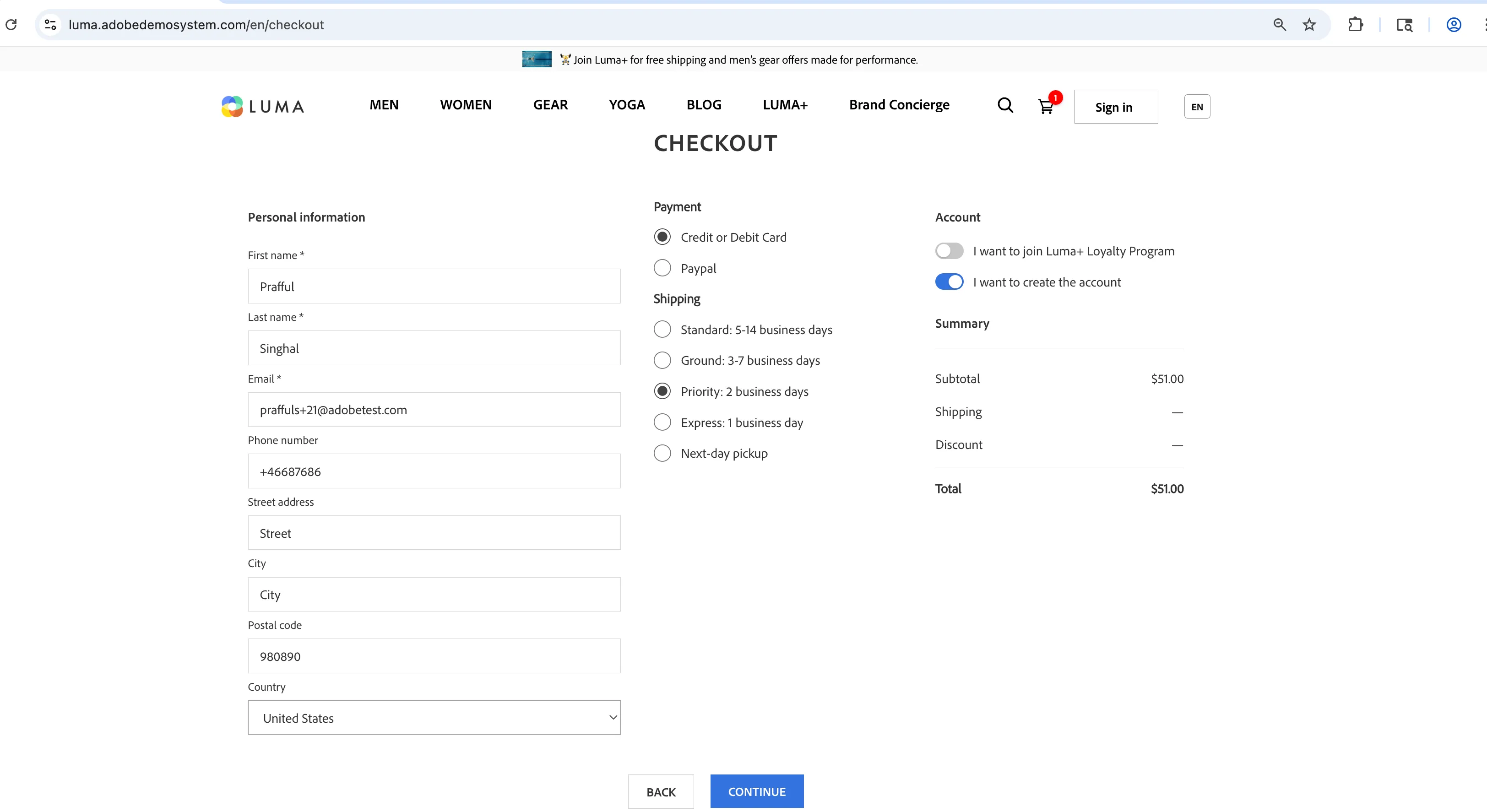
She goes through the checkout process and wants to create an account but is still not sure if she should join another Loyalty Program, so she leaves the "Join Loyalty Program" checkbox unchecked.
Go through the checkout process. Make sure to have the "I want to create the account" checkbox selected. Do not check "Join Luma+" checkbox.
Alice proceeds with the purchase process and makes her first order within the Luma Store.
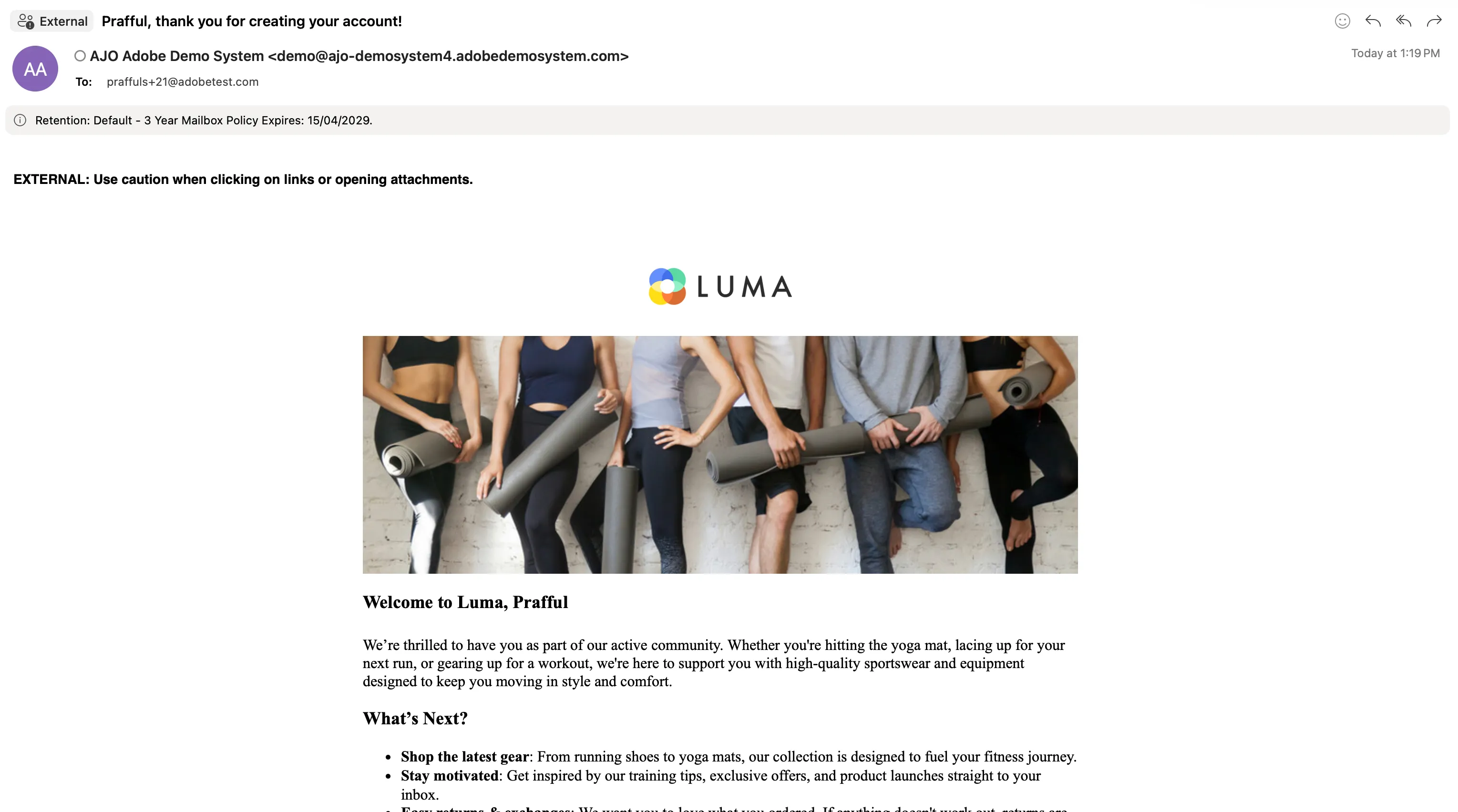
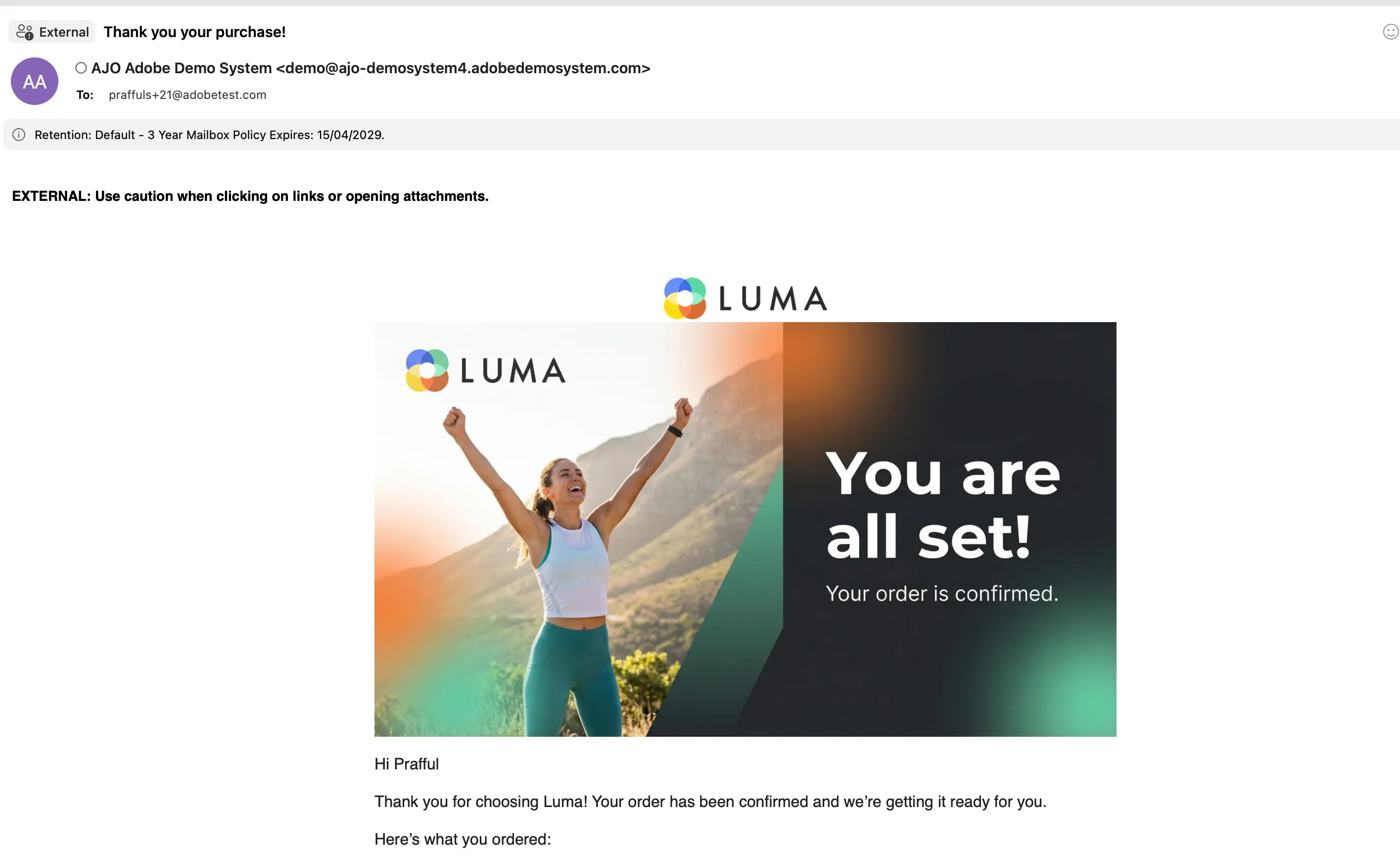
As a result, she receives two emails. The first one is a registration email; the second one is an email with purchase confirmation. At the bottom of the both emails she sees information about the Luma+ Loyalty Club, its benefits, and the Free Purchase Week. She also learns about special offers for Luma+ Members available in the Luma Mobile App.
A few days later Alice receives her package and is really happy with the quality.
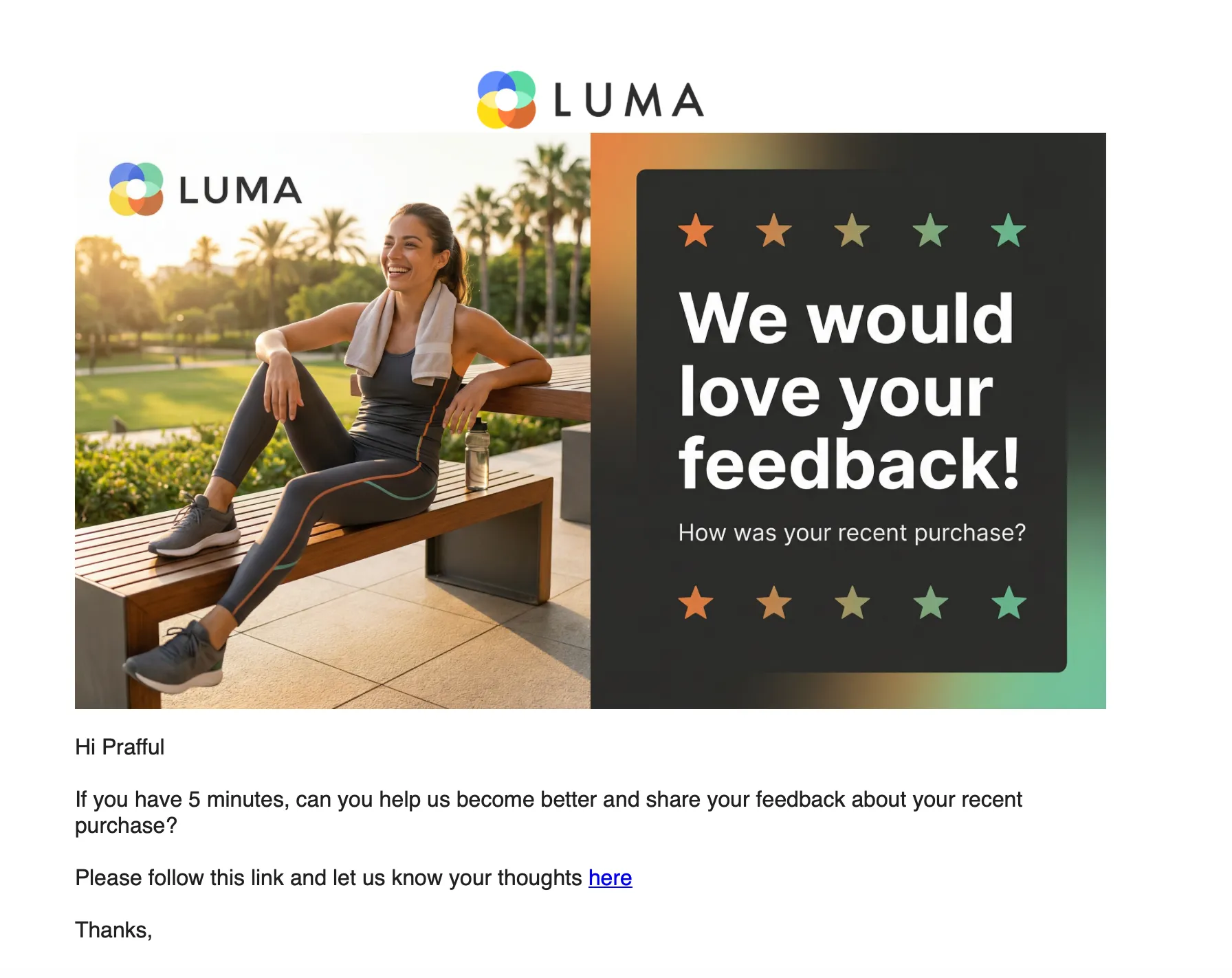
She also gets a confirmation email asking about her experience with Luma.
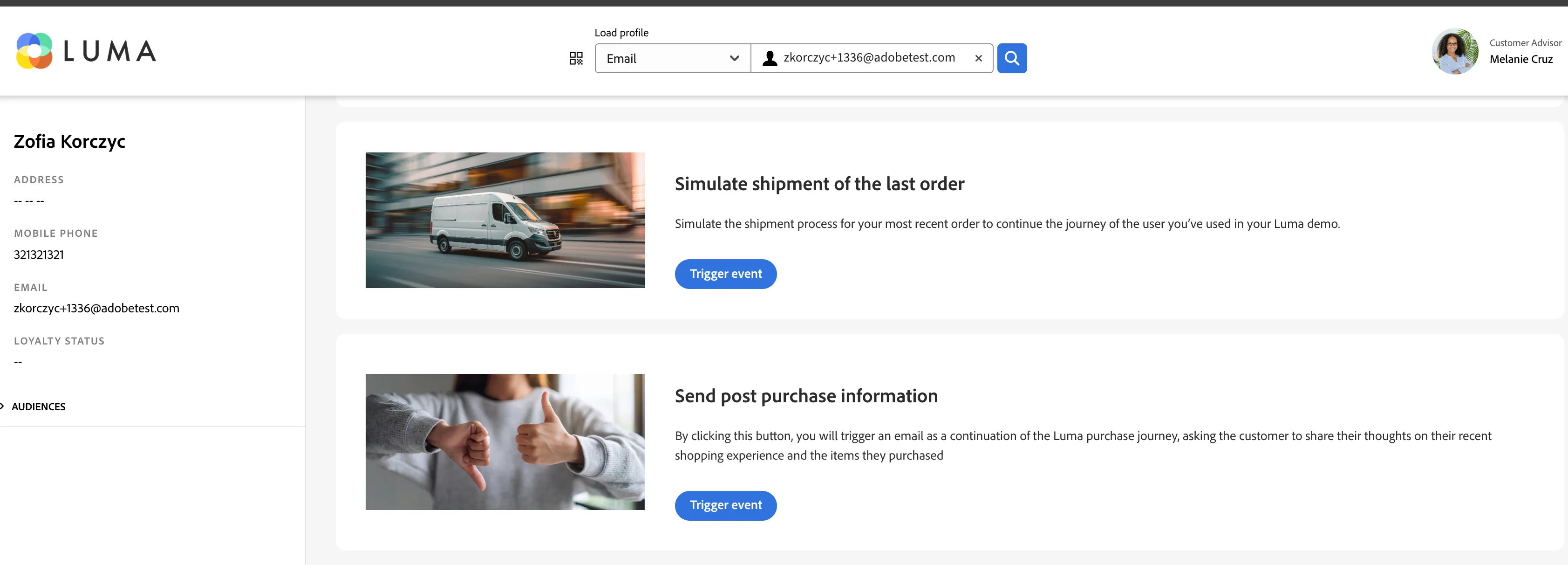
To simulate the further communication with Luma, open Event Trigger project https://dsn.adobe.com/cx2/luma3-jt
Search for the profile you used in your demo. And trigger two events by clicking "Simulate shipment of the last order" and "Send post purchase information"
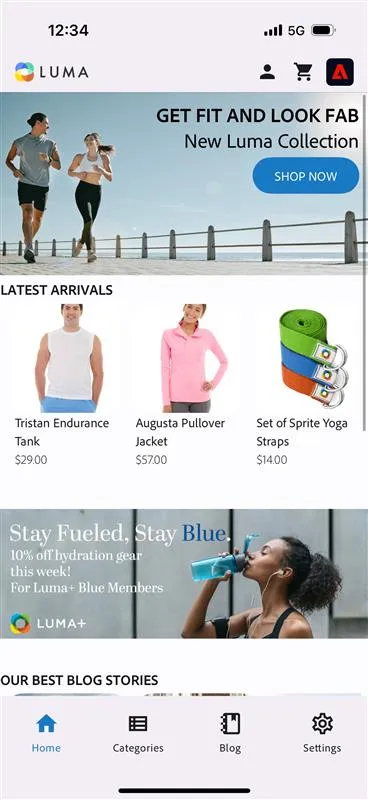
Alice decides to download the Luma app and checks out the exclusive offers.
Click on the mobile app banner from the email on the mobile device and install the Live Demos App, or open the Live Demos app and switch to the Luma project. https://dsn.adobe.com/install - beta tab
After the first launch of the app Alice sees an offer to "Join Luma+" again, which she is now more interested in.
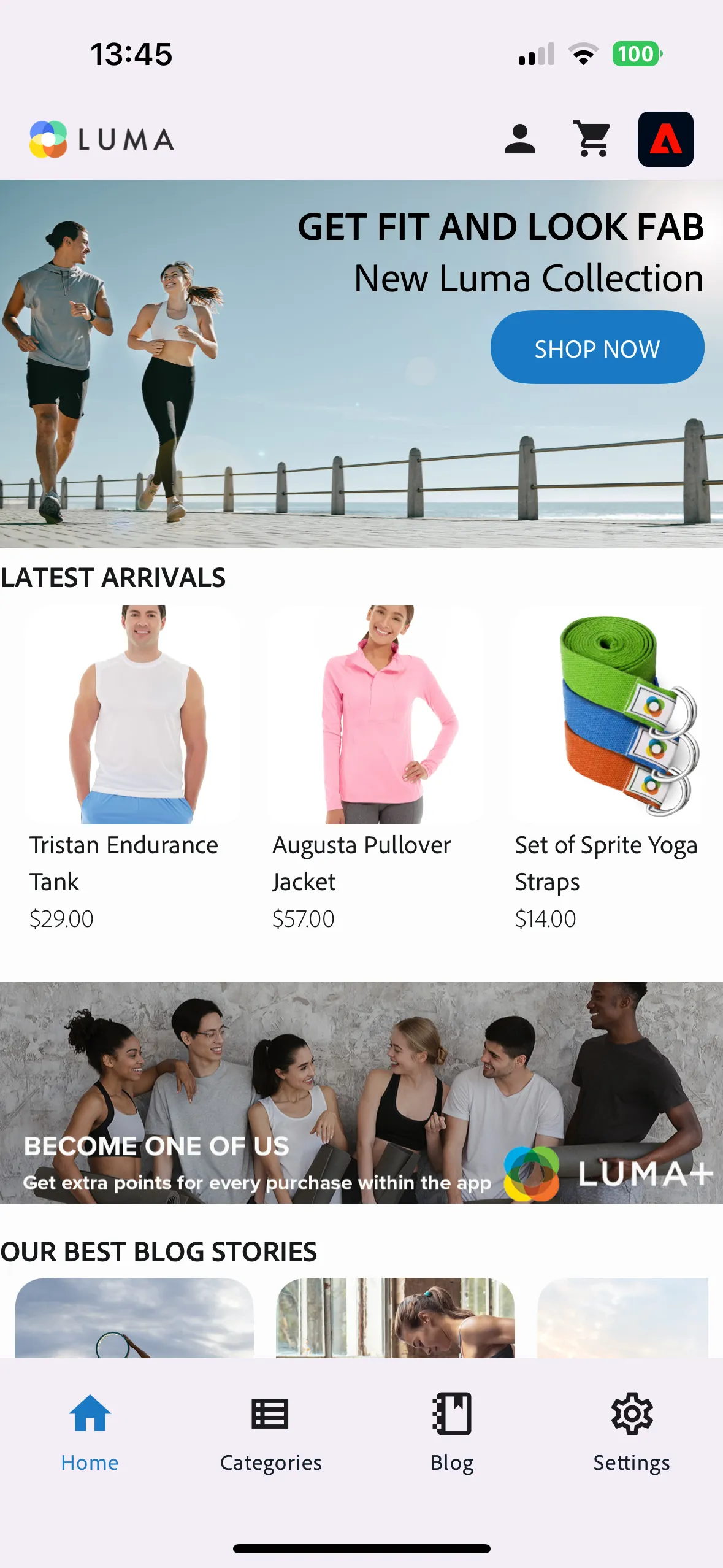
She logs into the app to see her details. The ad updates based on her previous purchases and browsing history. Because she was interested in Women's clothing, she is presented with an offer with a code for 5% discount on Women's clothing if she will join the Luma+ Loyalty program.
Log into the app with the same email you used on the web page.
Encouraged by the ad, Alice fills out the registration form and joins the club.
Click on the ad and fill the form
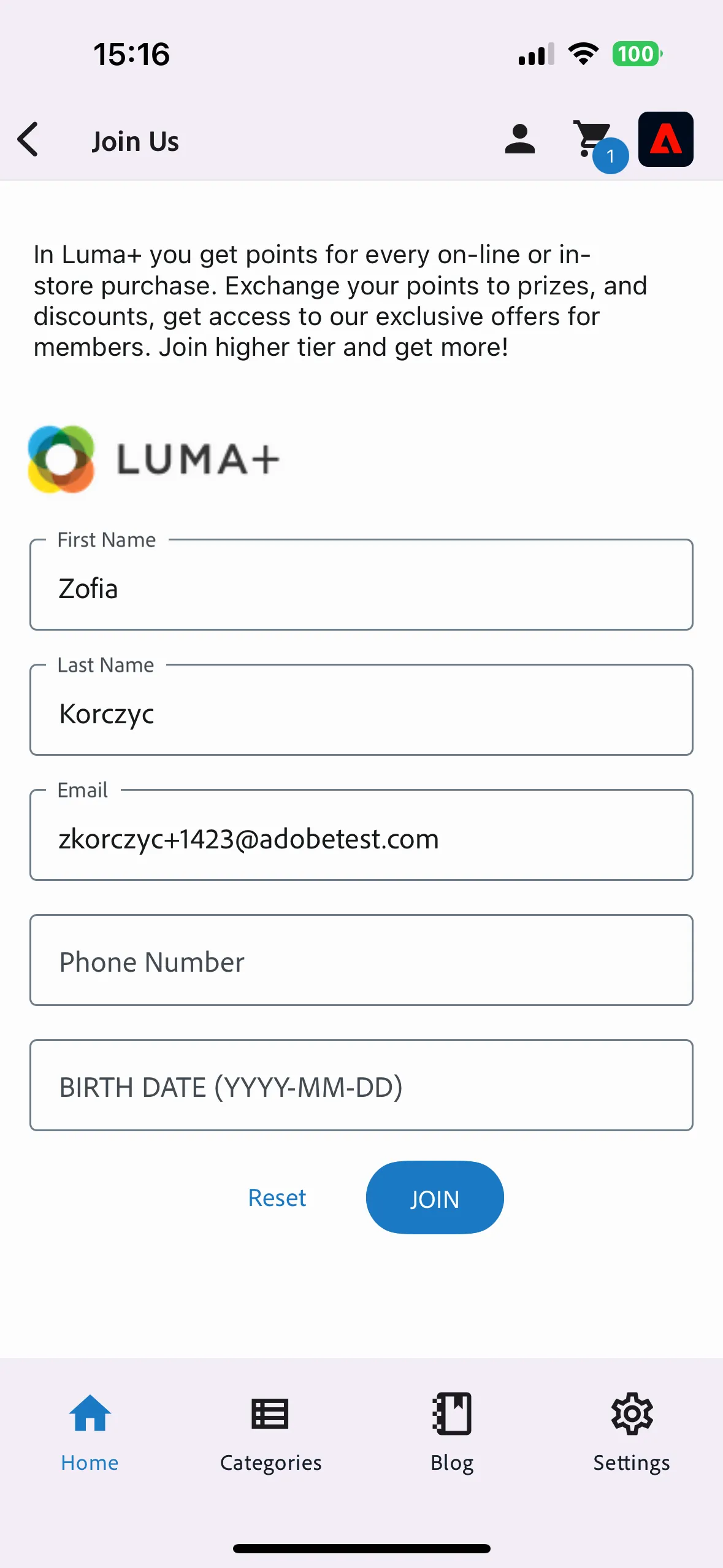
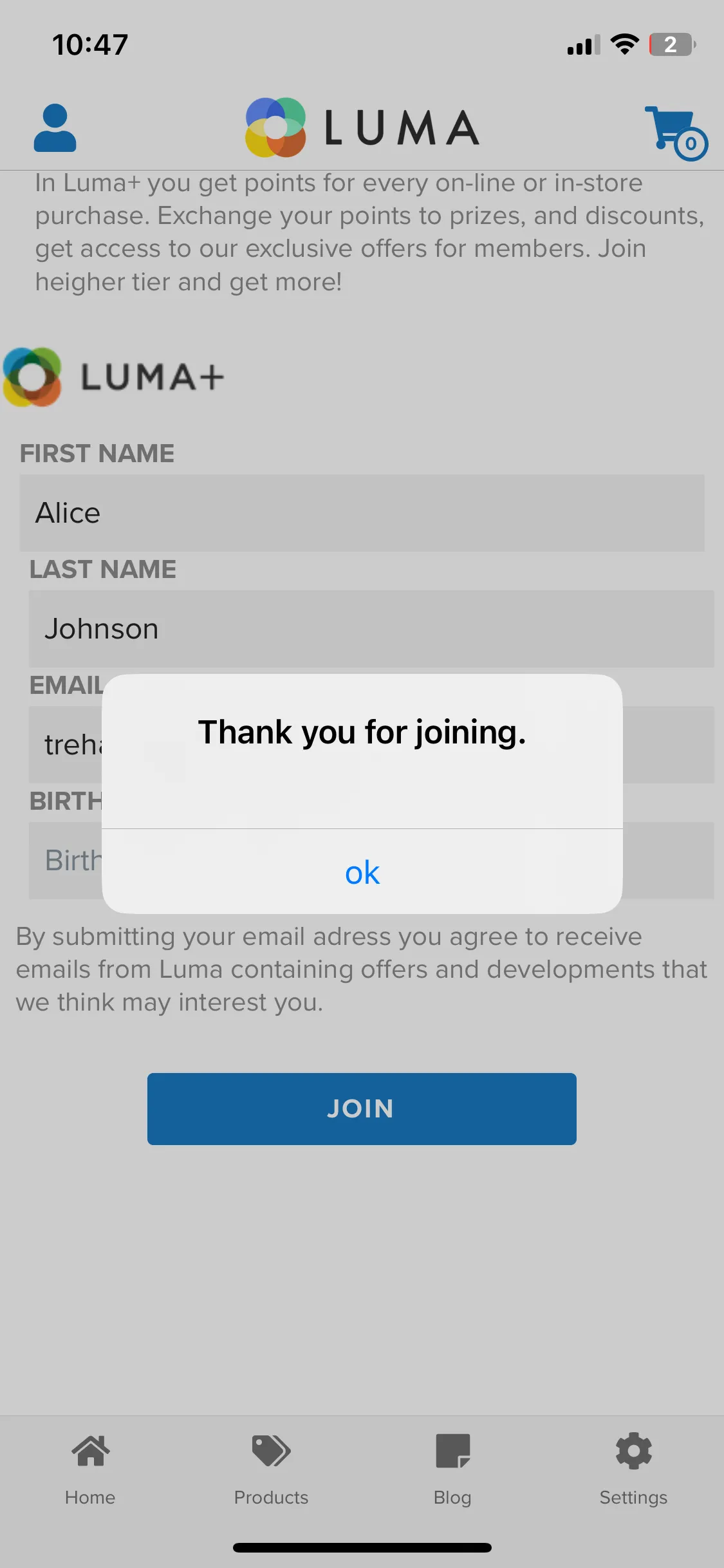
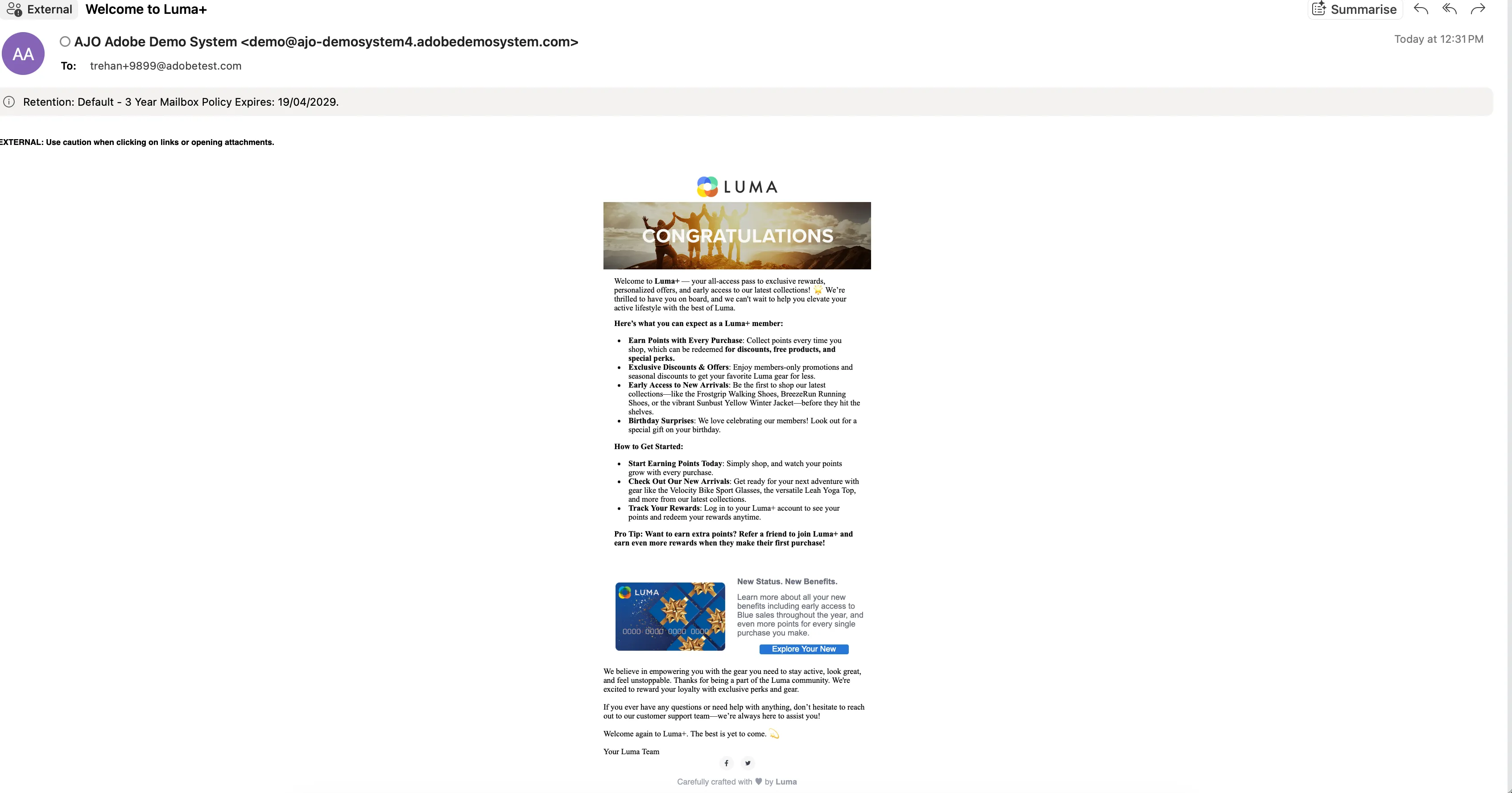
Alice receives a confirmation email and a push notification.
The top ribbon on the Luma home page and the ad in the mobile app is also updated based on her Blue status in Luma+ Club.
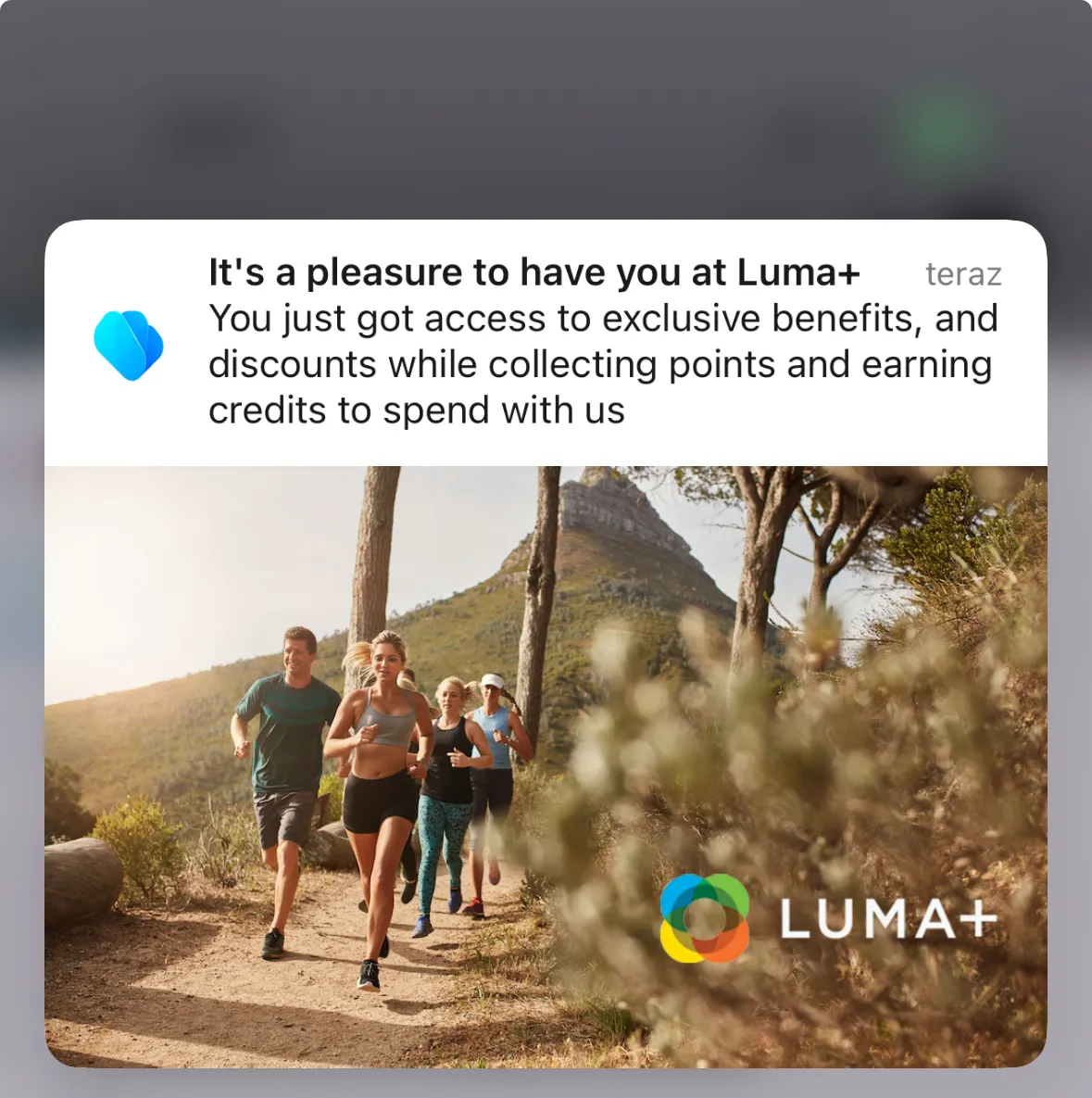
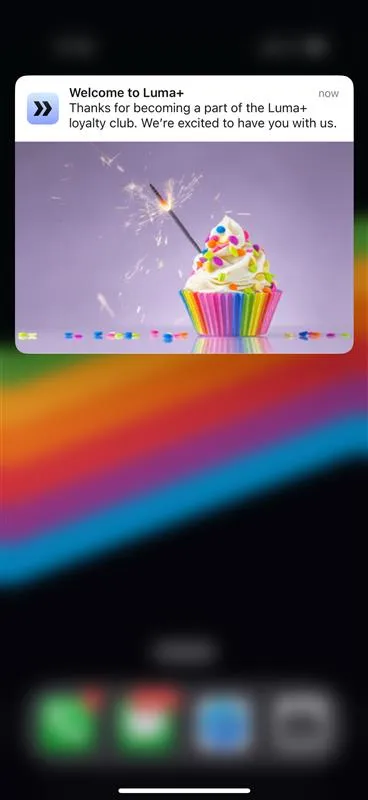
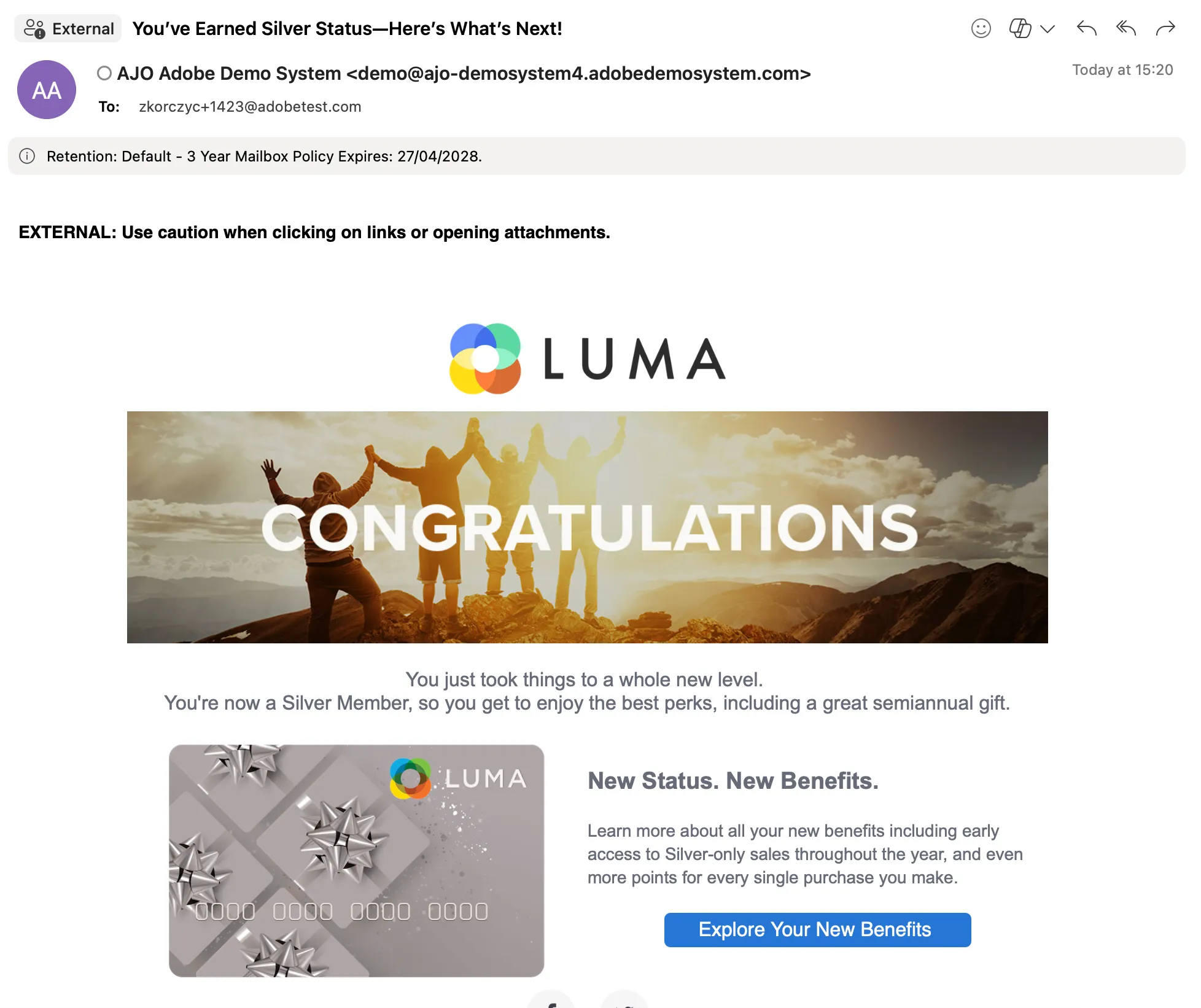
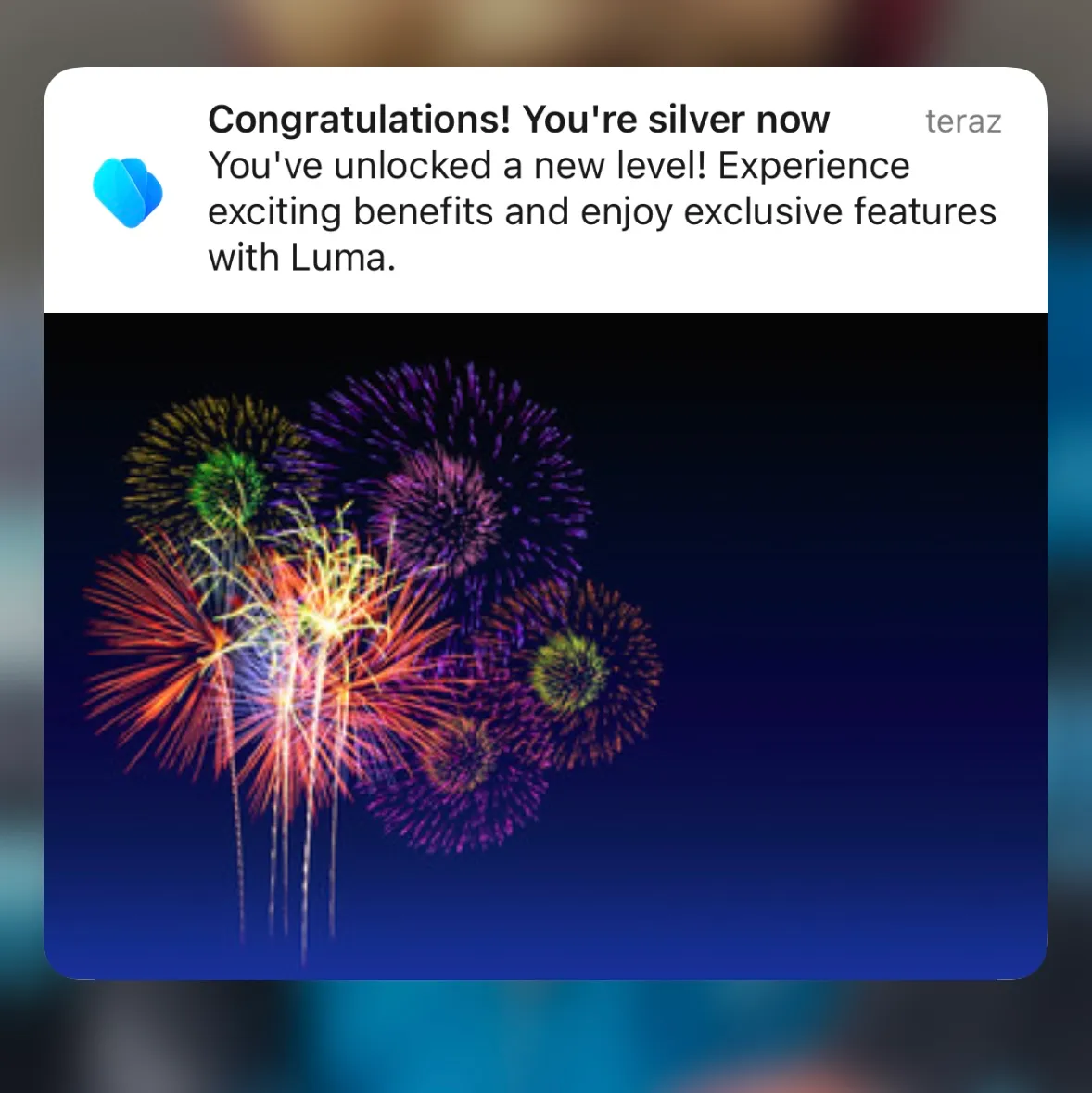
Alice is a loyal Luma customer. One day, she gets upgraded to a higher Luma+ member status: Silver. She will now have higher-tier privileges. She receives an email and a push notification with this information.
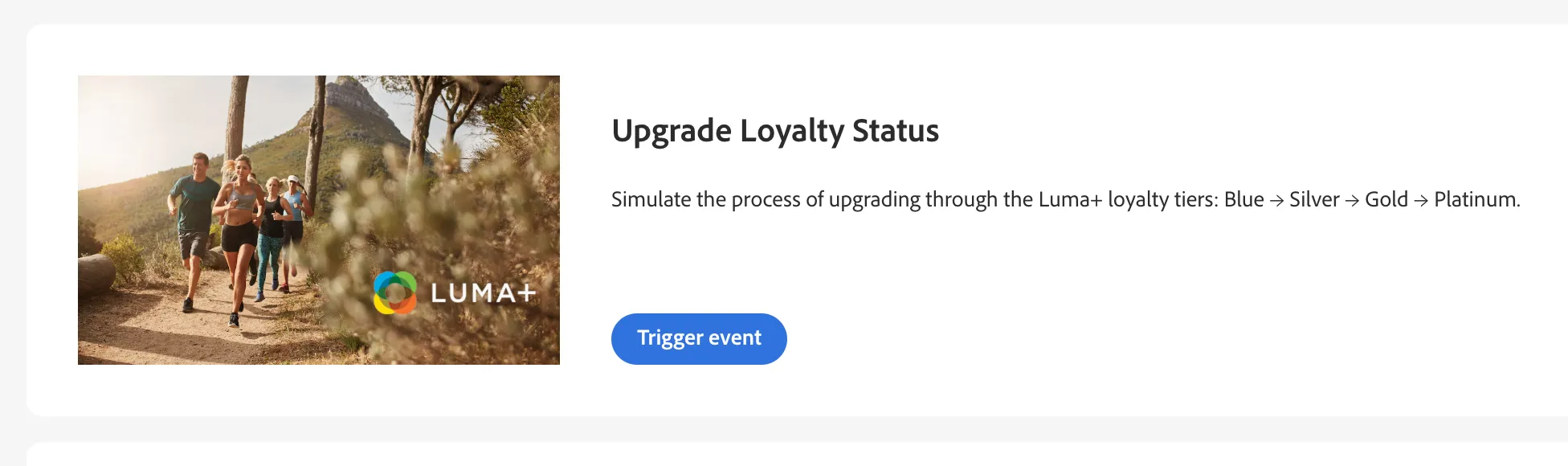
To simulate the upgrade process, open the Journey Trigger project. Search for Alice's profile by typing her email address. Click the "Trigger Journey" button within "Luma Status Update".