Modifying website content
All website projects created by DSN Quick Setup can be modified to match your needs.
You can:
- Change page components and pages content
- Update branding
- Update navigation items
- Update profile viewer fields
- Select authentication options
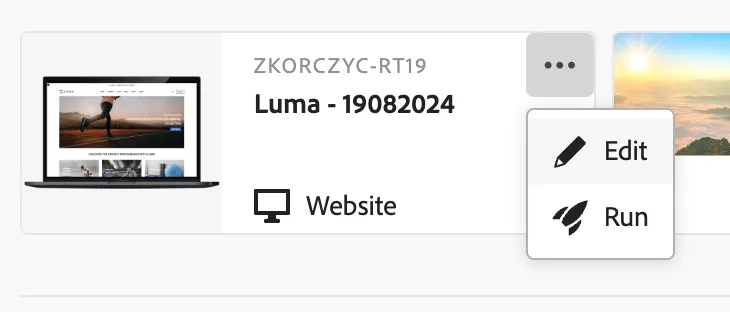
To start edit the pages, find your web project, click the 3 dots in the corner and select "Edit".
Change page components and pages content
Your working area is the Screens tab
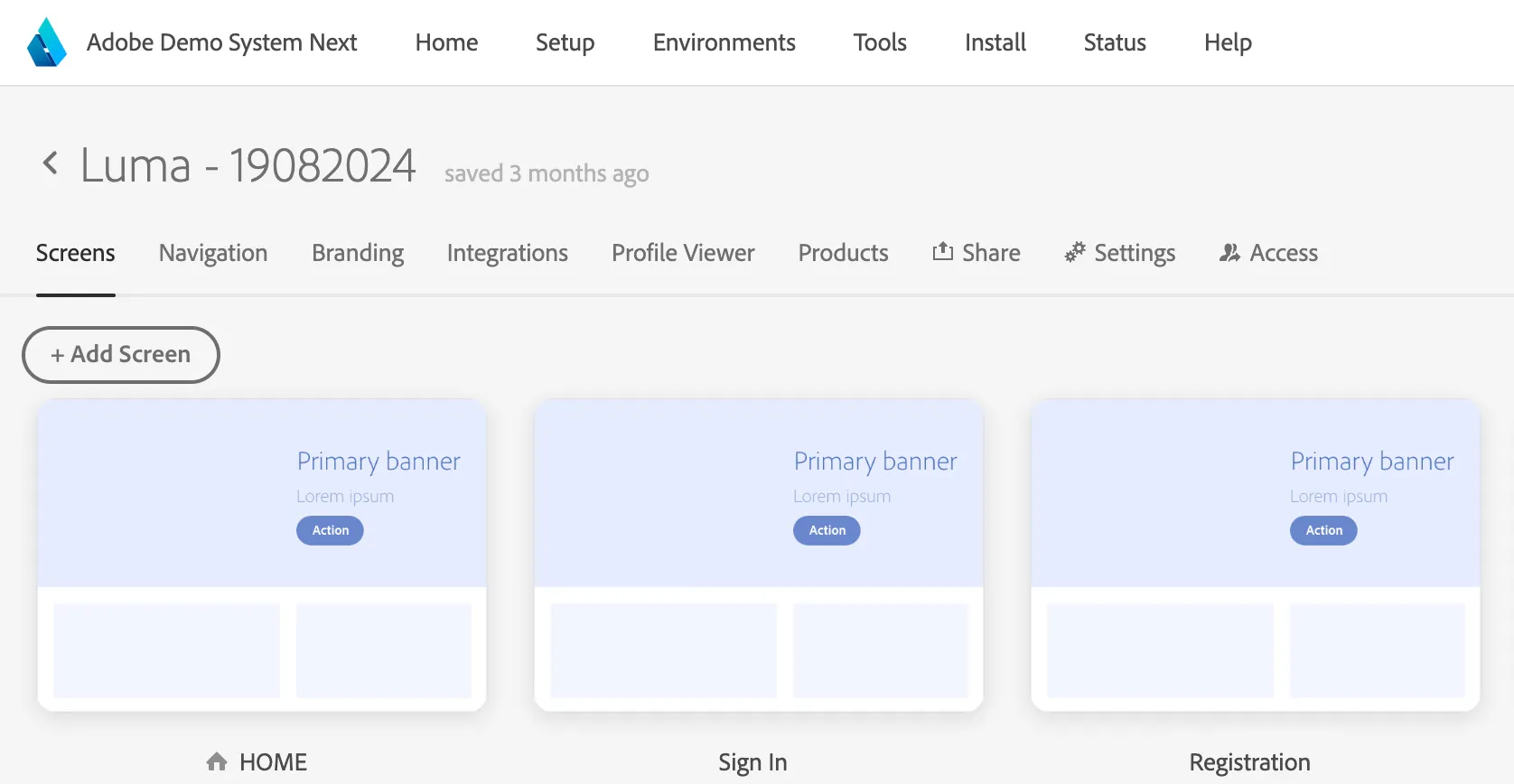
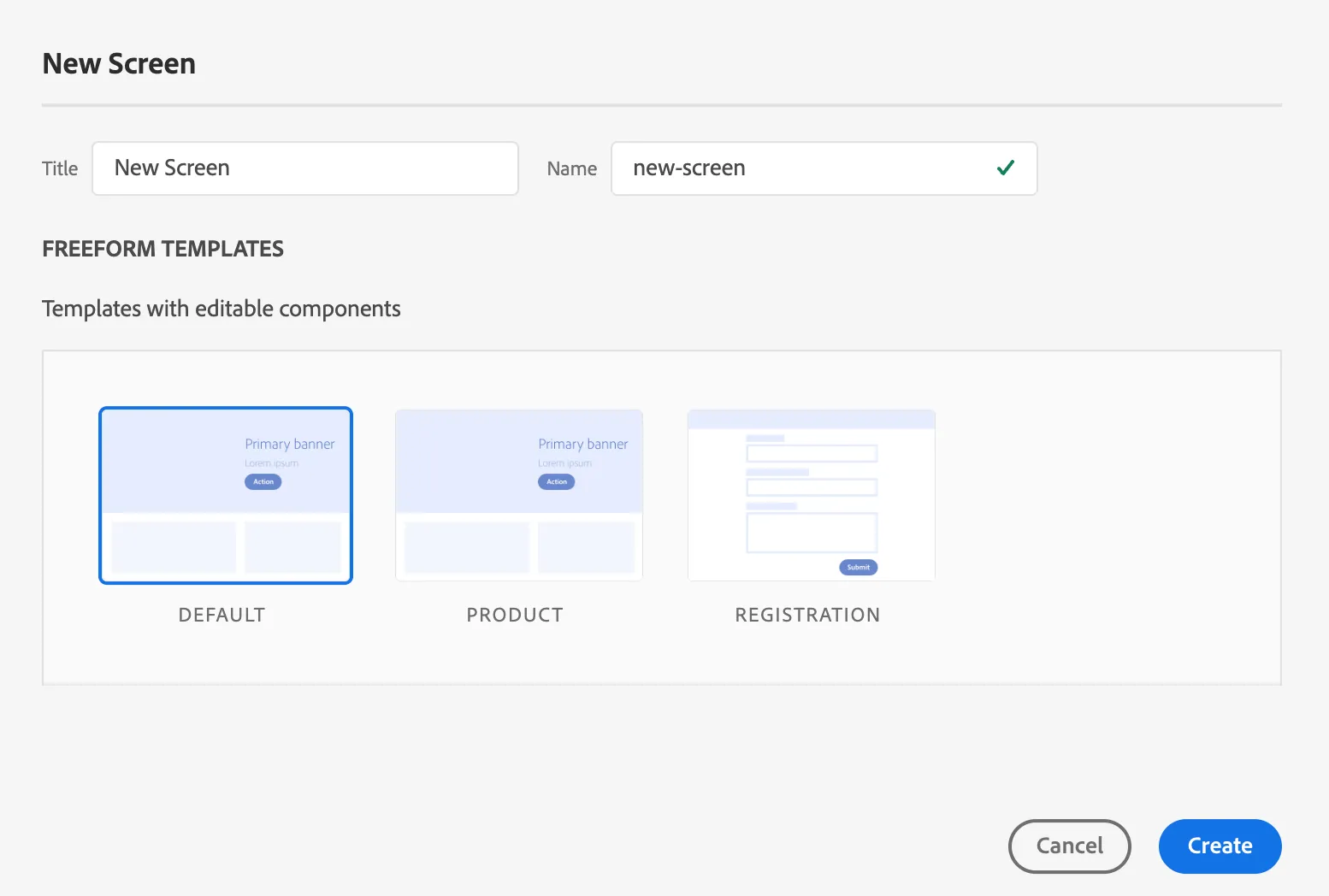
You can add new screen by clicking a button, selcting a template and pressing "Create"
You can delete a website by clicking one of the website thumbnails and click the trash can above the selected site or the red trash can icon in the panel on the right.
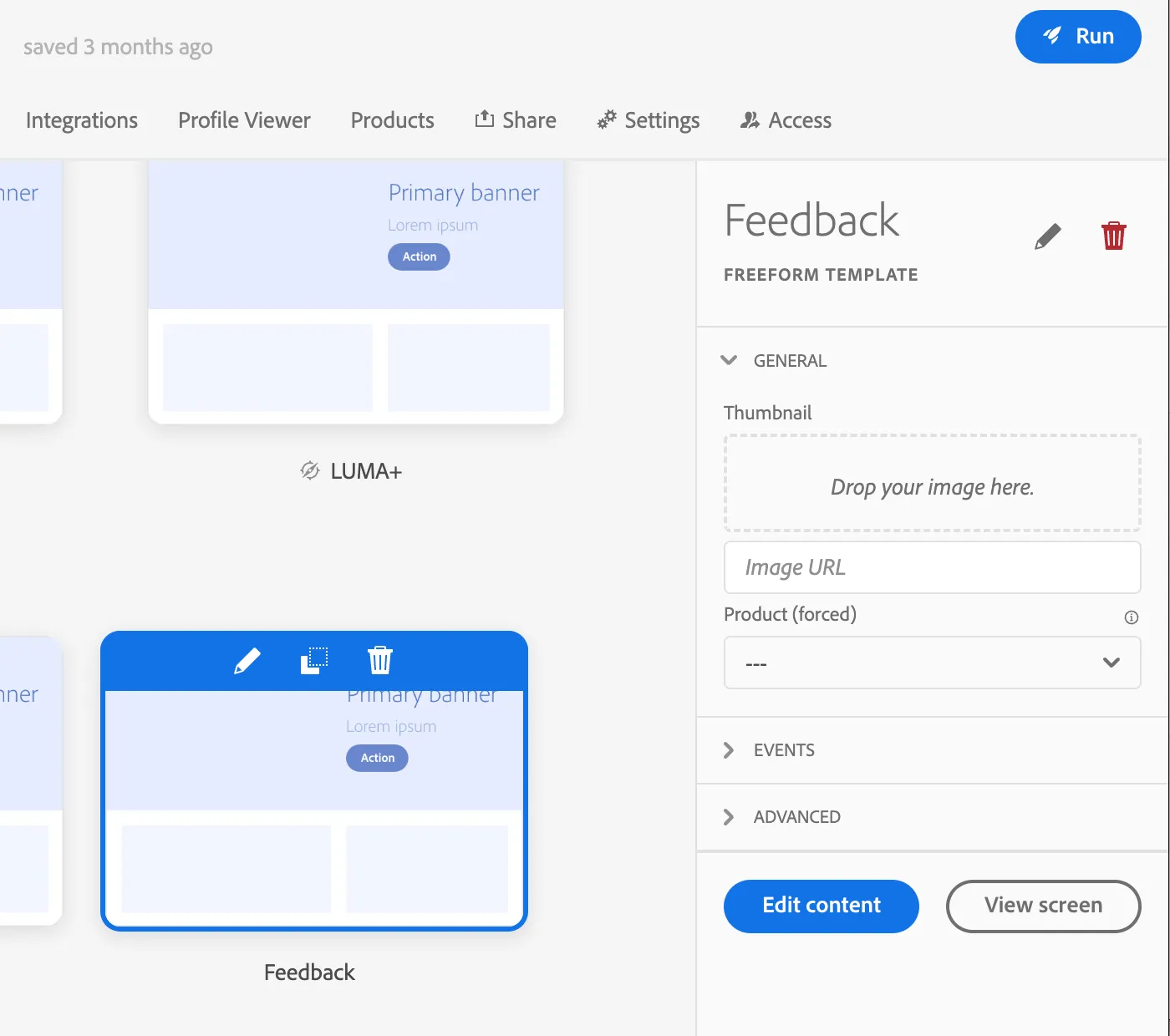
You can edit the screen by selecting it and clicking "Edit content" in the panel on the right, or just the pencil icon above the thumbnail.
The page will open in the visual editor which will allow you to click on any component and change its properties.
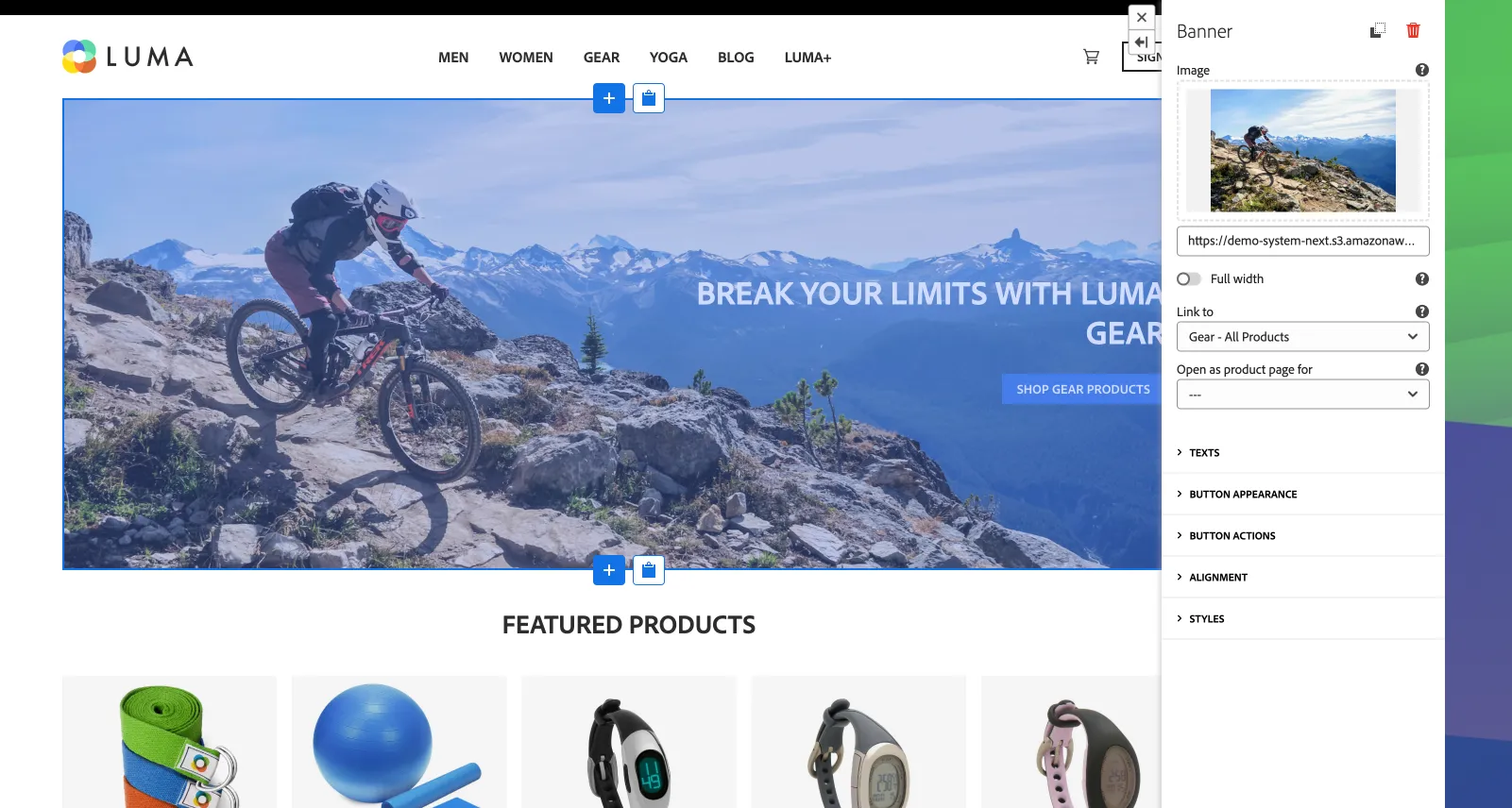
You can add containers and grids to put multiple components inside. Or use a list component to display a list of products or subpages.
List of components and their description can be found here: Components for website project