Problems with device token
4 min
This document will help you in case you see this error in the mobile app.
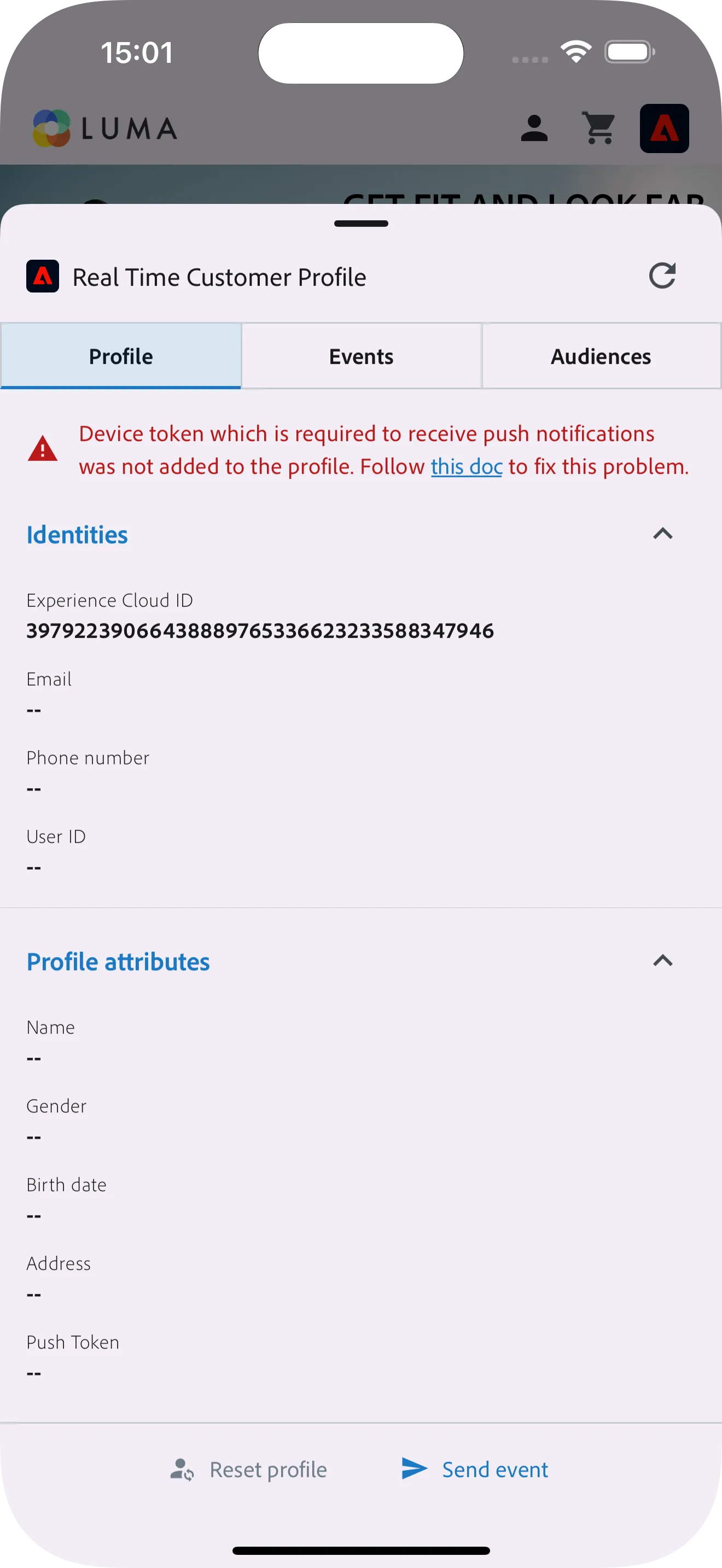
New project problem
In case you have created new mobile project you might have problem with the token not being ingested into the profile. To fix it plese follow these steps:
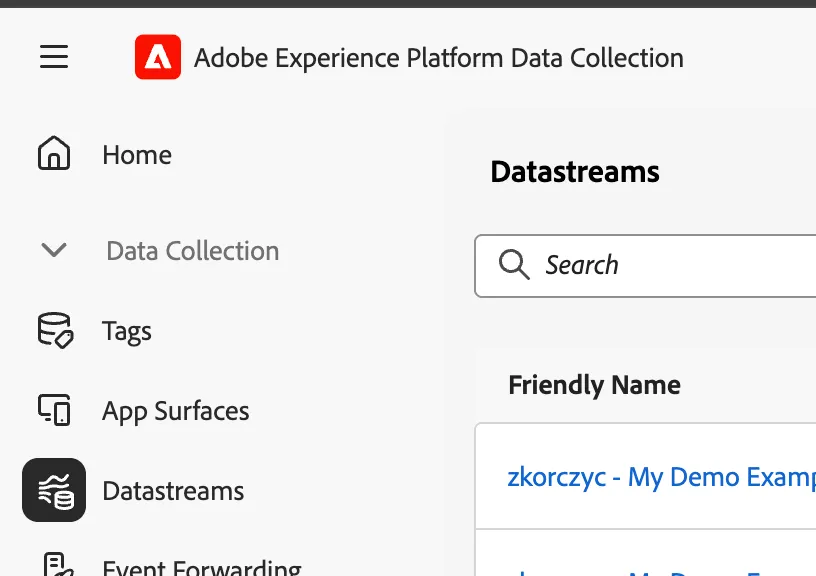
- Go to Data Collection in your IMS Org
- Open Datastreams - make sure your sandbox is selected in the top right corner, otherwise the datastream won't show up
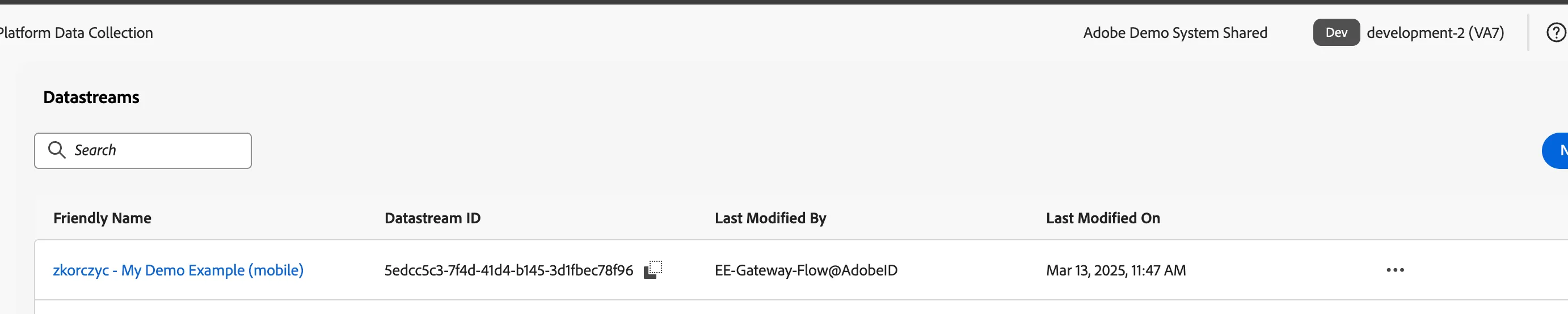
3. Find the datastream that was created for your project - it has the same name as your project in DSN
4. Open the datastream
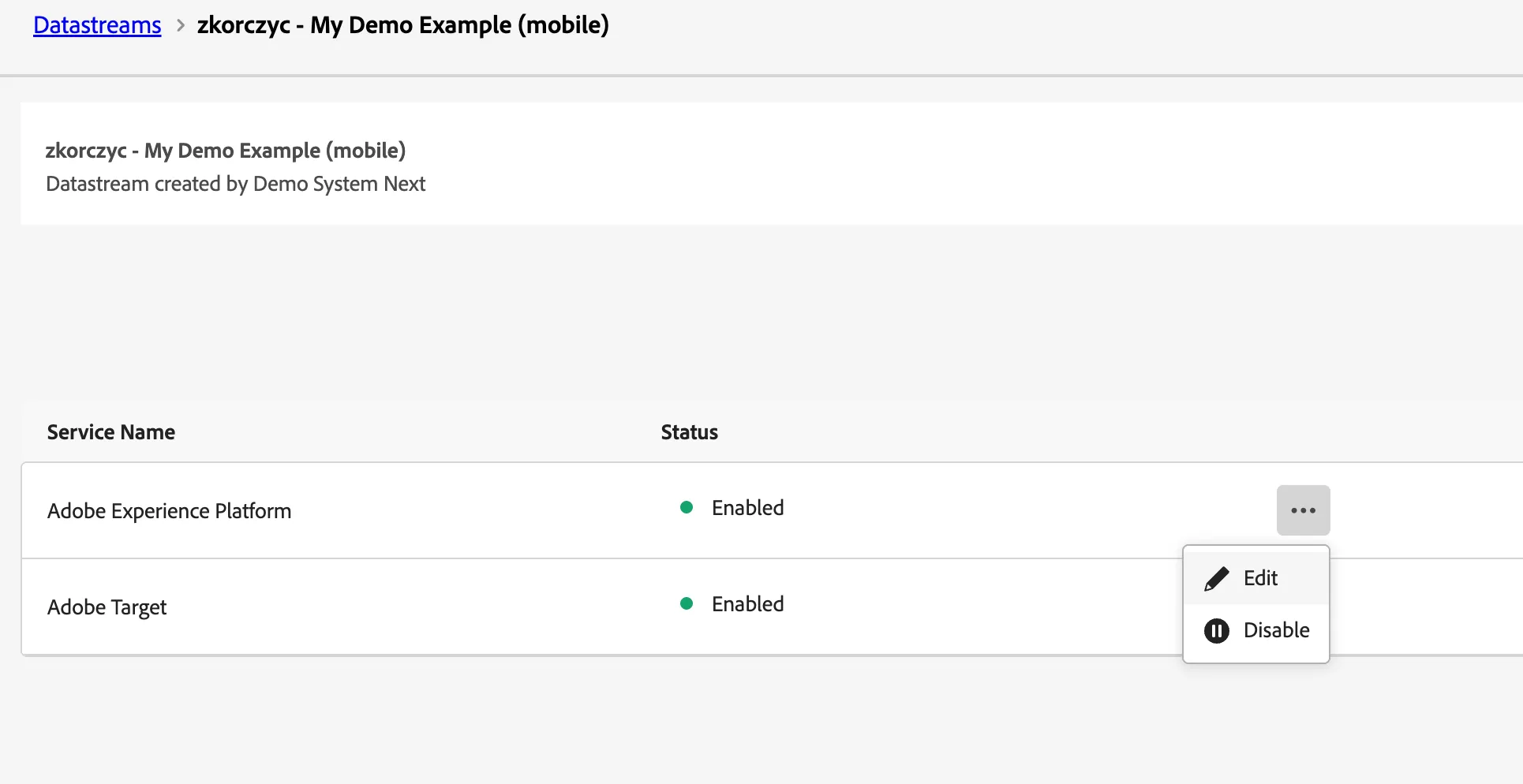
5. In the Profile Dataset Field select "Clear Selection"
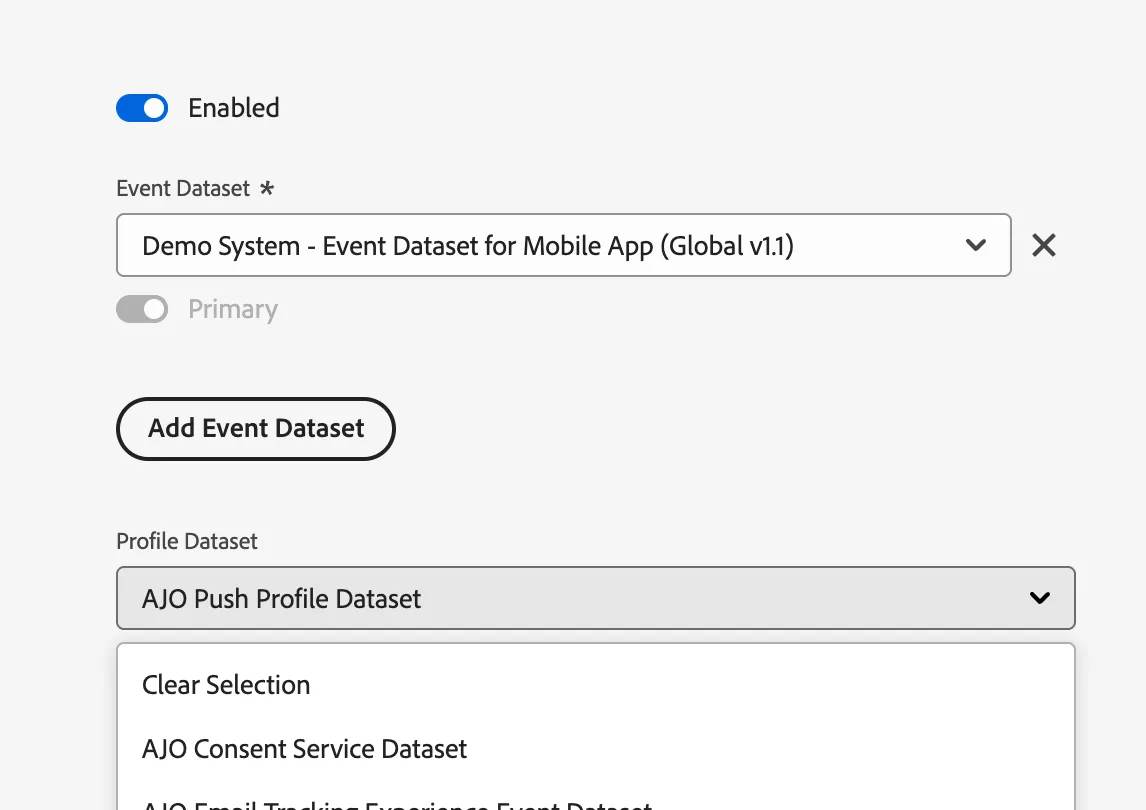
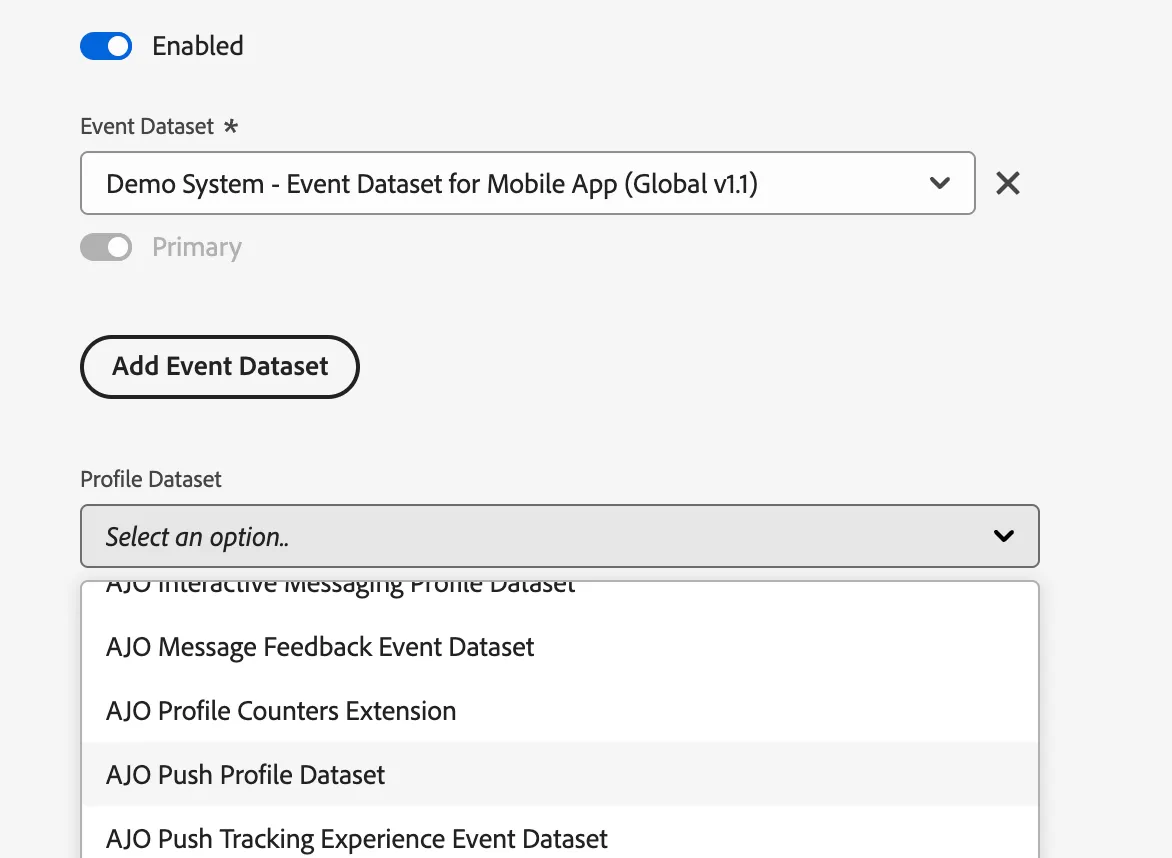
6. In the Profile Dataset select "AJO Push Profile Dataset"
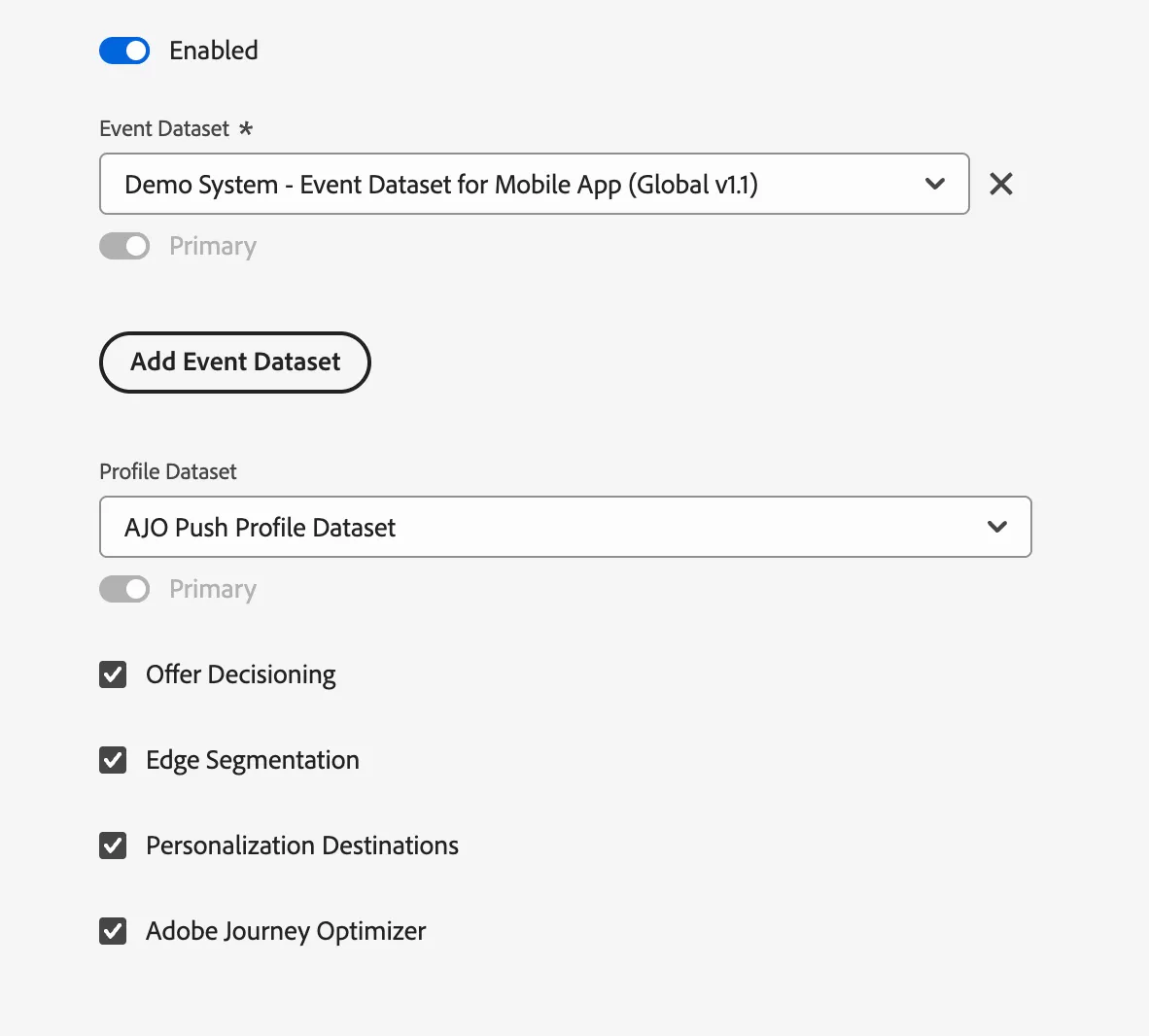
7 The end result should look like this. You can also check the AJO and Offer Decisioning checkboxes
In case of existing profile
This message might show up after registration or login, it takes few moment for the unathenticated and authenticated profiles to merge.