Web Template for Instagram
Introduction
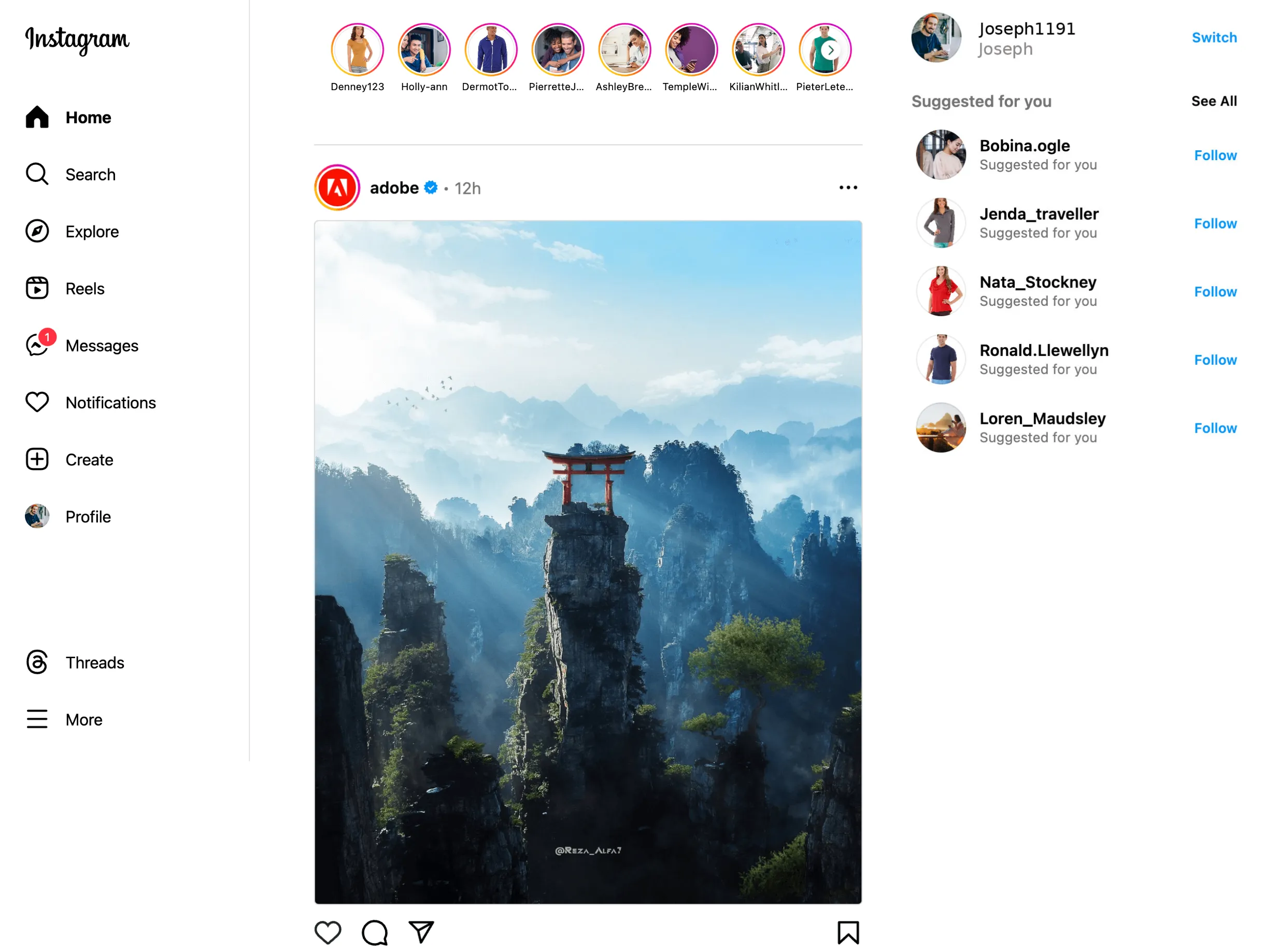
The Instagram Web template is built on DSN's image and banner components. It allows users to modify offer images according to different brands and customers, redirecting them to DSN's actual web project when they click on offer images.
This will help users carry out the demo smoothly without leaving the DSN space. To give the custom demos more power, we added a personalization feature to incorporate the relevant storyline persona.
Prerequisite
One should be ready to offer brand images according to the look and feel of the Instagram platform. They need to upload their images on web templates, and the CTA link should be added under the banner/image component of the offer for any redirection to the actual web project.
Personalization
Currently, the Instagram web template offers only name, and Insta handle personalization. To change personalization according to your demo persona, please check the execution steps.
Execution Steps
- Select Social Websites > Instagram
- Please provide a project name and DR for the opportunity.
- Go to the created project and select the primary screen and open in edit mode.
- Select the offer image you want to change, drag your offer image inside the upload component, and add an external link to the actual DSN web project.
- Personalization - Go and click on the profile image component and you will see a parameter name in the image URL change the parameter value as per your demo storyline persona.
- Similarly following the above step you can edit the instaid parameter value on the profile Image URL.
Notes
- Templates are only for redirection from offers and cannot be used for standalone web projects. Therefore, the profile viewer is not activated.