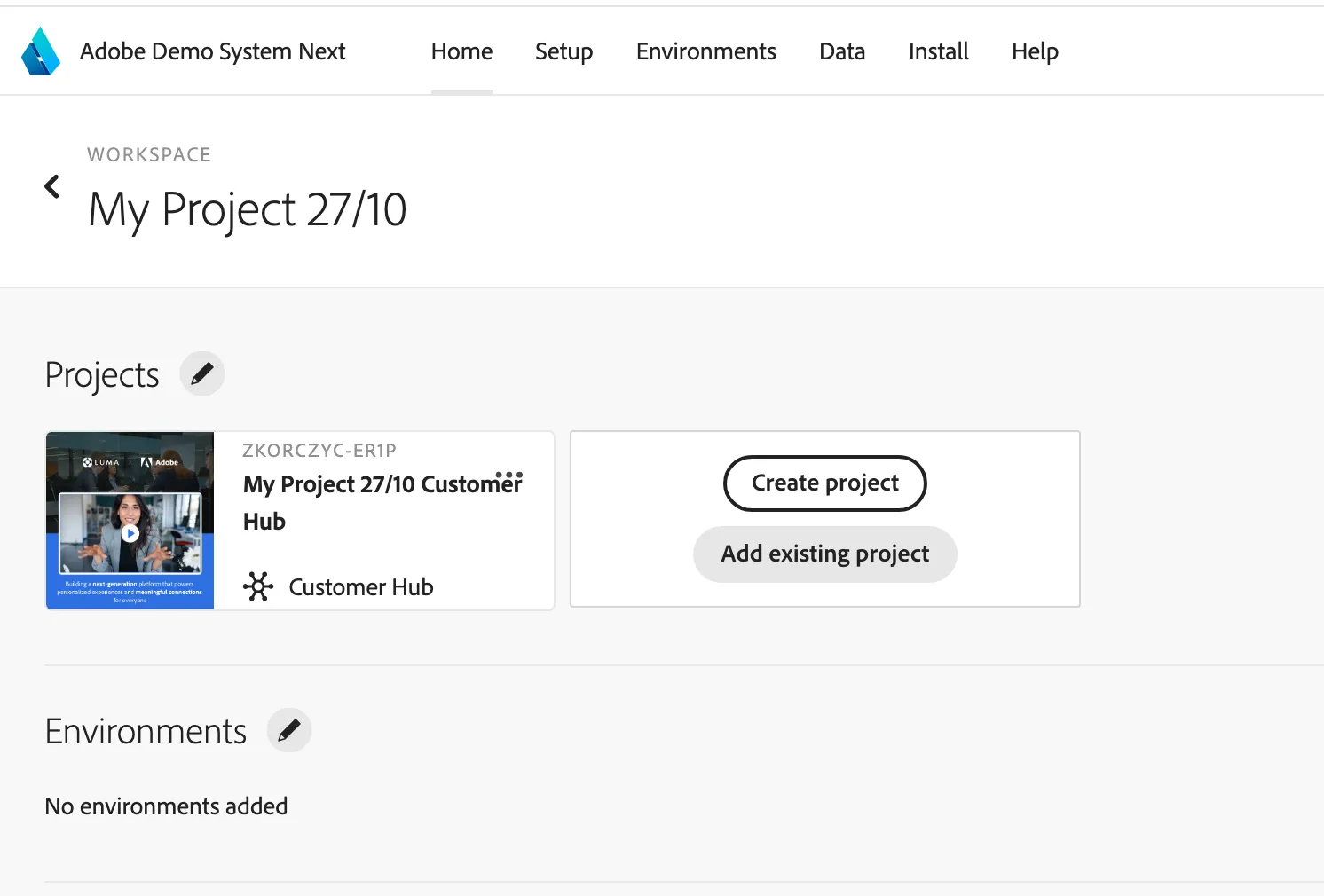
Creating New Project
1 min
Go to Adobe Demo System Next
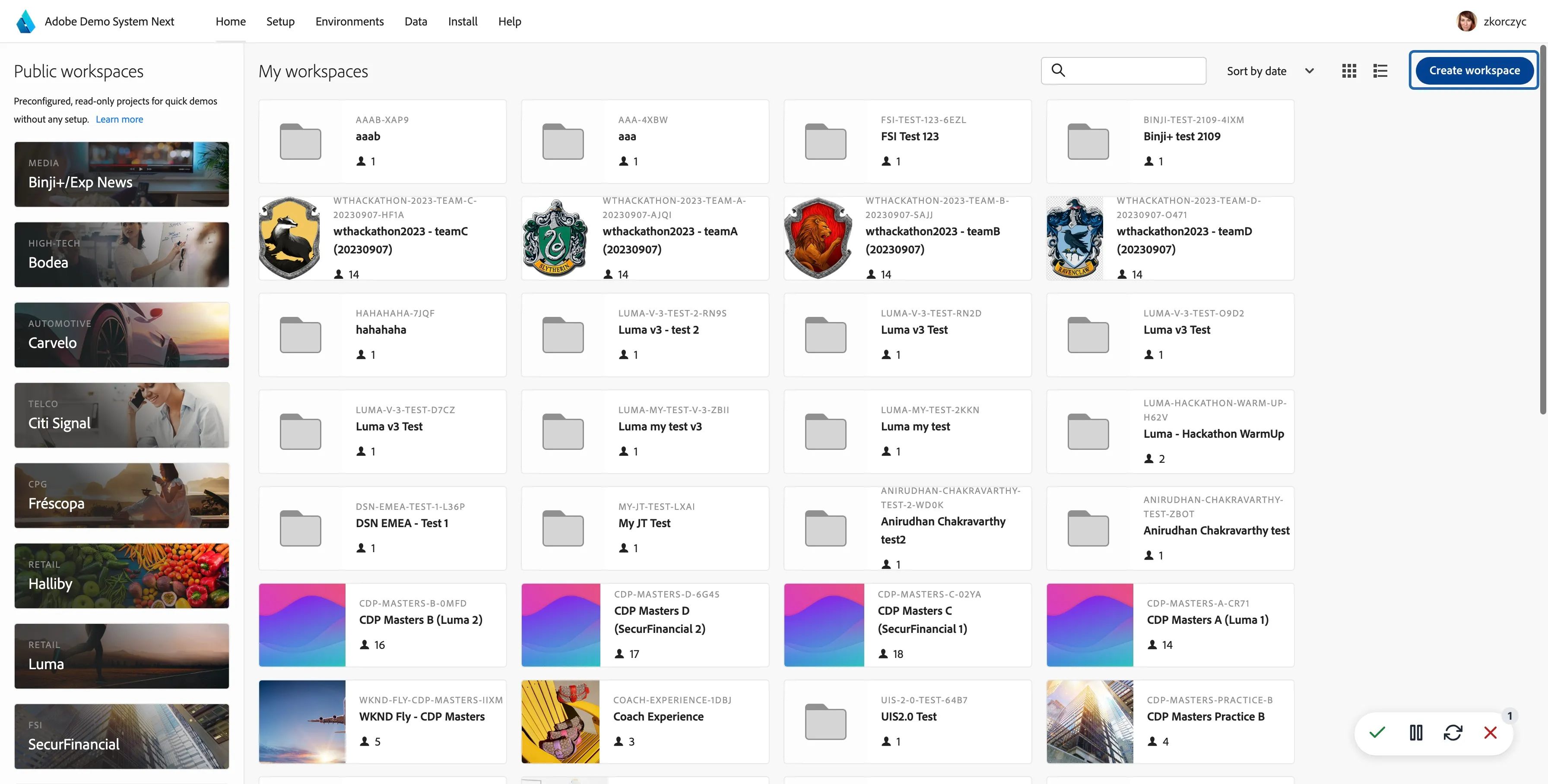
Click on Create workspace
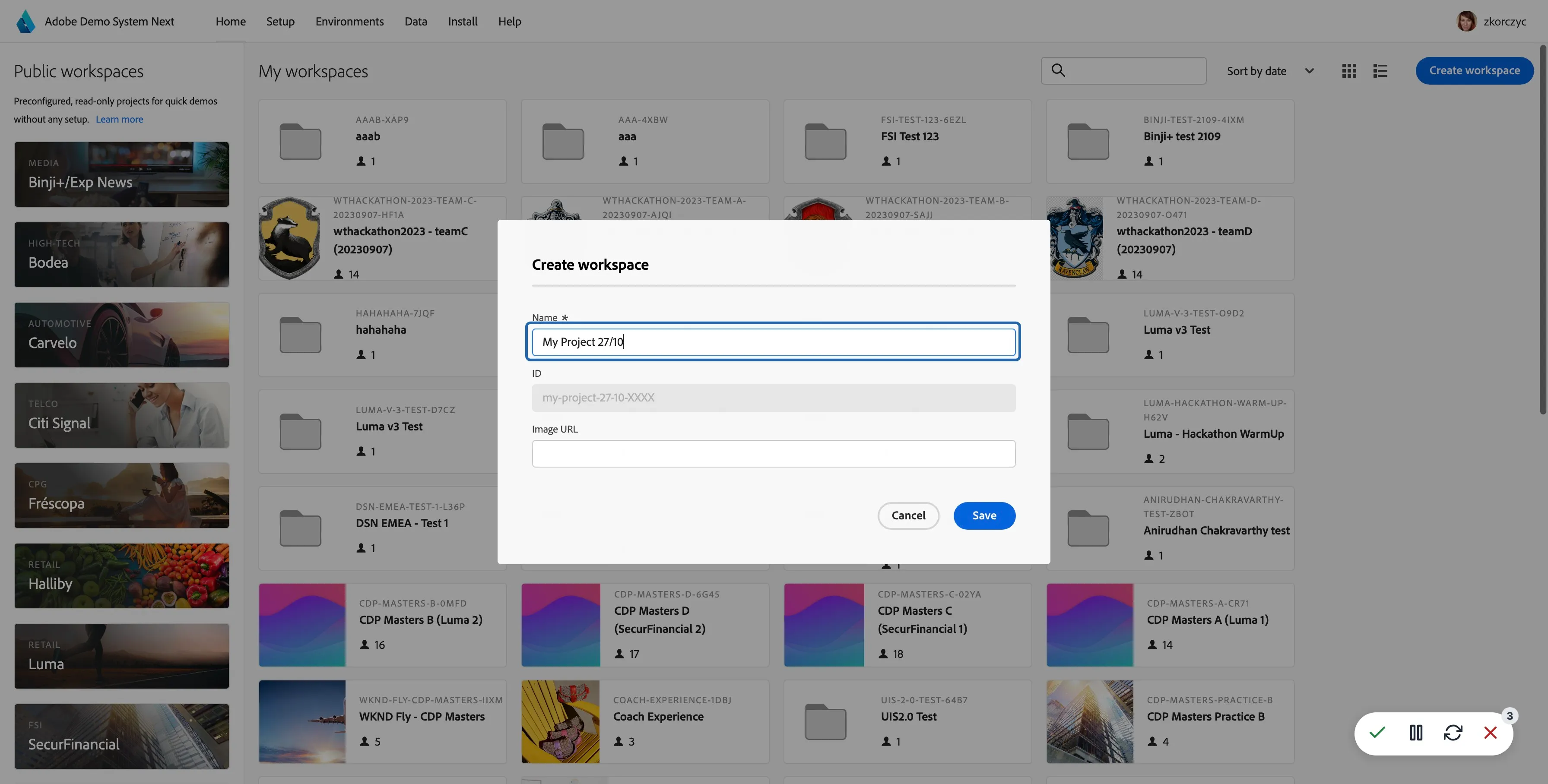
Type your title
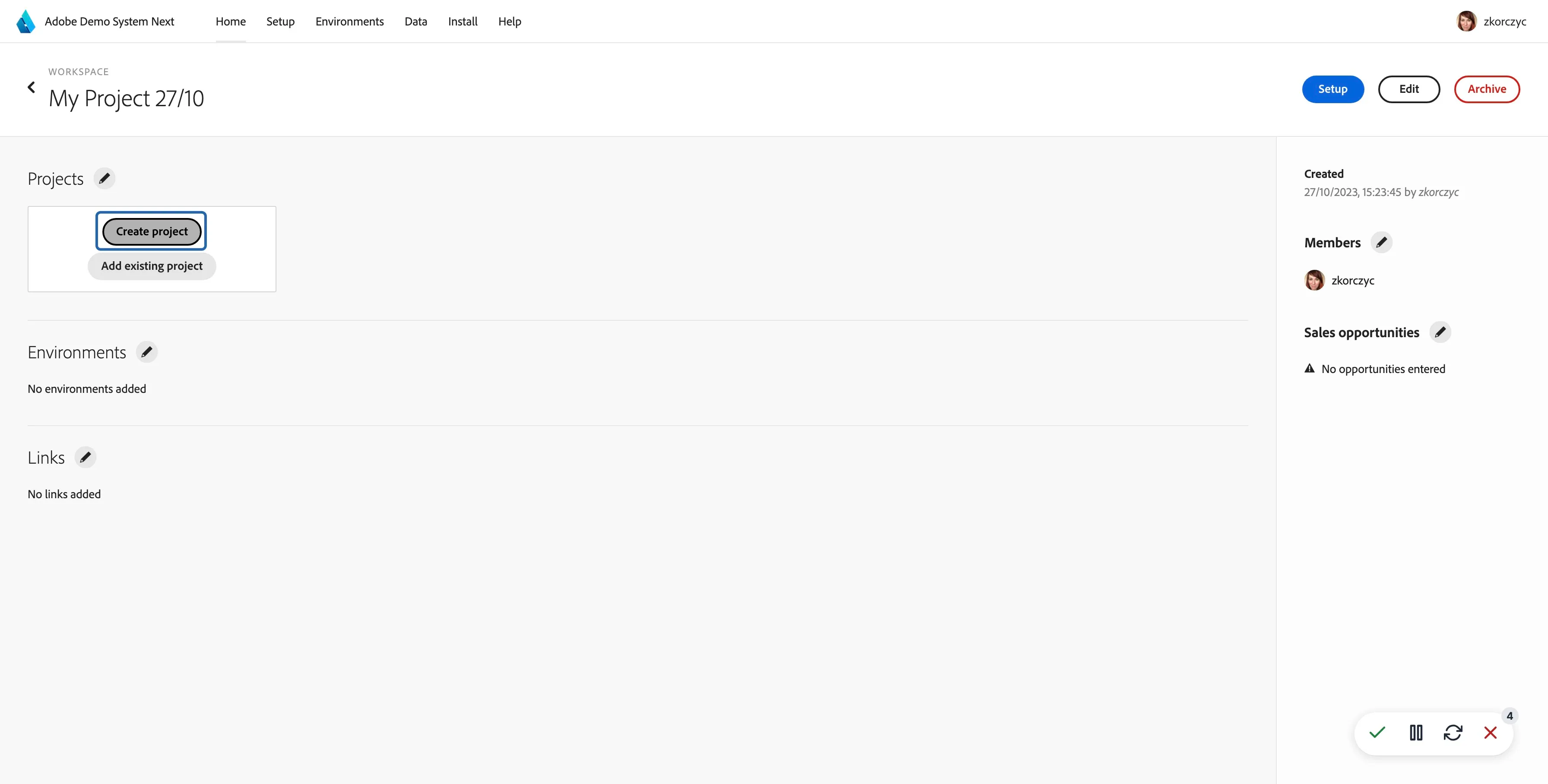
In the new workspace click on "Create project"
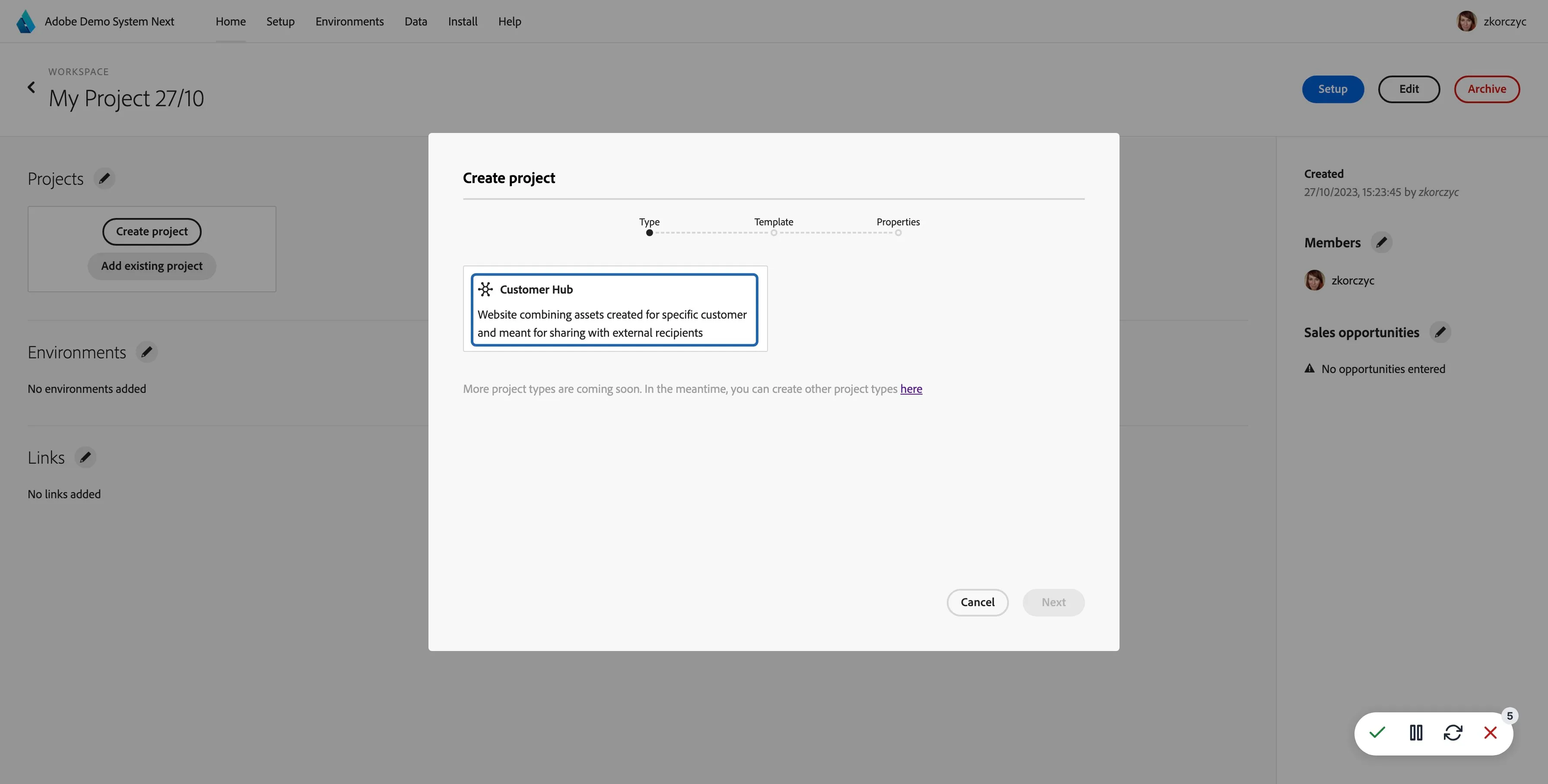
Select Type: Microsite, click Next
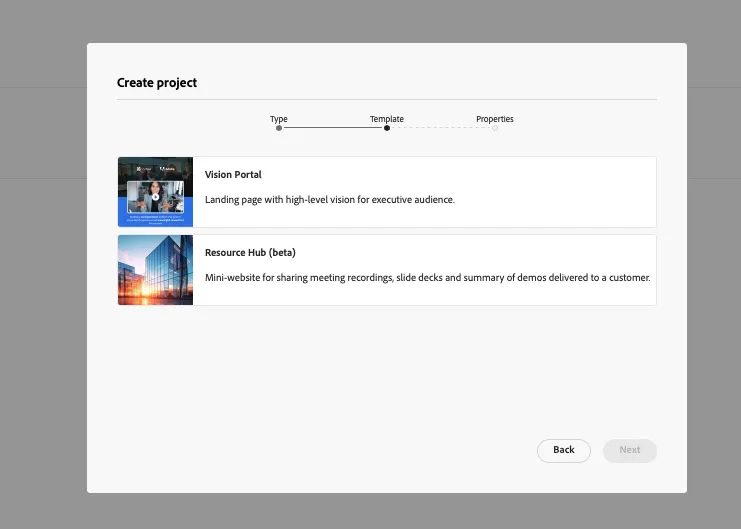
Select "Vision Portal" or Resource Hub as a template, click "Next"
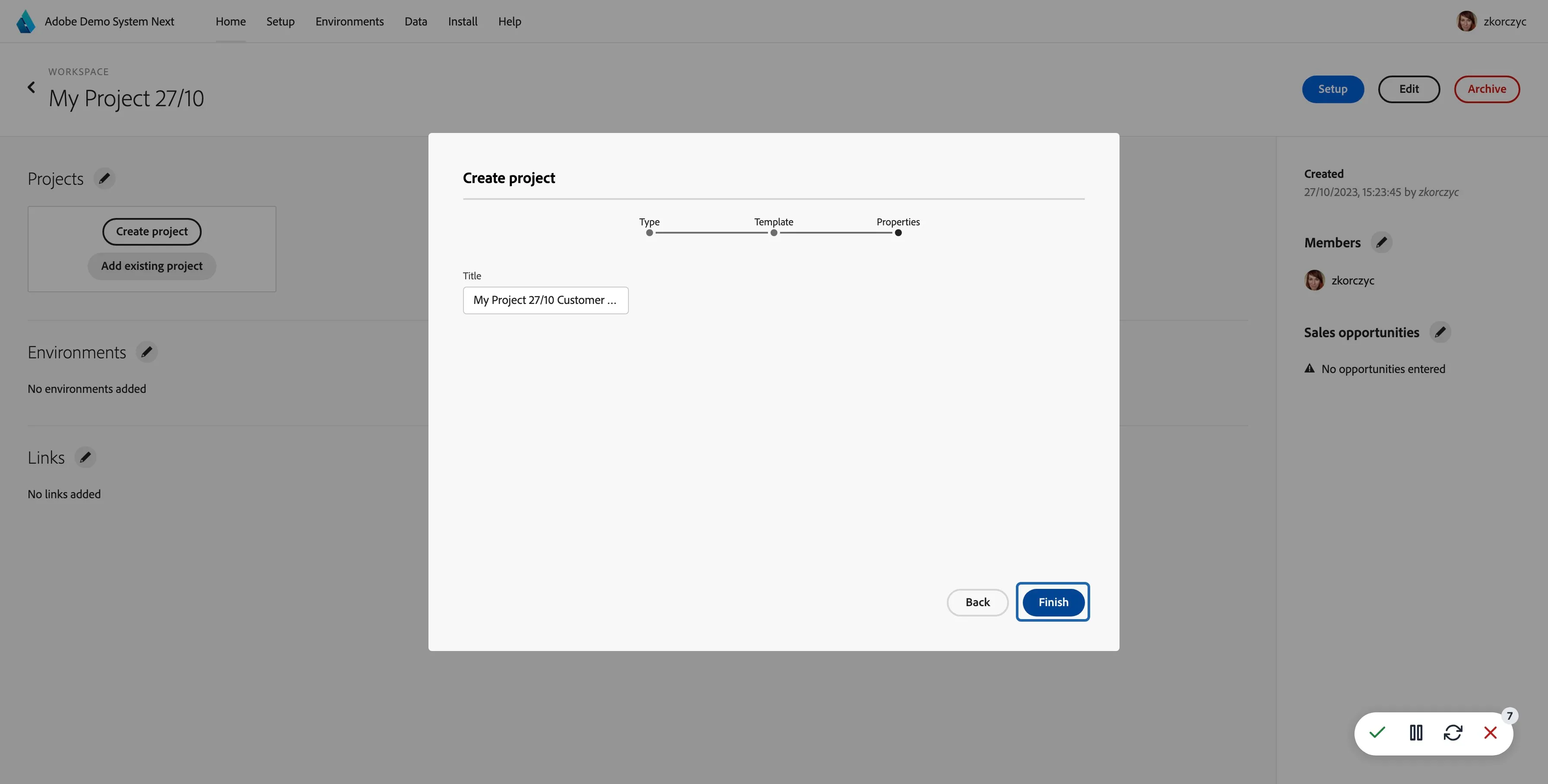
Add project name if it should be different than the workspace name. Click "Finish"
Your new project will appear on the projects lists. You can start modifying it. More details here: Content