Marketo Engage Admin
This page describes, step by step, how to add Marketo Engage environment details in the Demo System Next Tools.
Use Case
This will help you automatically configure B2B RTCDP schemas and datasets, set up the Marketo Source connector and data flow, and ensure your sandbox is prepared with B2B data from your Marketo demo account.
Prerequisites
- You need to have Marketo environment details:
Marketo REST API URL
Marketo Client ID
Marketo Client Secret
Munchkin ID
Salesforce Org ID (Optional)
Key Steps
To add your Adobe Marketo Engage environment details in Demo System Next Tools, you will need to perform the following key steps:
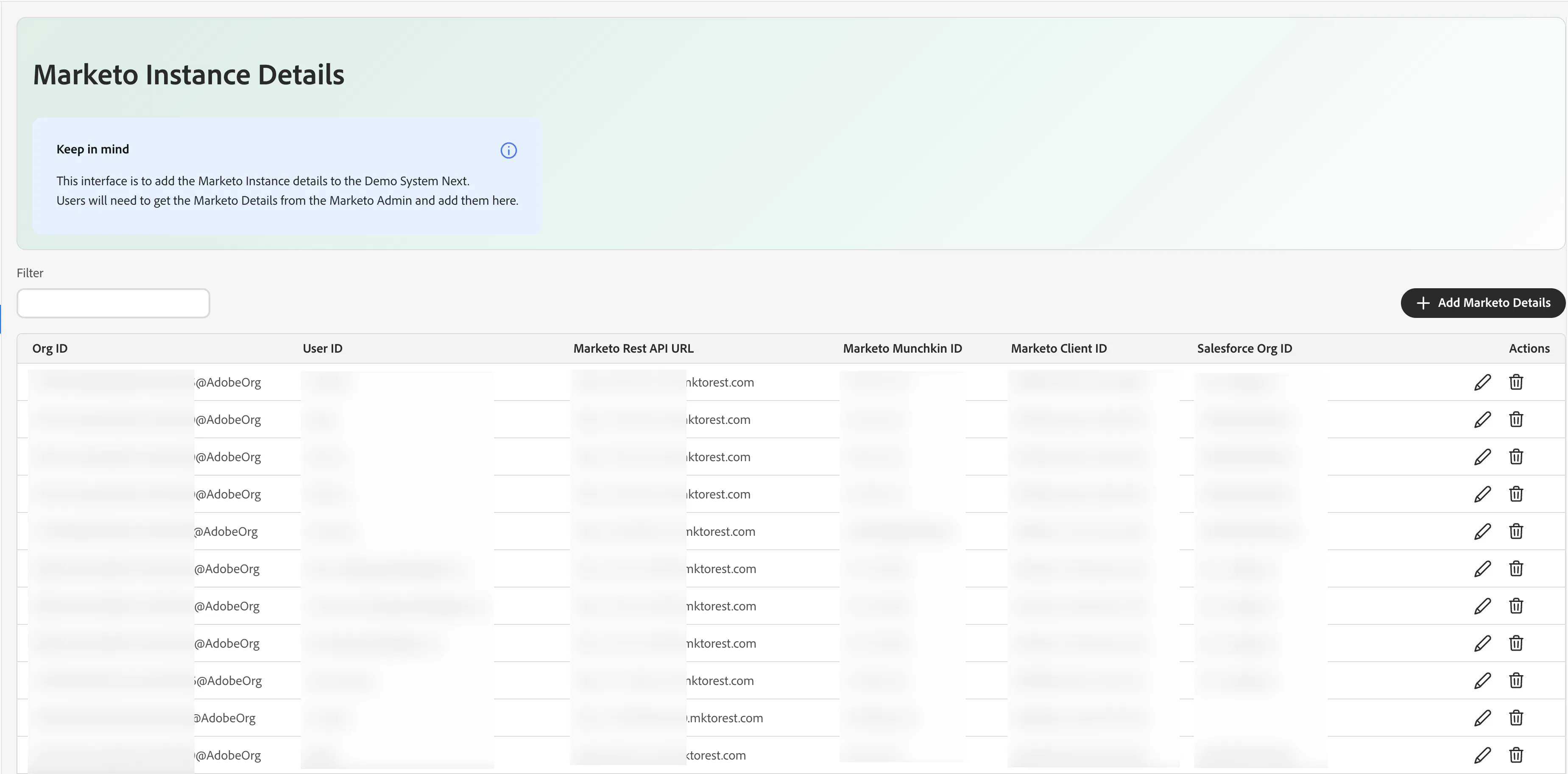
- You should be able to see your Marketo instance details if you have any
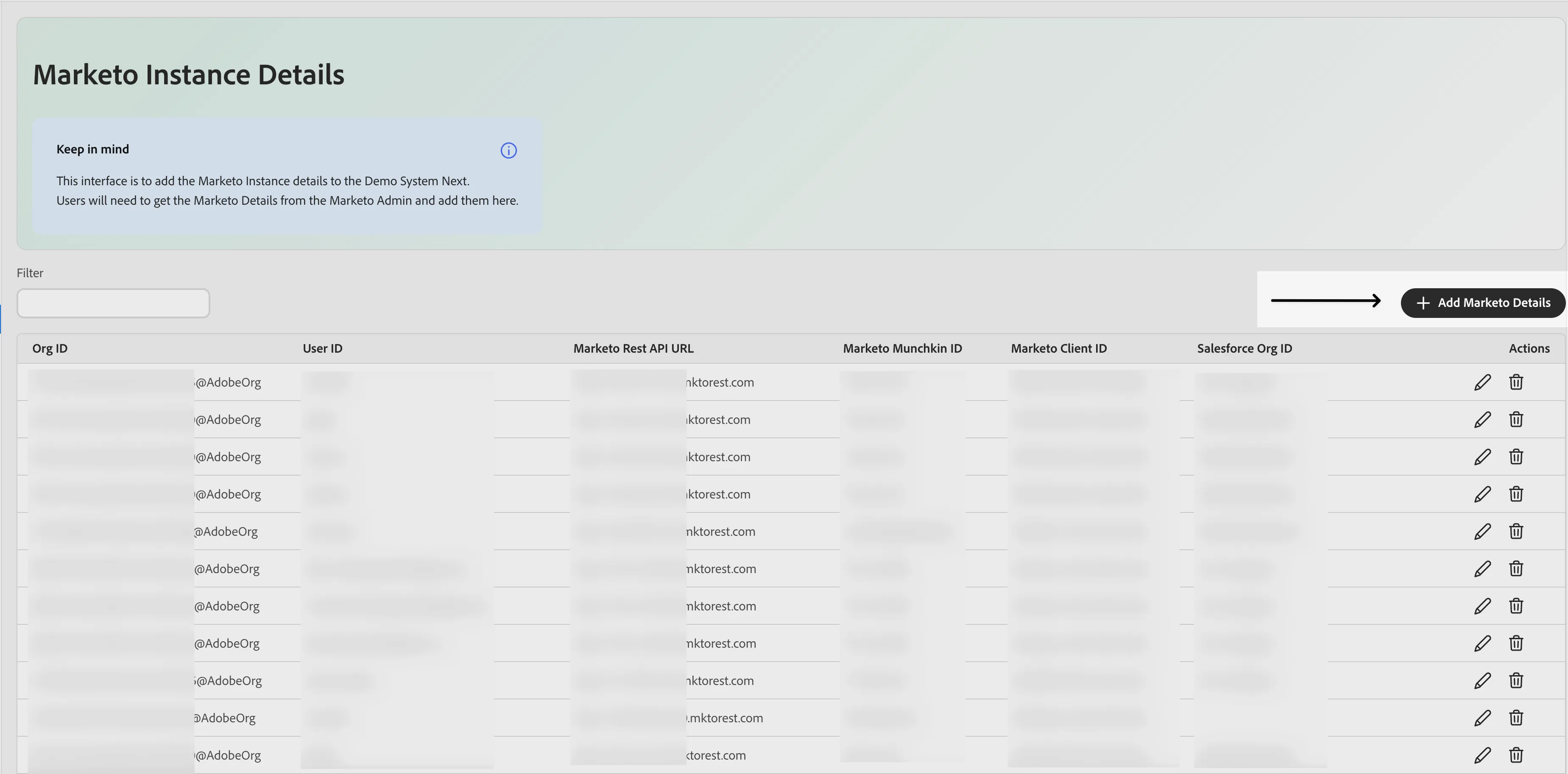
- Click + Add Marketo Details
Fill the form with relevant details and click Save
Now, go to the Quick Setup and select the environment
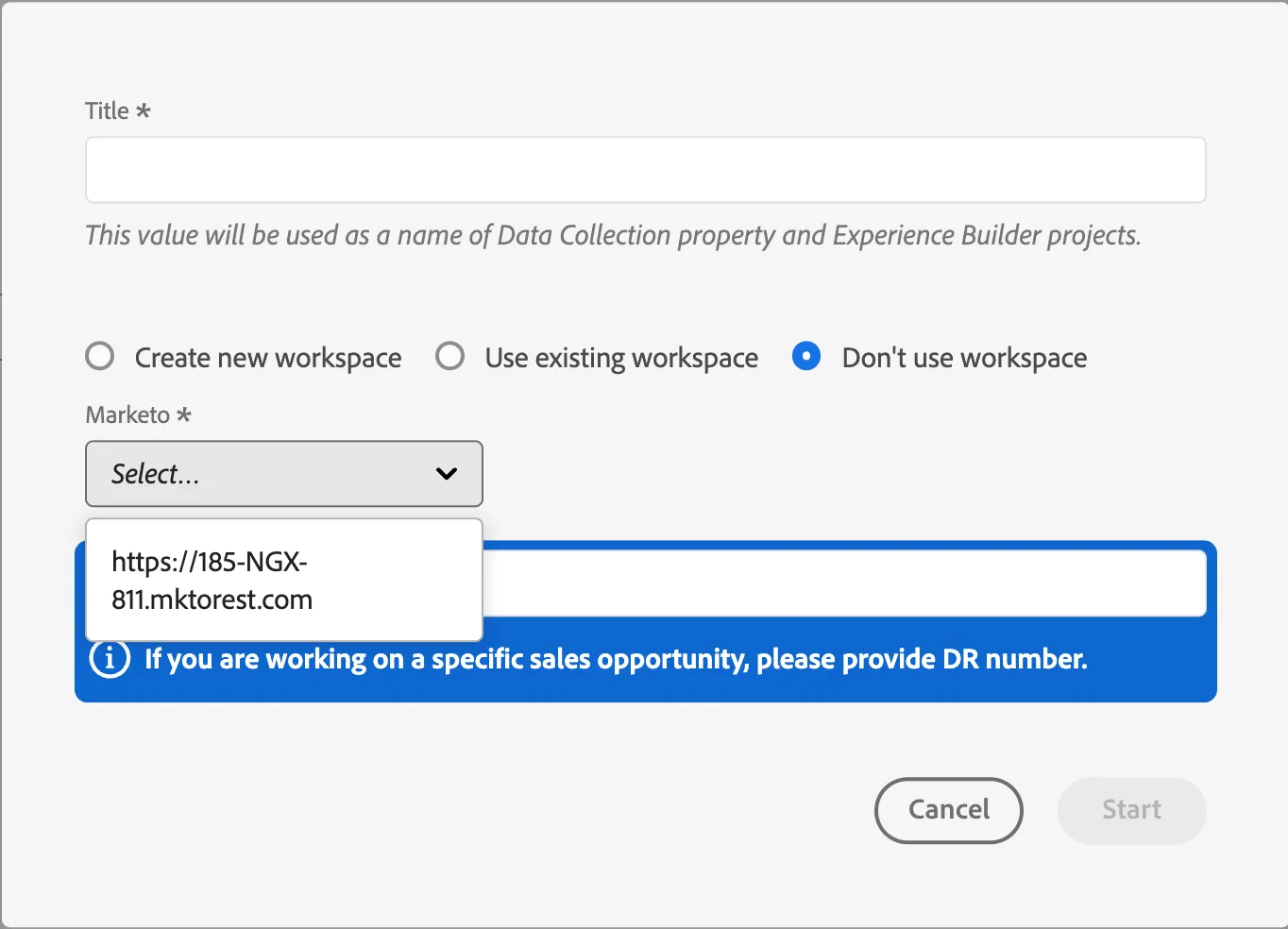
Select the B2B RTCDP + Marketo preset, and you should see your Marketo Configuration in the drop-down when you start the configuration