Setting up AEP-Commerce Environment
6 min
AEP - Commerce integration requires Event and Profile Schemas and a Dataset to ingest incoming data. DSN simplifies this process using the Quick Setup.
PREREQUISITES
- Commerce instance - submit a new infrastructure request using the Sales Support Portal
- AEP Sandbox added in Demo System Next - learn more about how to add organization and sandbox in DSN - if your sandbox is not connected read this docs: Environment Admin
Setup Steps
- Select the org and sandbox you are going to use
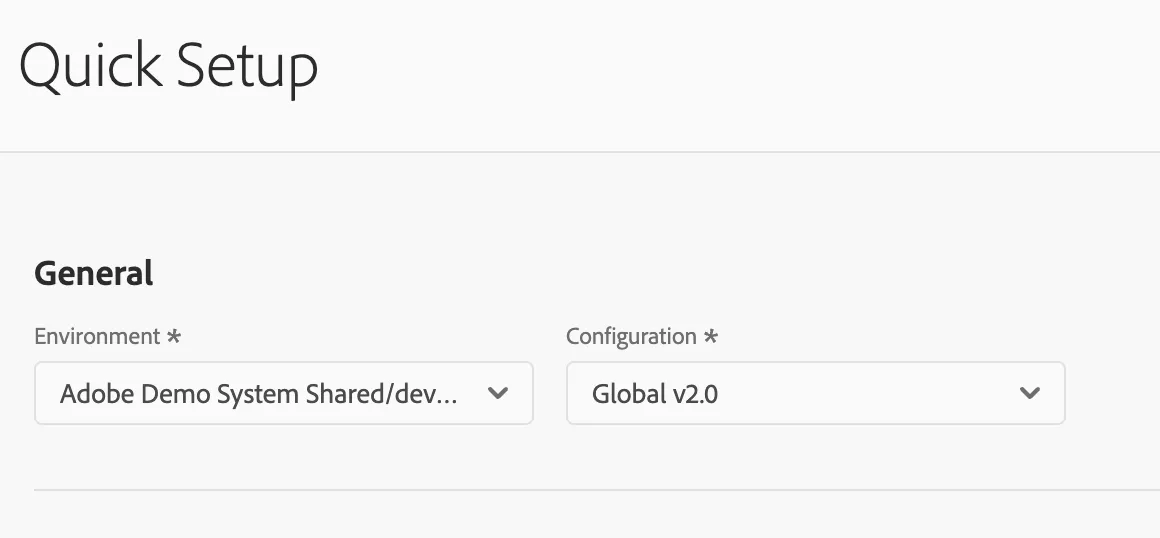
- Select "Commerce AEP Setup" preset in the Solutions section

4. Click "Start" in the top right corner
5. Fill the title and provide a DR if you are working on an opportunity.
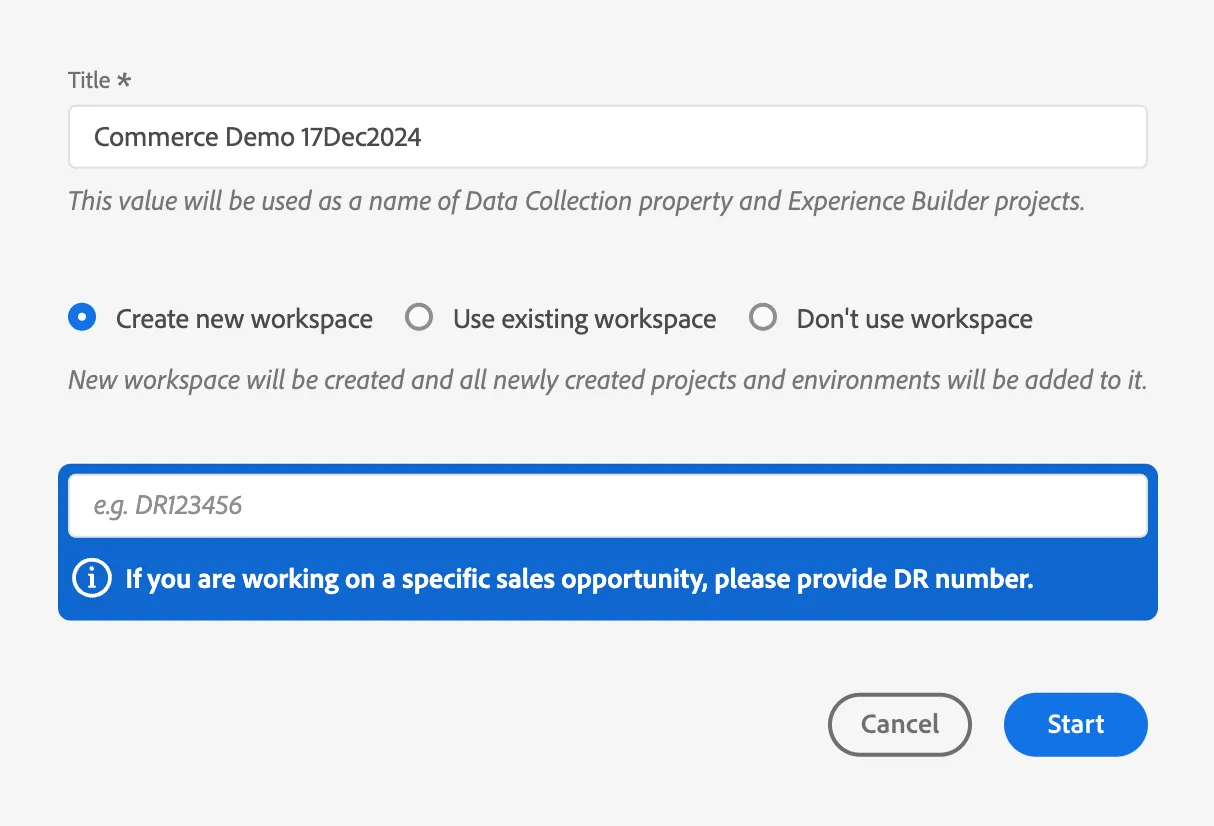
6. Click "Start" and wait few minutes
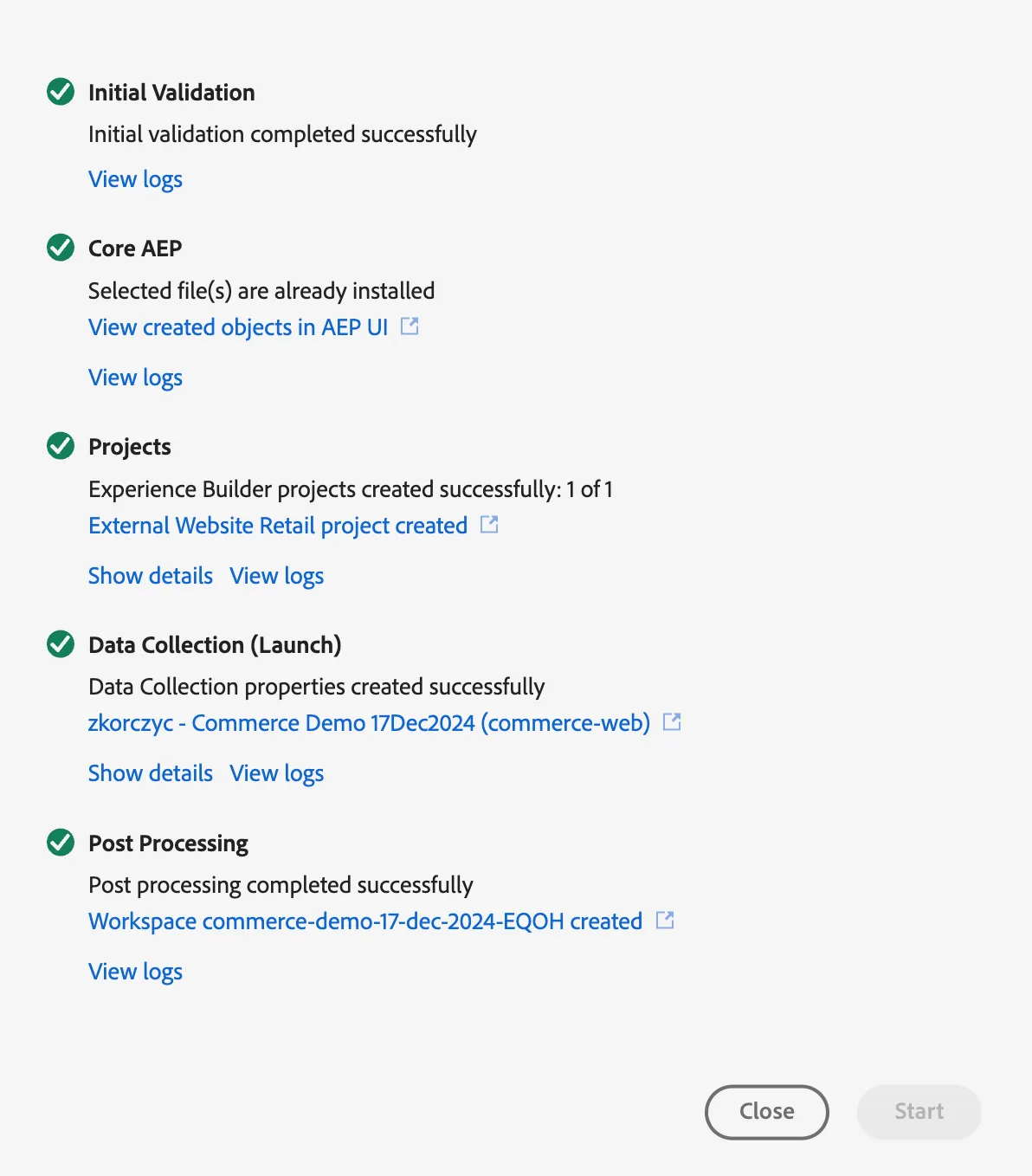
Following items were just created for you:
In your AEP Sandbox (to ingest incoming data)
- Demo System - Commerce Website Profile Schema (Global v1.2)
- Demo System - Commerce Website Event Schema (Global v1.2)
- Demo System - Commerce Website Profile Dataset (Global v1.2)
- Demo System - Commerce Website Event Dataset(Global v1.2)
In Data Collection
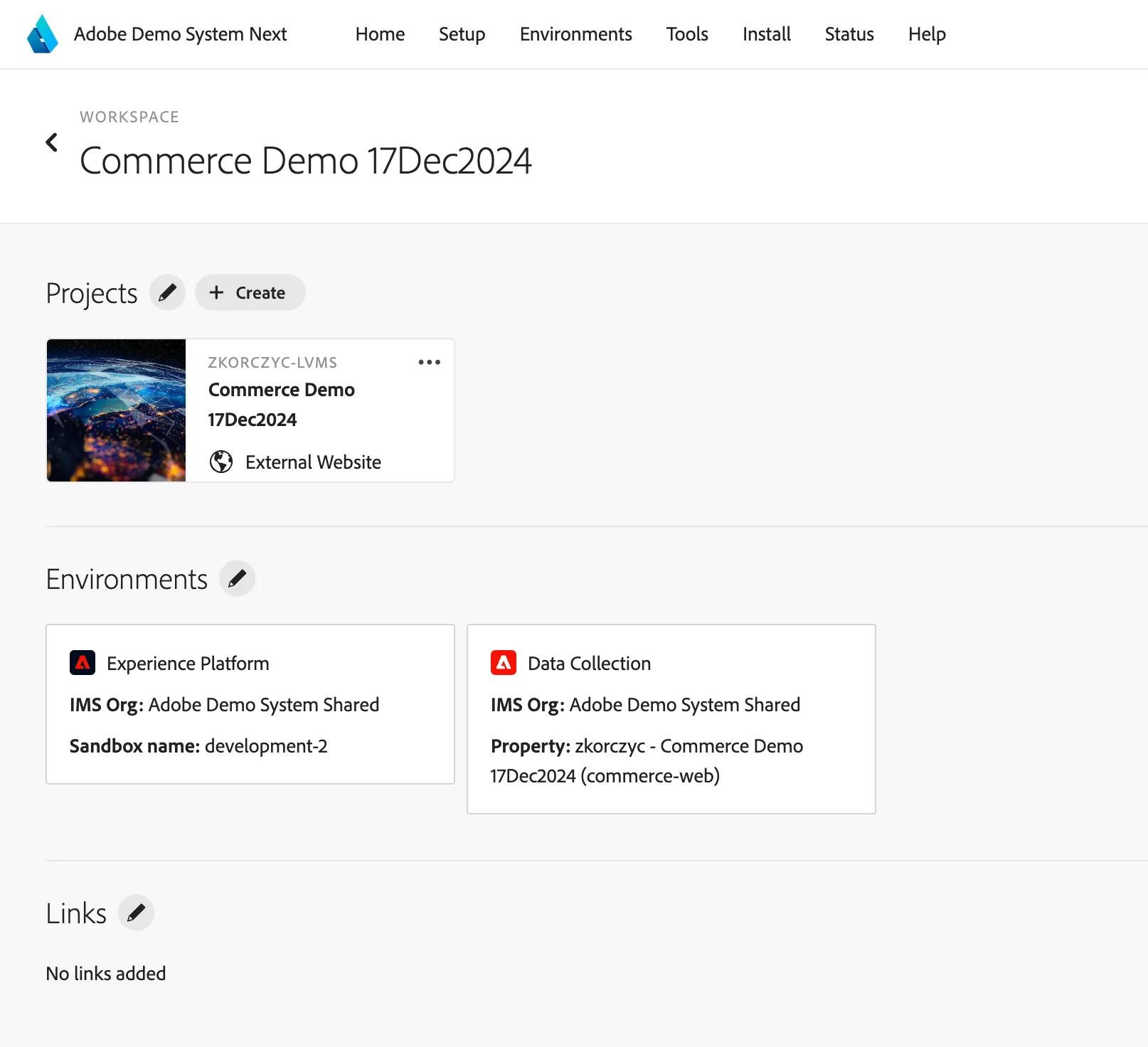
- Datastream (to be used in Commerce connection configuration)

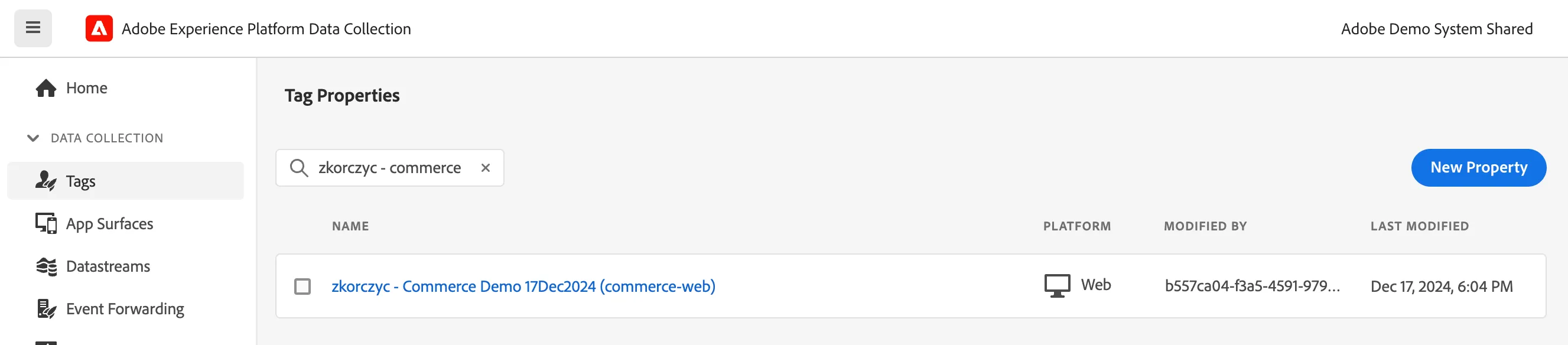
2. Data Collection Property (to ingest on the website to use profile viewer)
In Demo System Next workspace
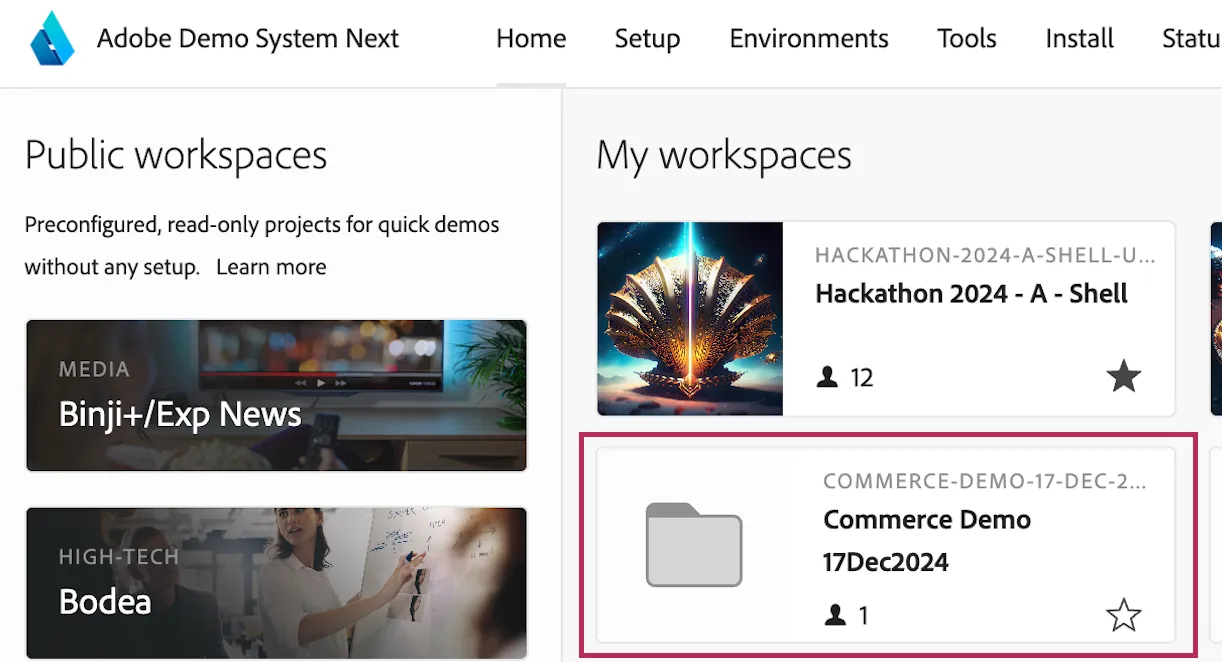
- a workspace with links to your assets
2. a project to modify Profile Viewer fields
Next steps
- Create AEP connector in Commerce using datastream created above
- Profile Viewer Extension - learn more about Profile Viewer to modify its field, events and tabs based on your needs